
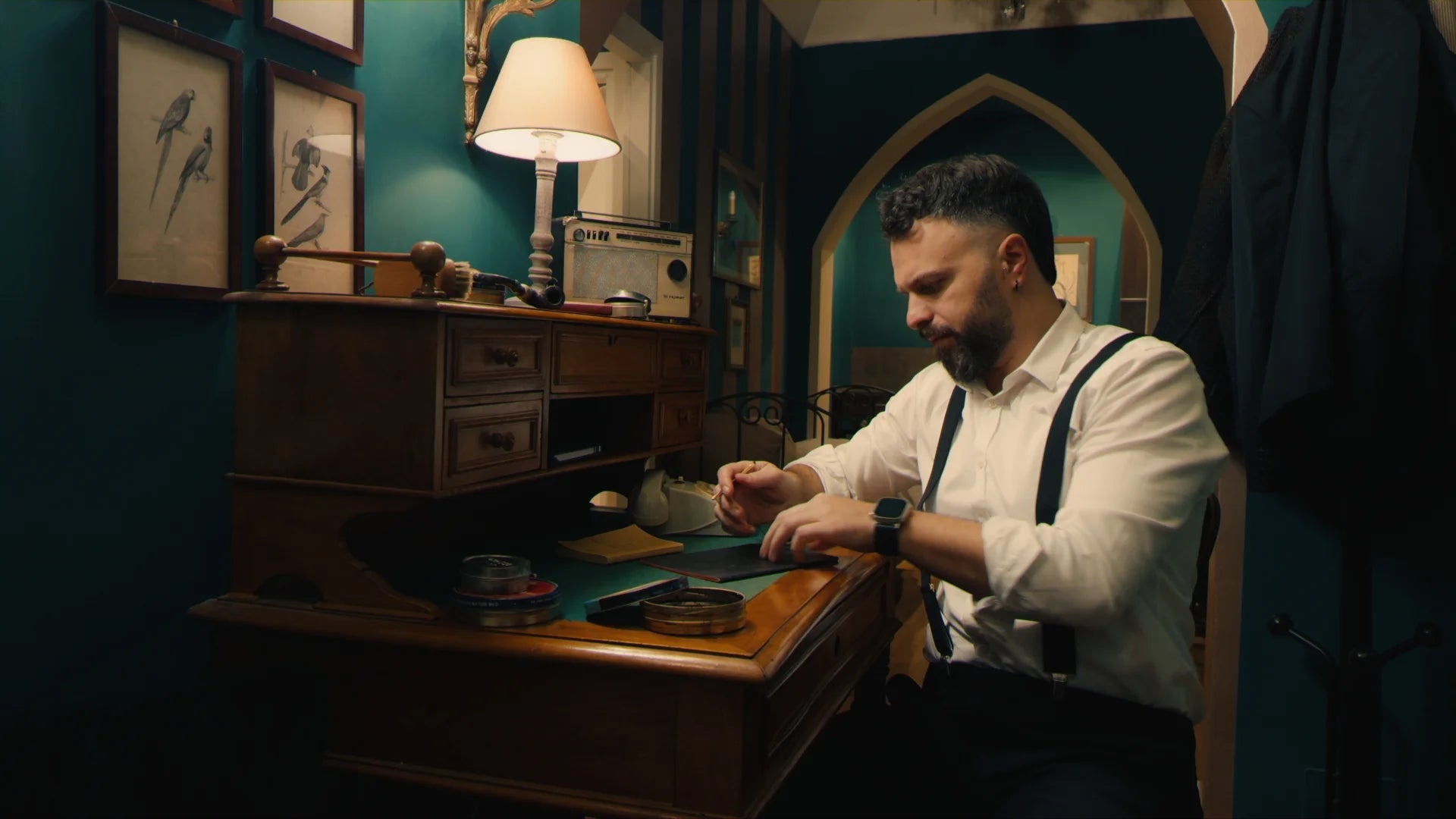

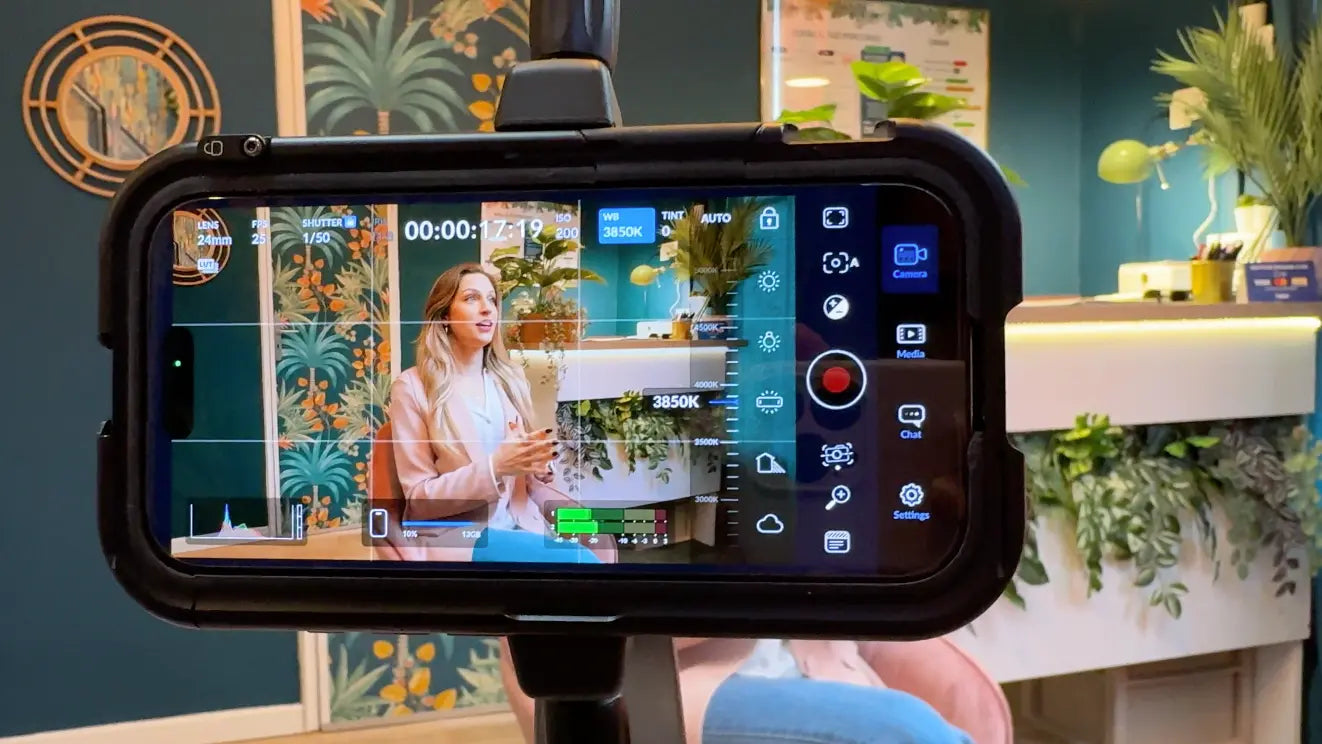
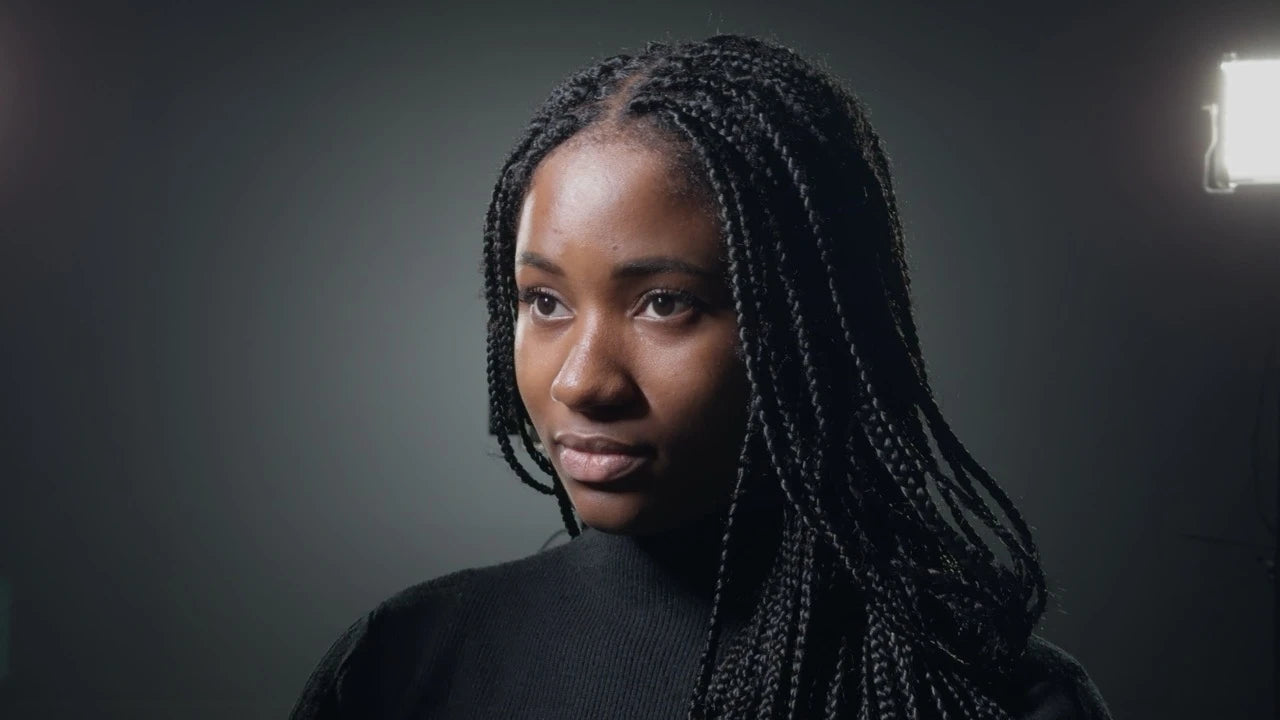
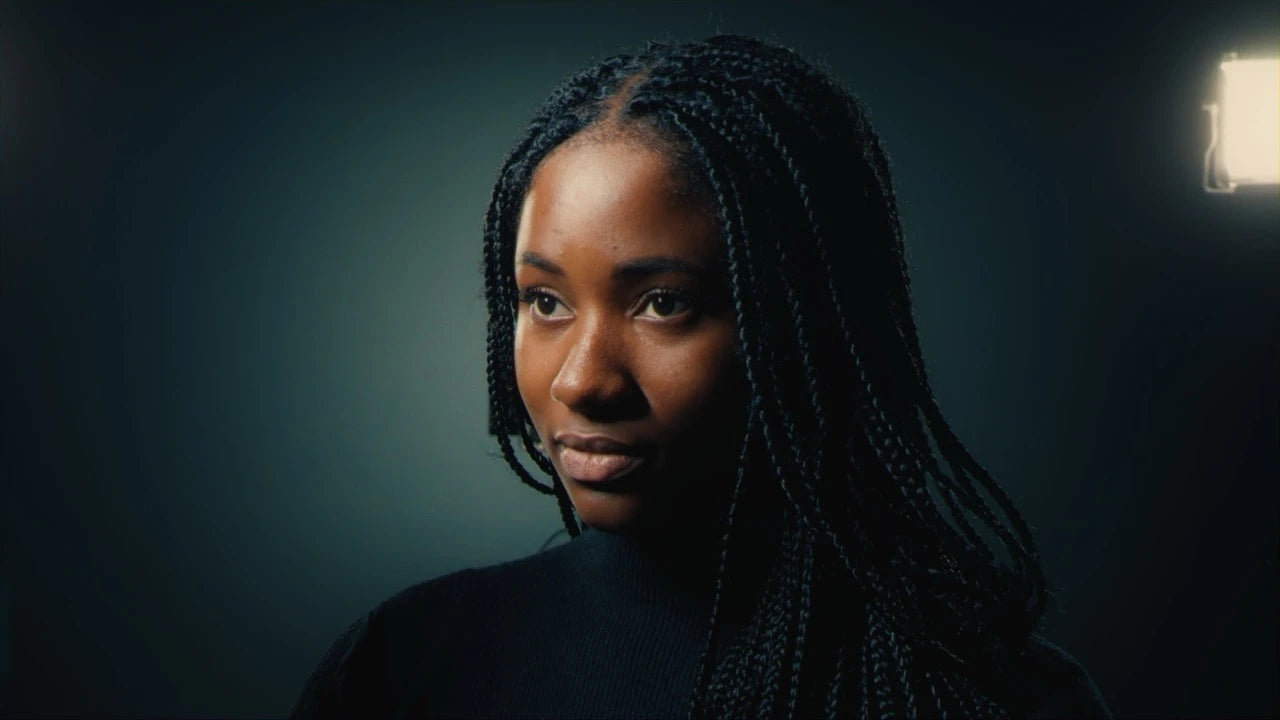
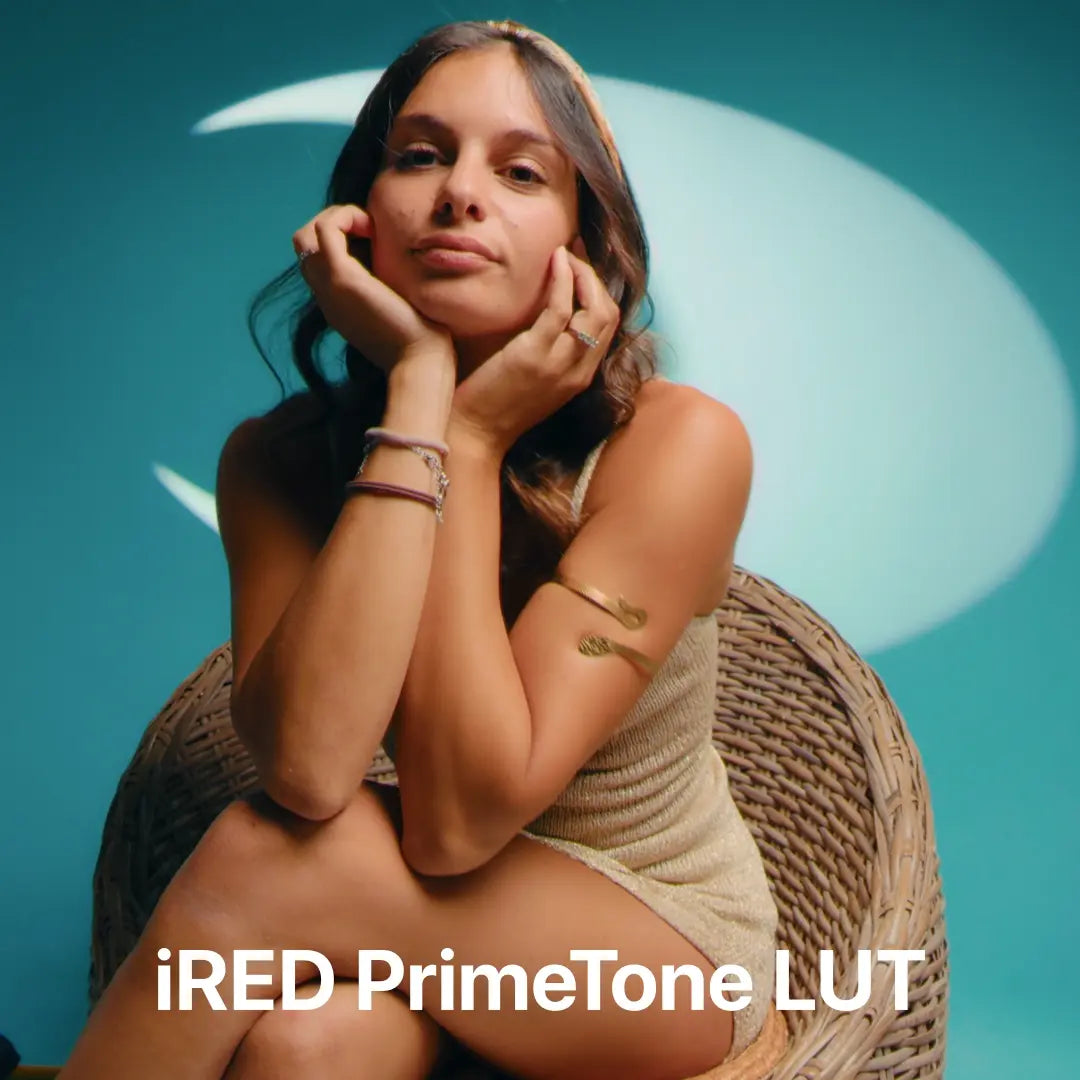
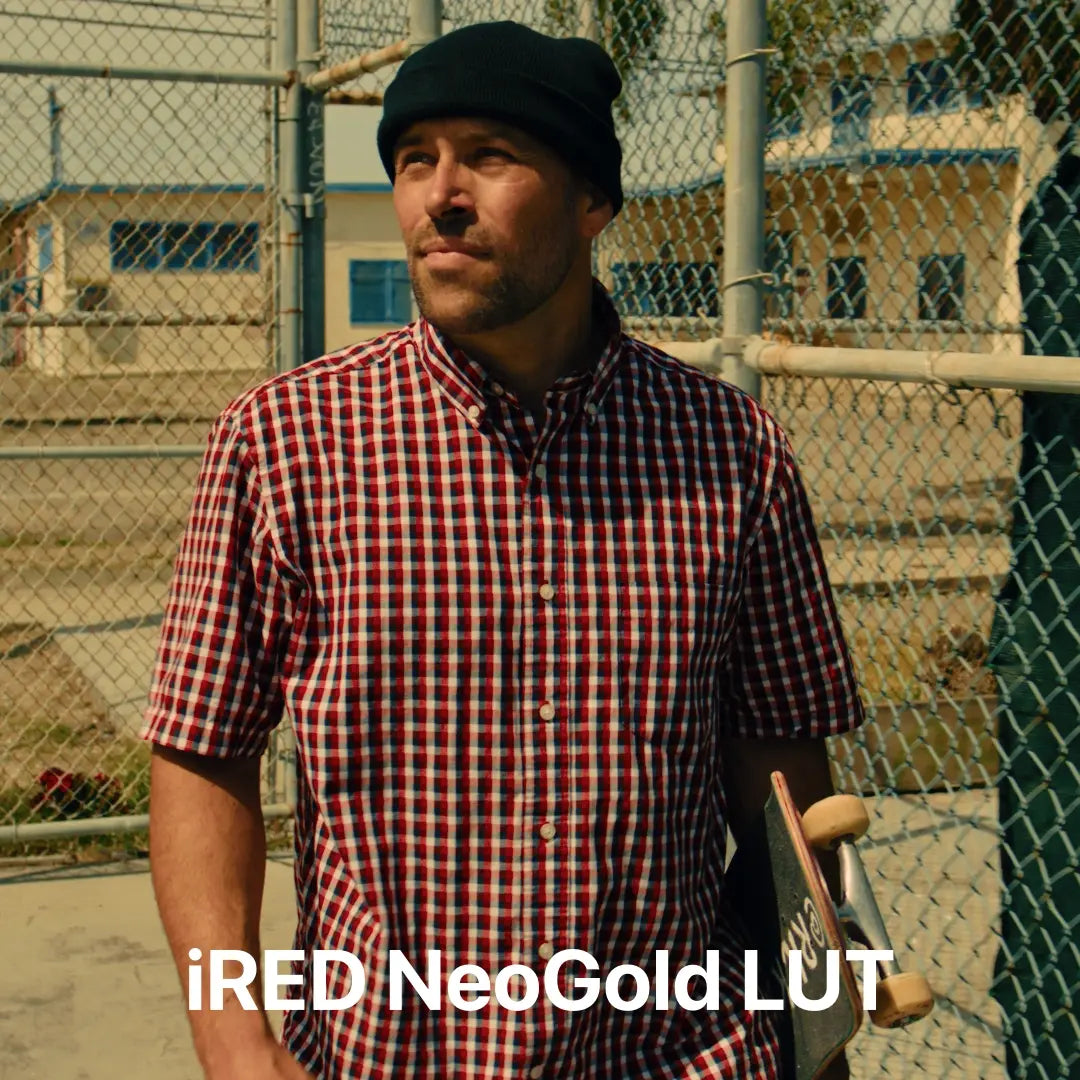




So far so good. Paid around $60 with discounts sbd promotion and its well worth it
Very good bundle. Totally recommended!
Thanks a lot! At some point I realized that creators don’t really bother optimizing their products specifically for Apple Log 2. In this bundle I found everything I needed.“
I was skeptical at first because I had downloaded a different lut from a different website and they were terrible but I decided to gove this a try and i’m happy i did!! This are the only luts i will be using from now on
I’m having a lot of fun with the Cine Bundle, great work!
You guys should buy this bundle without hesitation. Everytime I apply this luts with pretty much anything just work 1000% better than others. Honest worth more than the price.

I bought the master bundle with hesitation. Honestly because of the price but now if you ask me if its worth? Ohh yes its really that good. No regret

Just the right amount of LUTs and none of the filler fluff.
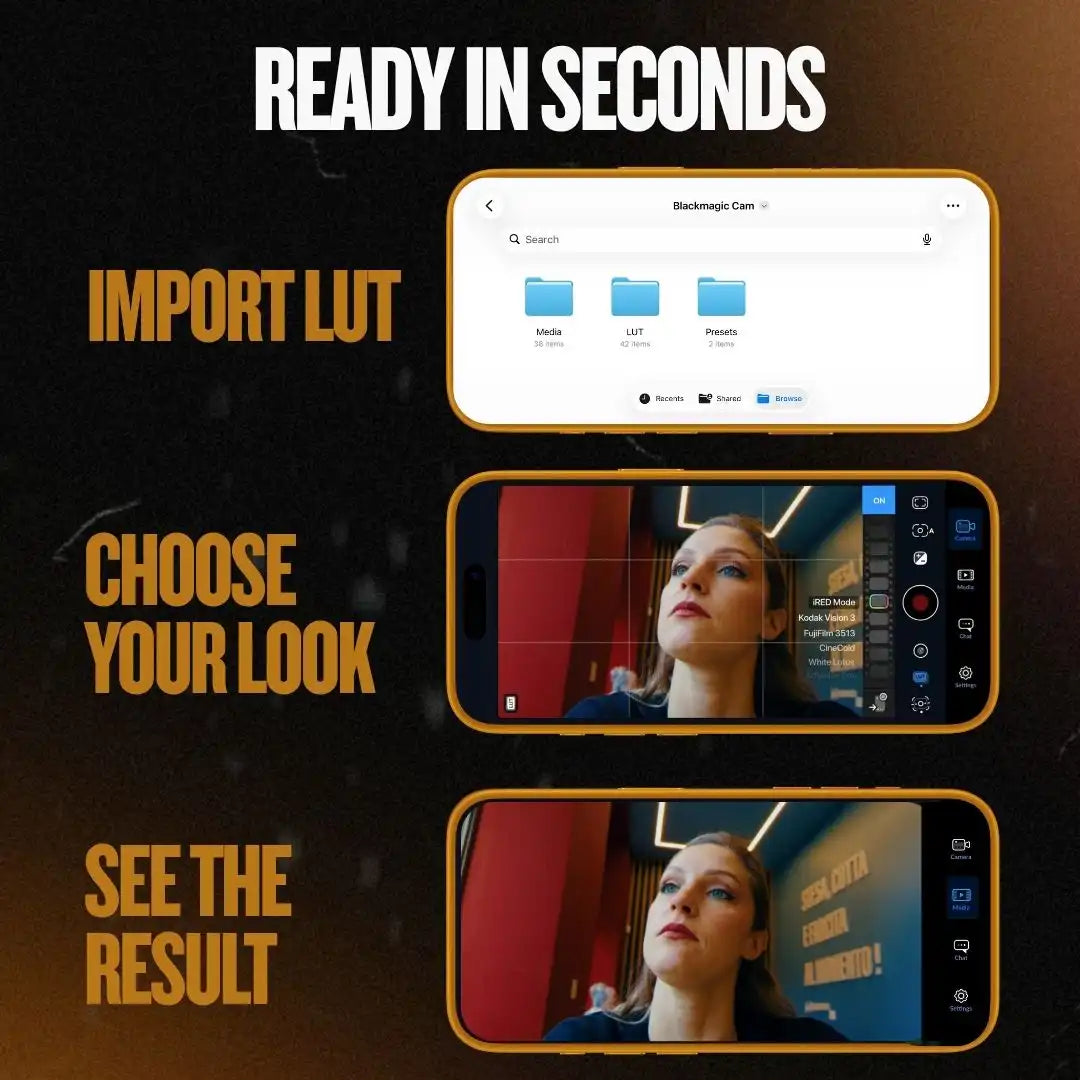
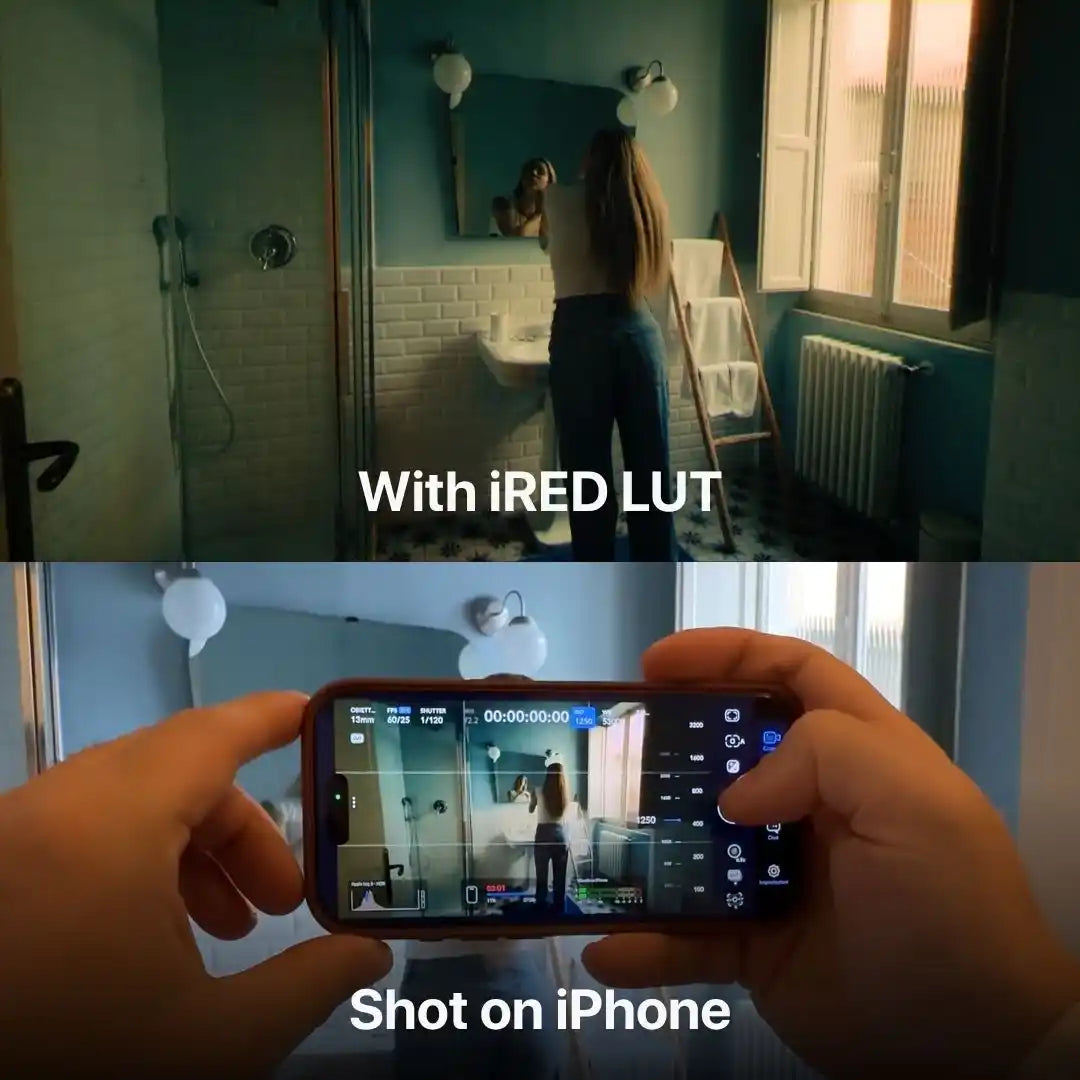
Have had the iCine bundle for sometime, use them in Blackmagic Camera app, baked in for quick turnaround promo videos, clients always impressed.
If you’re looking for something that helps you make videos with your phone and immediately upload to social network this is not the way….but if you love to work with this kind of tool and make a good work on it, you can elevate your phone by filming on Blackmagic camera app and making a color treatment on davinci resolve, that’s the point! That’s the juicy! Congrats for this develope
Just having a little issue with saving lugs to my iPhone. I was to download everything and that’s it.
Just used it for my videos from iphone 17 pro max and i love it!
Thanks a lot! We really appreciate your feedback!
Each lut in the pack feels top quality. Honestly, hard to pick a favorite.
Every lut inside feels amazing! One better than the other. Really worth it.
These overlays make even simple footage look artistic and unique.
Simple to apply and the results look like big-budget productions.
With a single overlay, my footage feels more professional and creative.
Lots of styles in one place, and it’s quick to get the look I want.
