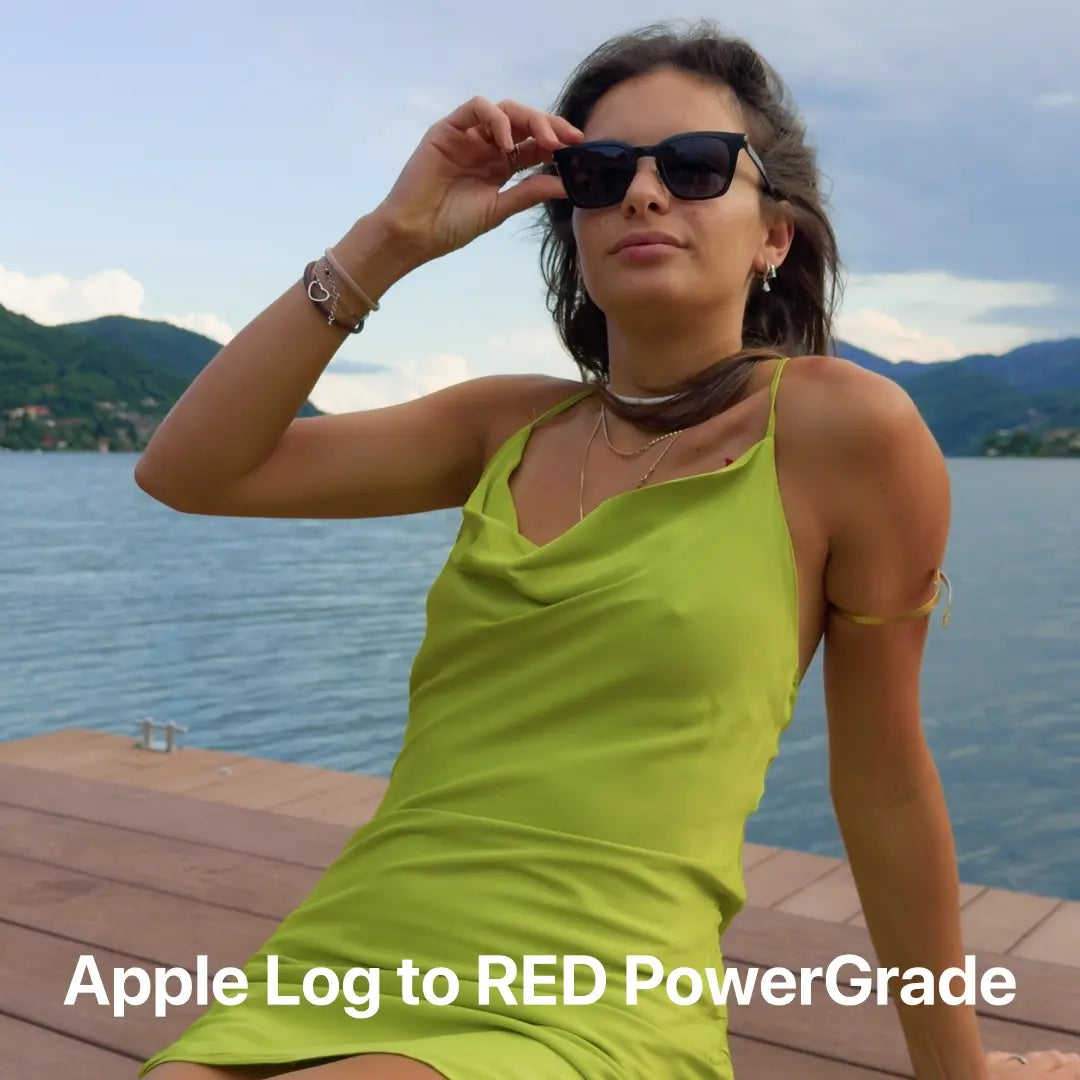
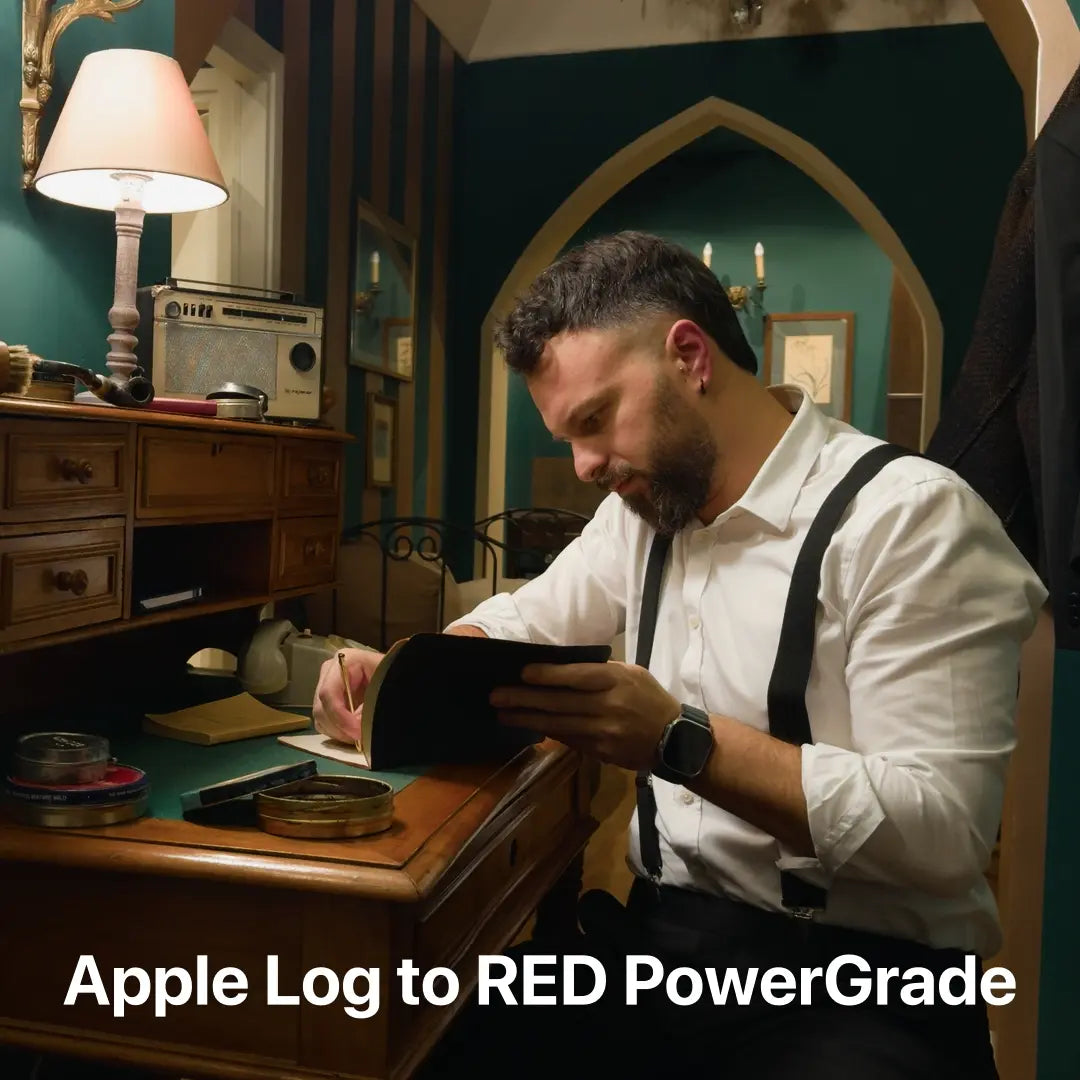
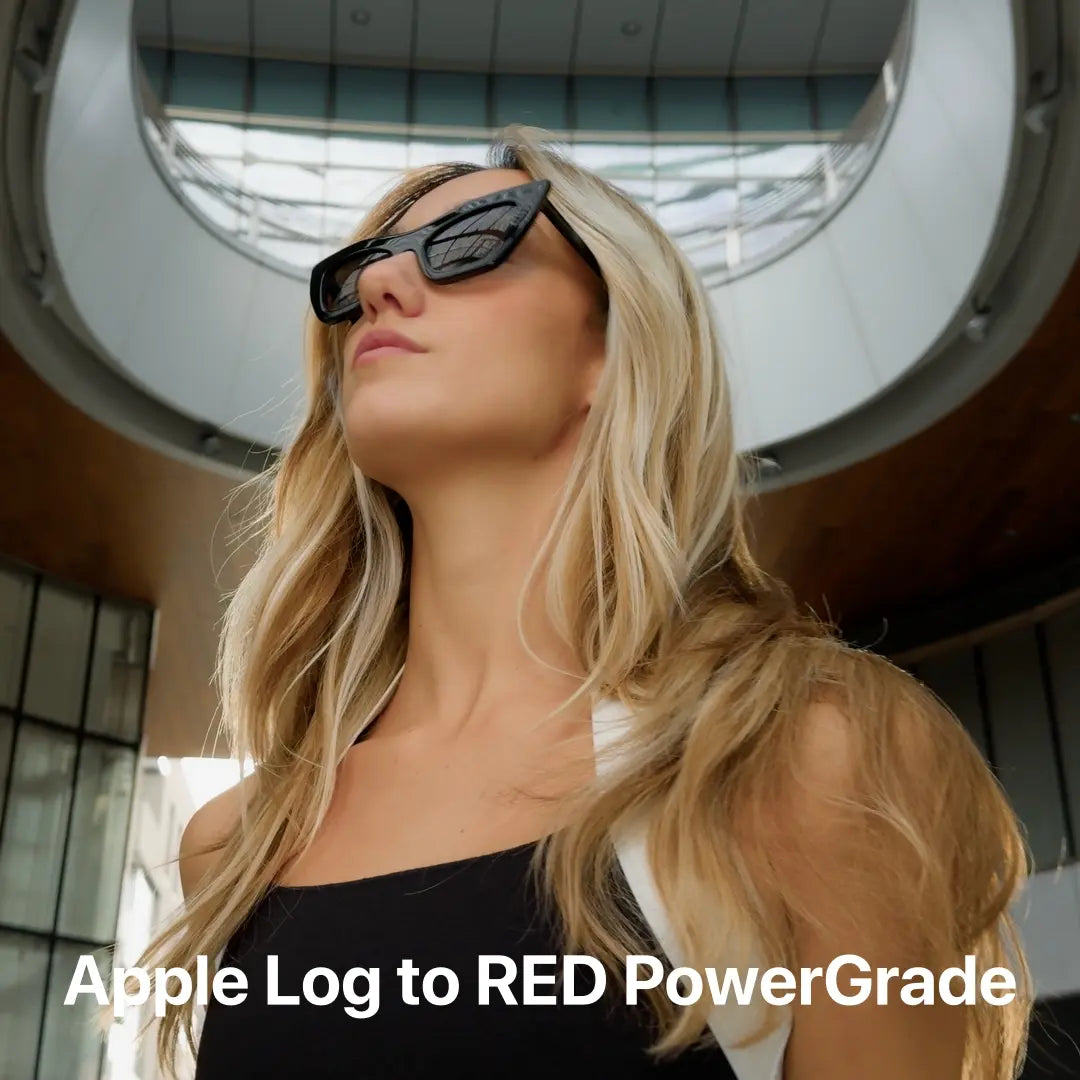
Apple Log to RED PowerGrade
✅ Updated for ProRes RAW and Apple Log 2
Bring RED-quality imagery to your iPhone workflow with a calibrated node-based pipeline in DaVinci Resolve Studio.
This PowerGrade gives you a complete Apple Log to RED color pipeline:
Complete Node Tree – Pre-built RED matching pipeline
Apple Log → RED Log3G10 conversion inside nodes
Skin tone & tonal balance refinements
Adjustable user-nodes for exposure, white balance, and creative control
PDF User Guide – Quick workflows and best practices
Refine. Match. Elevate.
This is a calibrated node-based pipeline, with key user-nodes left open for primary adjustments and look creation without breaking the RED match.
✅ Calibrated RED Matching
Shot-by-shot matched to RED Komodo-X with ColorChecker and controlled studio/exterior tests
✅ Apple Log 2 Compatible
Use with Apple Log 2 footage by simply adjusting the input color space on Node 2.
✅ Editable User Nodes
Dedicated nodes for adjusting exposure, white balance, add a creative look or texture elements — without breaking the calibration
✅ Filmic Tonal Response
Natural highlight roll-off, shadow depth, and RED-like contrast baked into the structure
✅ Skin Tone Accuracy
Preserves natural complexions while carrying the RED look
✅ Professional Workflow
Built for DaVinci Resolve Studio. Designed for all iPhones that support Apple Log/Apple Log 2 recording.
Achieve RED-like color science directly on iPhone Apple Log footage.
Download the Apple Log to RED PowerGrade now.
From iPhone to RED. The Process Behind the PowerGrade

Our Apple Log to RED PowerGrade VS a real RED Komodo-X camera
near-identical rendering to actual RED footage

RED Komodo-X

AppleLog2RED PG
Matched dynamic range, tonality, and color response

RED Komodo-X

AppleLog2RED PG
Matched dynamic range, tonality, and color response

RED Komodo-X

AppleLog2RED PG
Creating Apple Log to RED PowerGrade
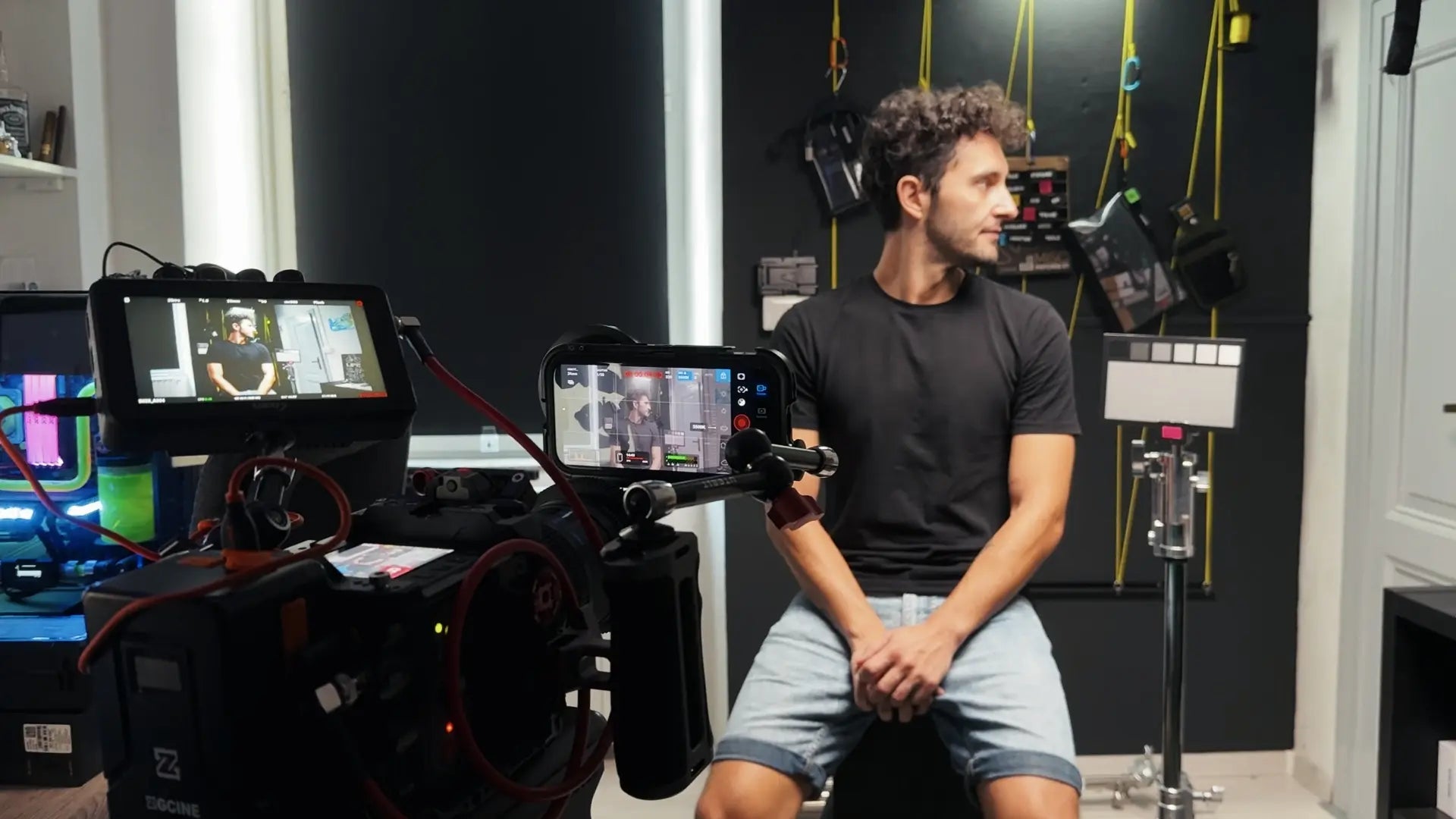
To create the most precise conversion PowerGrade for Apple Log, we shot side-by-side tests with the RED Komodo-X and iPhone 16 Pro under a wide range of lighting conditions, from controlled studio setups to natural outdoor scenes.
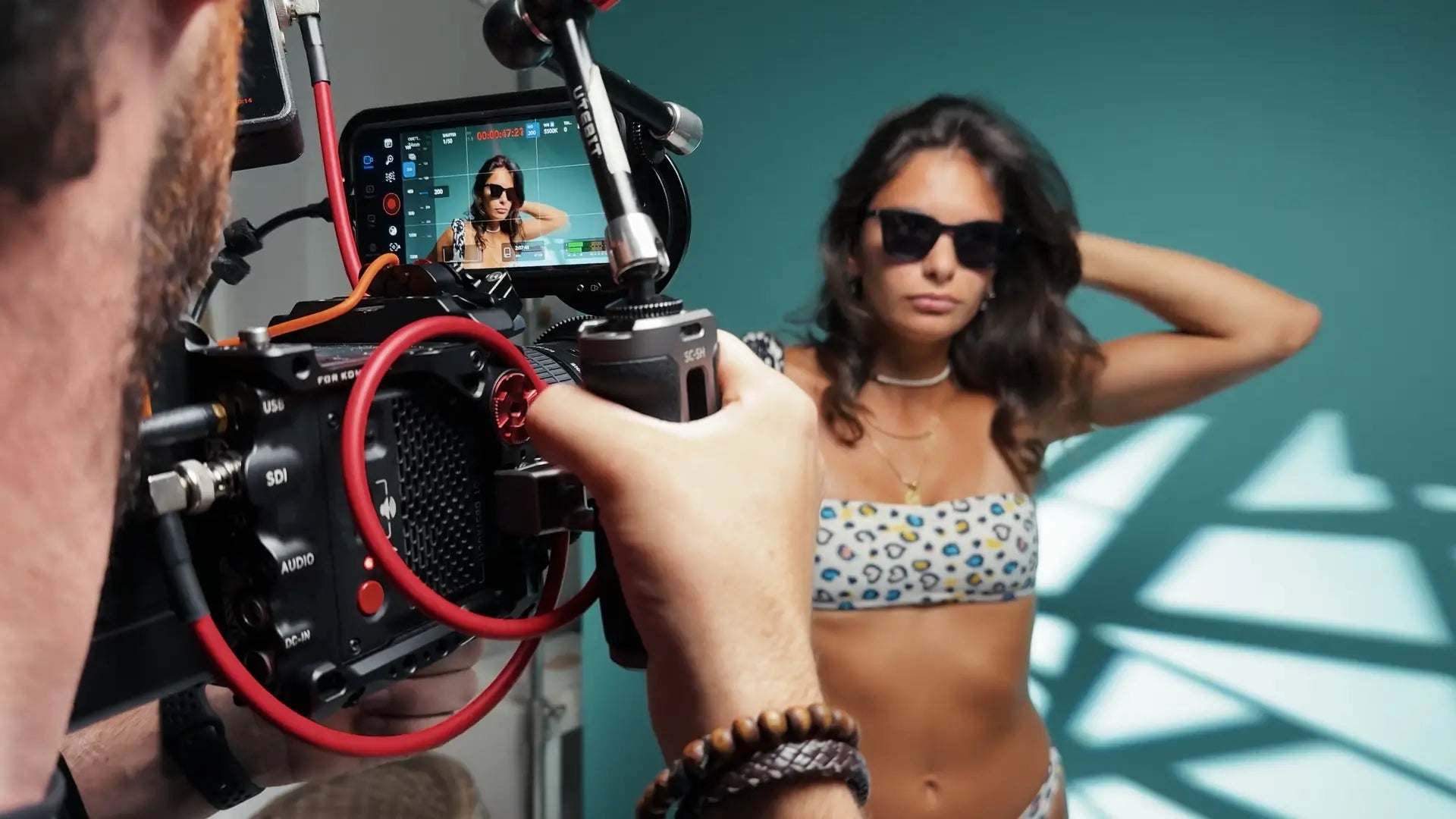
By capturing identical setups with both cameras, and using ColorChecker charts on set, we were able to deeply analyze and match RED’s tonal response, color science, and dynamic roll-off, directly onto Apple Log footage.
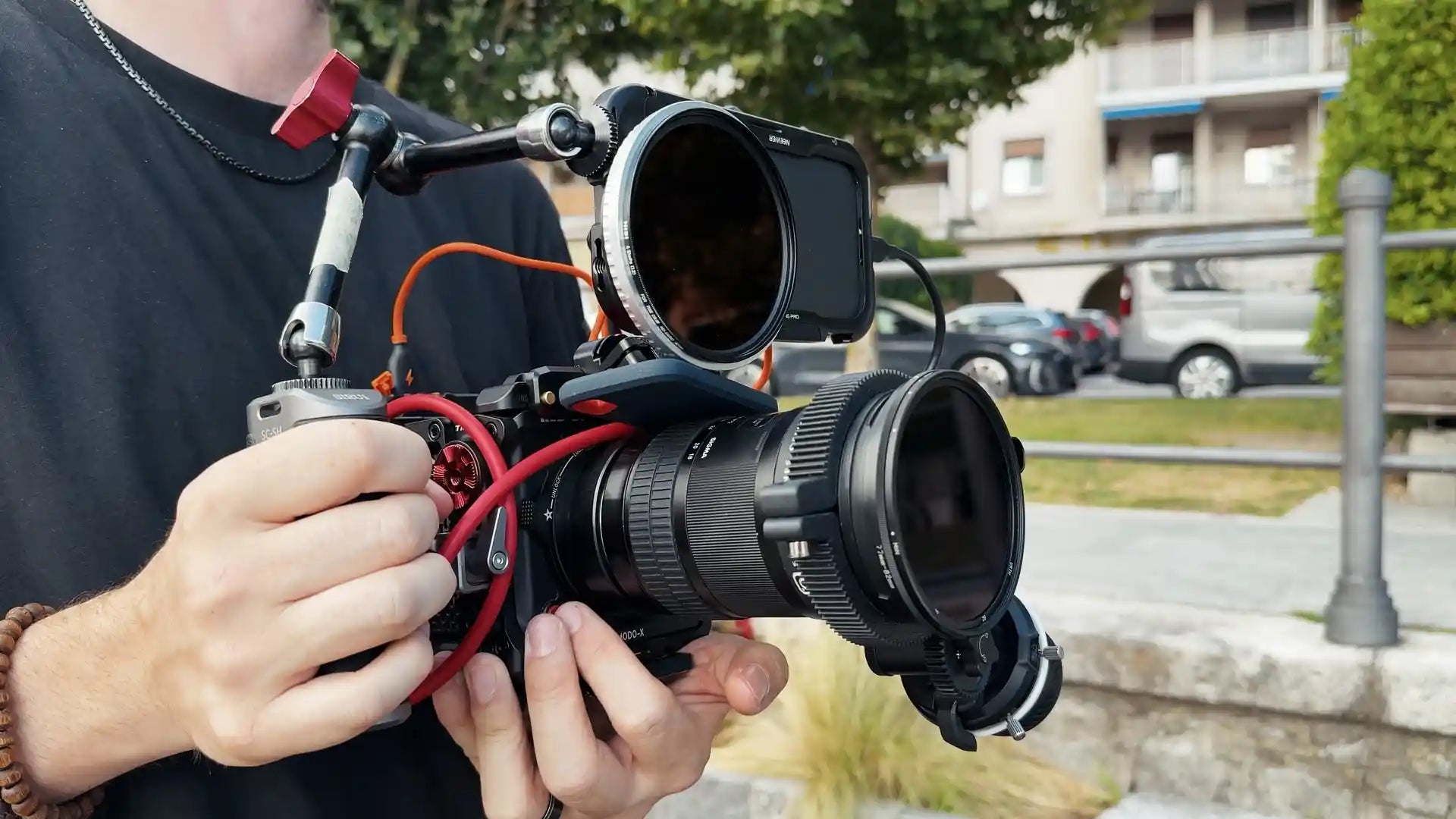
This extensive testing resulted in a true technical PowerGrade that transforms Apple Log into RED Log3G10, giving iPhone footage the rich texture and cinematic color of a RED image.
To create the most precise conversion PowerGrade for Apple Log, we shot side-by-side tests with the RED Komodo-X and iPhone 16 Pro under a wide range of lighting conditions, from controlled studio setups to natural outdoor scenes.
By capturing identical setups with both cameras, and using ColorChecker charts on set, we were able to deeply analyze and match RED’s tonal response, color science, and dynamic roll-off, directly onto Apple Log footage.
This extensive testing resulted in a true technical PowerGrade that transforms Apple Log into RED Log3G10, giving iPhone footage the rich texture and cinematic color of a RED image.
Node Tree Overview
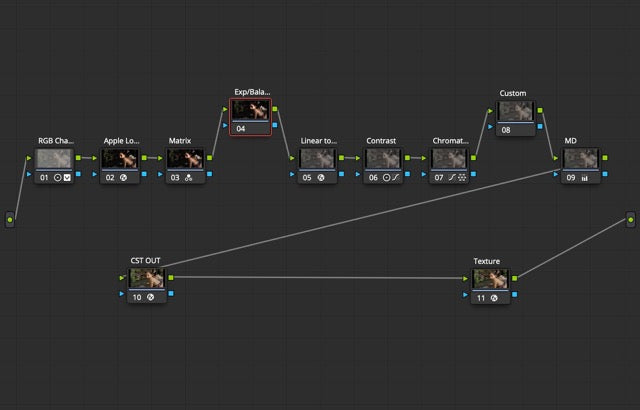
RGB Channel Balancer
Corrects imbalances between R, G, B channels before linearization. Ensures neutral channel balance.
Apple Log to Linear
Converts Apple Log into a wide-gamut linear space for technical operations.
Matrix
Corrects the iPhone’s spectral signature to better align with RED’s color science.
Exposure/Balance
Free node for adjusting exposure and white balance before conversion.
Linear to RED Log3G10
Converts the linearized iPhone image into REDWideGamutRGB / Log3G10, mimicking the RED pipeline.
Contrast
Recreates RED-like natural contrast curve and highlight/shadow roll-off.
Chromatic Alignment
Aligns hues and saturation to RED’s chromatic response.
Custom: look node
Creative grading space. Apply custom looks here while staying in RED Log3G10 space.
Midtone detail
Reduces digital sharpness of iPhone footage, softening micro-detail for a more organic RED-like texture.
RED Log3G10 to Rec.709
Converts final graded image into Rec.709 for delivery/export.
Filmic texture
Adds RED-like “in-camera” filmic texture.
Top-Selling Bundles


FAQ
What is a PowerGrade?
A PowerGrade is a set of preset nodes that define a particular color correction or effect. These nodes encompass all image modifications, from color adjustments to blur effects, ensuring comprehensive editing capability.
What sets PowerGrades apart is their customisable and non-destructive design. Every element, including individual node settings, can be tailored to suit the project's requirements perfectly.
What will I receive?
Immediately after your purchase, you can download your product(s) from the checkout page or via the download link sent automatically to your e-mail within a few seconds.
Inside the folder you’ll find a .jpg and .drx file ( the actual PowerGrade ) and a super detailed user guide.
Can I use this PowerGrade with other softwares?
Unfortunately not, PowerGrade are exclusively built for DaVinci Resolve only. You will need the DaVinci Resolve Studio ( paid version ) to use this PowerGrade.
Do I need any third-party plugins?
No. The effects used in this PowerGrade are native DaVinci Resolve OFX plugins so you do not need to install any third party plugins. Note that you'll need the DaVinci Resolve Studio version in order to use the PowerGrade
Should I Pre-Color My Footage before applying the Apple Log to Red PowerGrade?
No. You should apply the PowerGrade directly to your Apple Log footage without any prior correction or grading.
This PowerGrade has been designed as a complete technical pipeline: it takes Apple Log, balances the channels, converts it into linear, and then maps it to RED Log3G10 with proper tonal response.
If you adjust exposure, white balance, or contrast before the PowerGrade, you may break the calibration and prevent the LUT from working as intended.
The only adjustments you should make are inside the dedicated nodes of the PowerGrade:
- Node 04 → exposure/white balance (user-editable)
- between Node 07 and Node 09 → creative look adjustments
Everything else is already calibrated and should remain untouched.
Will I get a refund?
Because all our products are digital downloads, we have no way of taking back the files once you purchase them. For that reason, we can not issue refunds.
If by mistake you purchase multiple quantity of our products, no refunds will be made. If you have any questions or concerns about your purchase, please don't hesitate to reach out to us via the contact page.
My download has expired, do I have to repurchase the pack?
We only renew the download link within 30 days from the date of purchase.
If your download link has expired and it has been more than 30 days then you have to repurchase the pack.
Disclaimer
It is important to note that this is not a one-click solution; merely applying it is not enough. It is necessary to modify the editable nodes and settings individually to adapt it to the specific type of video material.