3,200+ creators already film like this 4.9★ — Rated by 200+ verified buyers Used in 40+ countries worldwide Instant download — ready in 60 seconds

Your iPhone shoots like a cinema camera.

We're pro colorists. We spent months calibrating colour for your iPhone Pro. You just press record.

Explore all presets
Sale ends tonight | Don't miss it
★★★★★ iPhone 15 Pro
Radek Jonak @radekjonak · Actor & Fitness Coach · 537 followers

How it works

Three steps to get the cinematic look.

Open a step to see exactly how it works. Simple setup, instant results.

Open Blackmagic Camera (free on the App Store) and load your iRED Mode LUTs. The look appears live in your viewfinder before you shoot a single frame.

Browse the presets and preview each one in real time. What you see is what you get.

Press record. The video is finished when you stop. No post-production required.

Explore all presets
Sale ends tonight | Don't miss it
💡 What you probably don't know
Your iPhone Pro has a hidden pro camera mode.
iPhone Pro models record video in a special "flat" format that captures 4× more color and detail than regular recordings. Professional filmmakers use this to get the cinematic look you see in movies and high-end social media videos.
Most people have never heard of it — and that's why their iPhone videos look like iPhone videos.
Our filters are designed specifically for this format. Apply them with one tap and your footage looks like it was shot on a cinema camera.
📱 Works with iPhone 15 Pro, 16 Pro and 17 Pro (Pro and Pro Max). Those are the only models with the pro camera format enabled.
Myth vs Reality

We know what
you're thinking.

Every doubt about iPhone cinema presets — addressed, one by one.

01
Myth "It's complicated to install."
Two minutes. Drag, drop, shoot.
02
Myth "It won't work in my lighting."
Calibrated for every condition — golden hour, indoor, cloudy, night.
03
Myth "I'll still need to edit after."
No. Your footage is ready the moment you stop recording.
04
Myth "It's just another filter."
A professional colour grade, applied live in your camera.
05
Myth "I need expensive gear."
Just your iPhone Pro and Blackmagic Camera — the app is free.
06
Myth "The result will look fake."
Built by pro colorists to look cinematic, not over-processed.

Don’t Take Our Word For It.

Blog posts
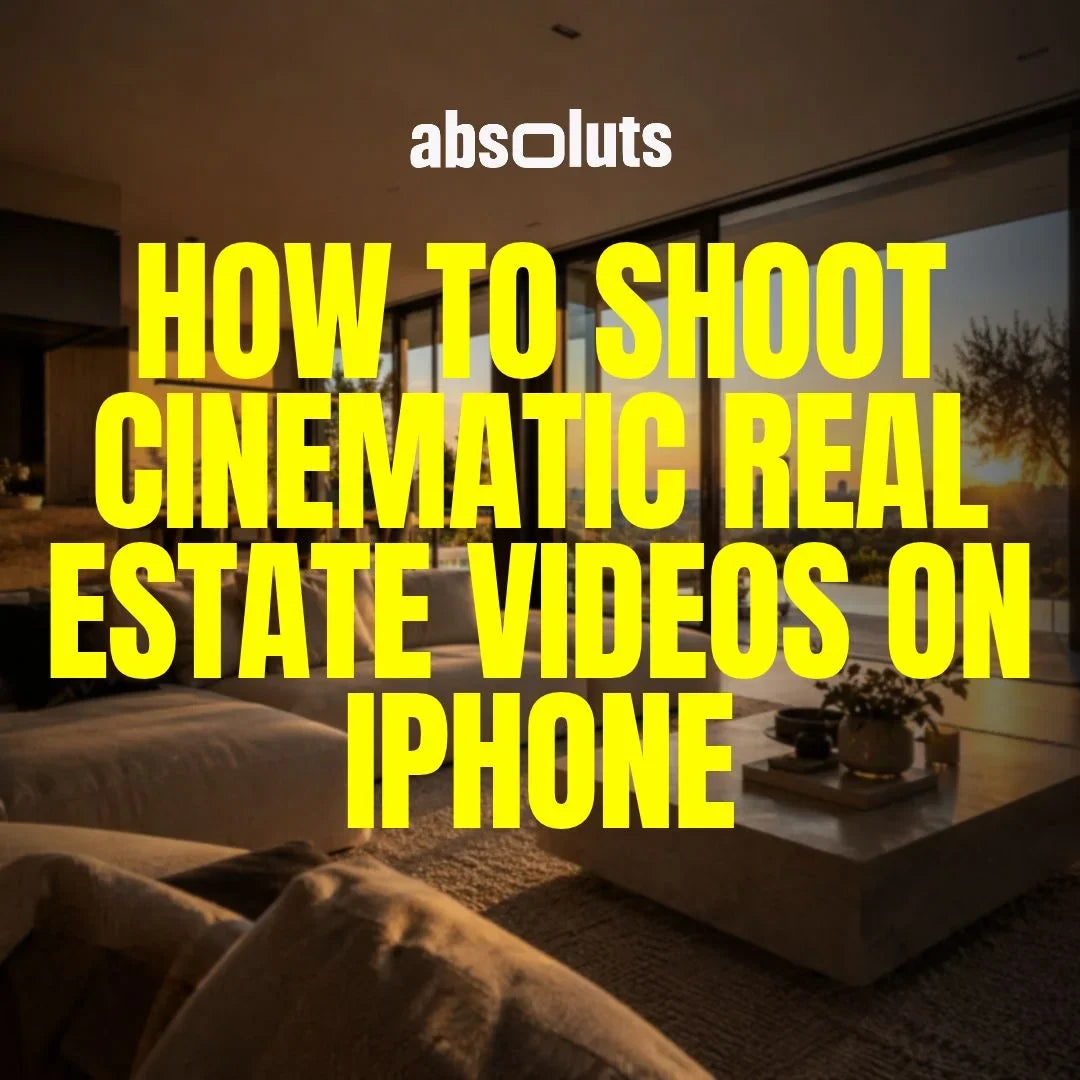
View all
Apple Log workflowCreating Cinematic Contrast Without Crushing Shadows

Creating Cinematic Contrast Without Crushing Shadows

Learn how to build cinematic contrast in iPhone footage without destroying shadow detail using proper exposure, LUTs, and grading techniques.

Apple Log gradingHow to Use LUTs for Different Shooting Conditions

How to Use LUTs for Different Shooting Conditions

Learn how to use LUTs correctly across different lighting conditions, including daylight, low light, and mixed lighting for cinematic results.

Apple Log workflowHow to Create Consistent Colors Across Multiple iPhone Shoots

How to Create Consistent Colors Across Multiple iPhone Shoots

Learn how to maintain consistent colors across multiple iPhone shoots using Apple Log, LUT workflows, and professional grading techniques.