

Three steps to get the cinematic look.
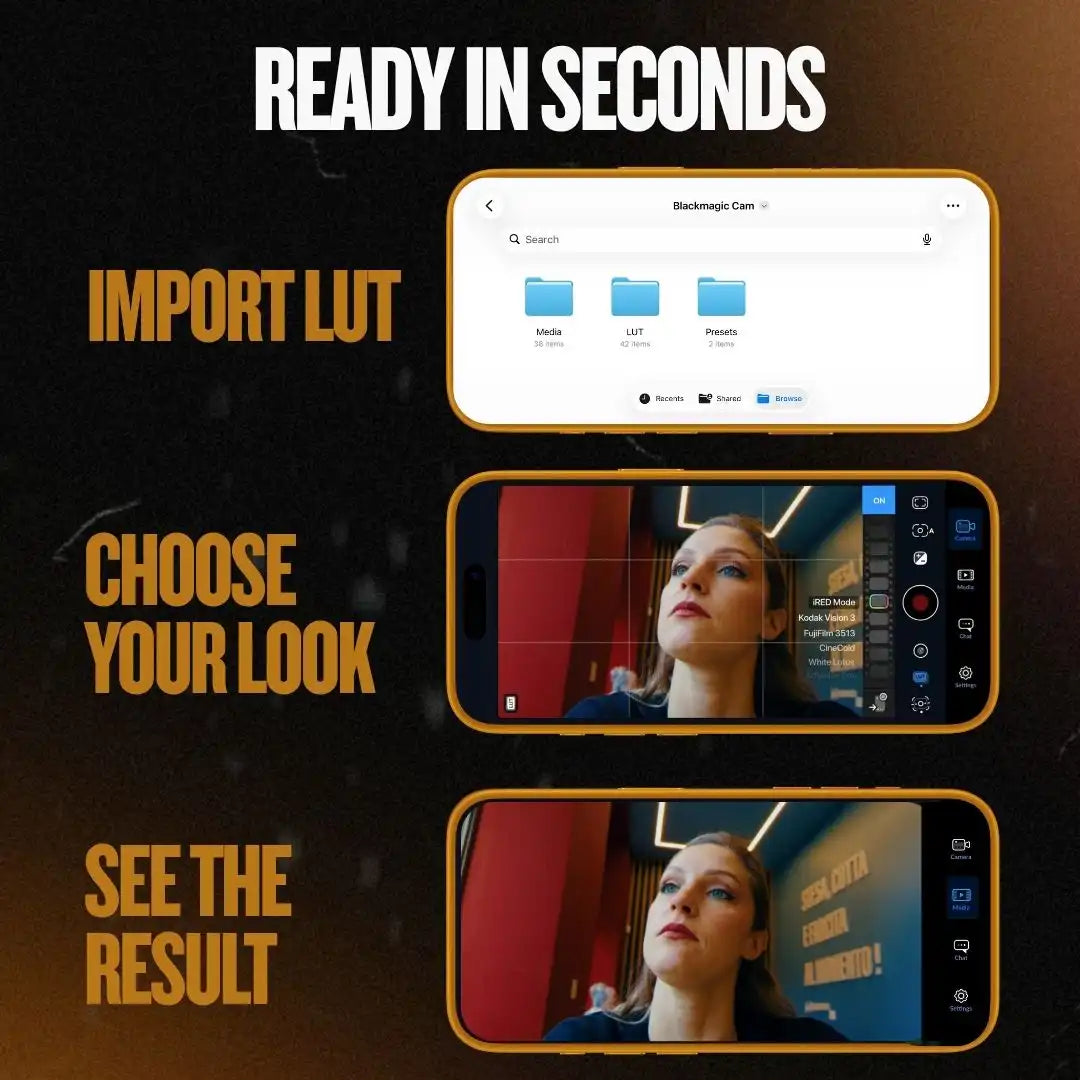
Open a step to see exactly how it works. Simple setup, instant results.
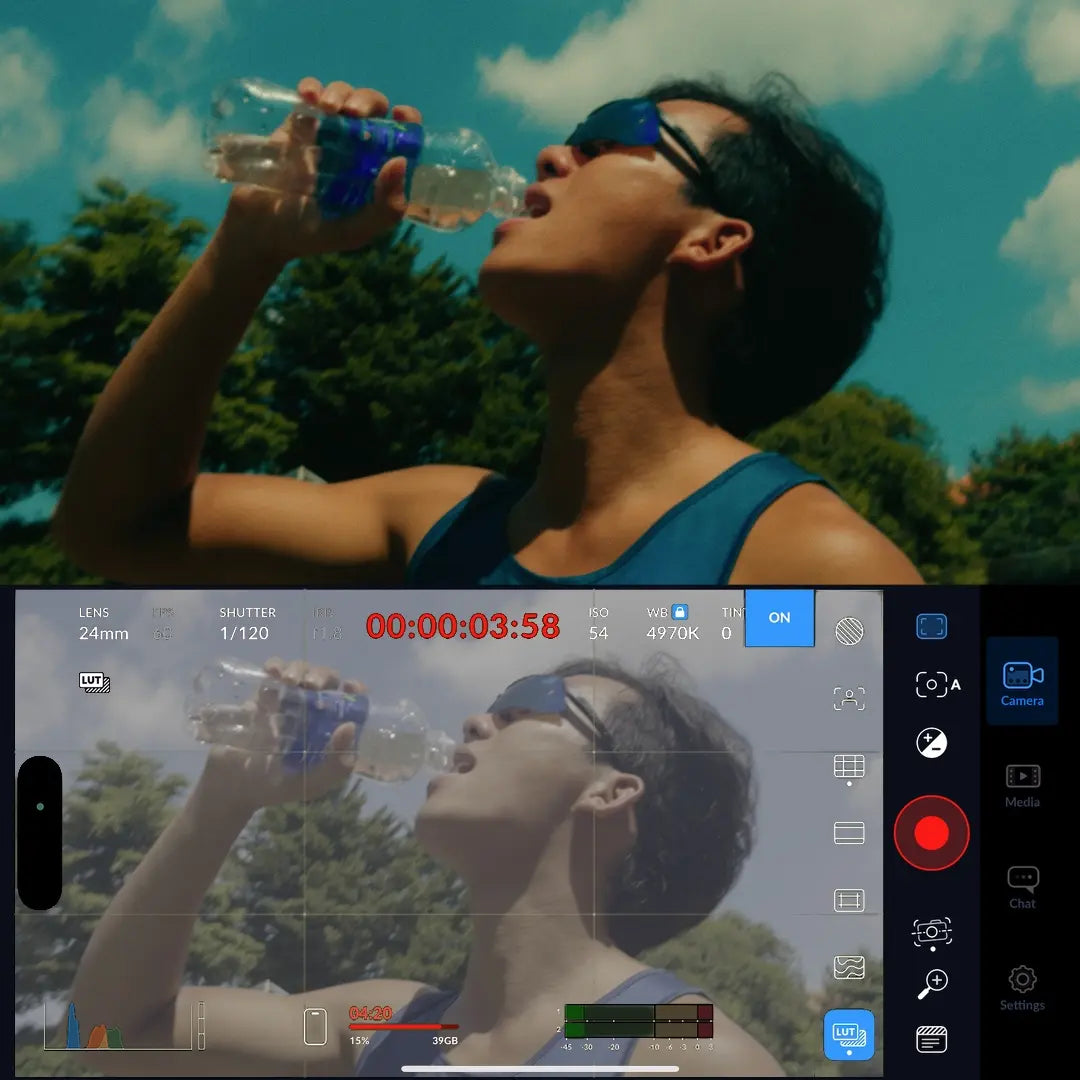
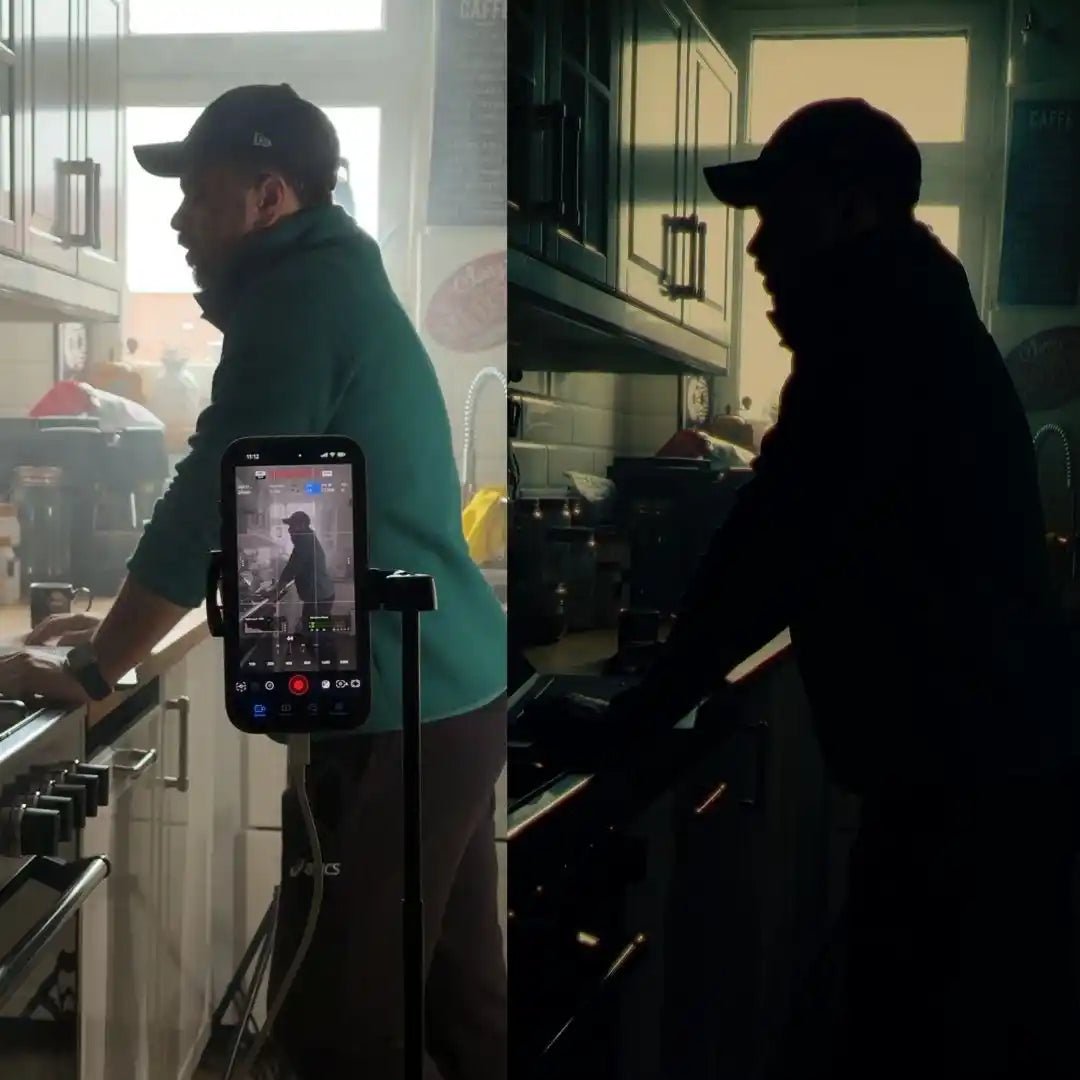
Open Blackmagic Camera (free on the App Store) and load your iRED Mode LUTs. The look appears live in your viewfinder before you shoot a single frame.
Browse the presets and preview each one in real time. What you see is what you get.
Press record. The video is finished when you stop. No post-production required.
Pick your iPhone first, so you get the right pack.
How it works

Pick your iPhone first, so you get the right pack.
Get your starter pack
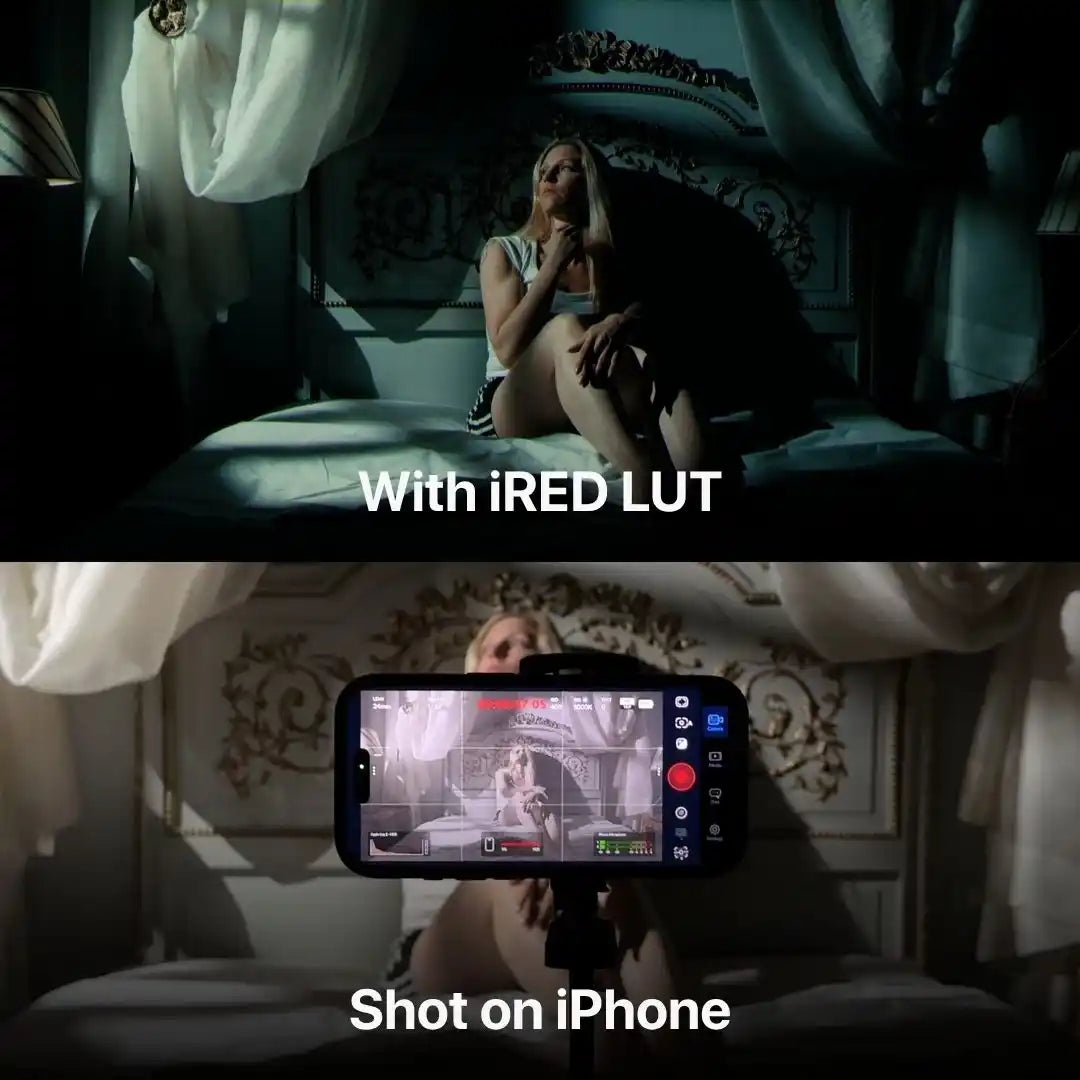
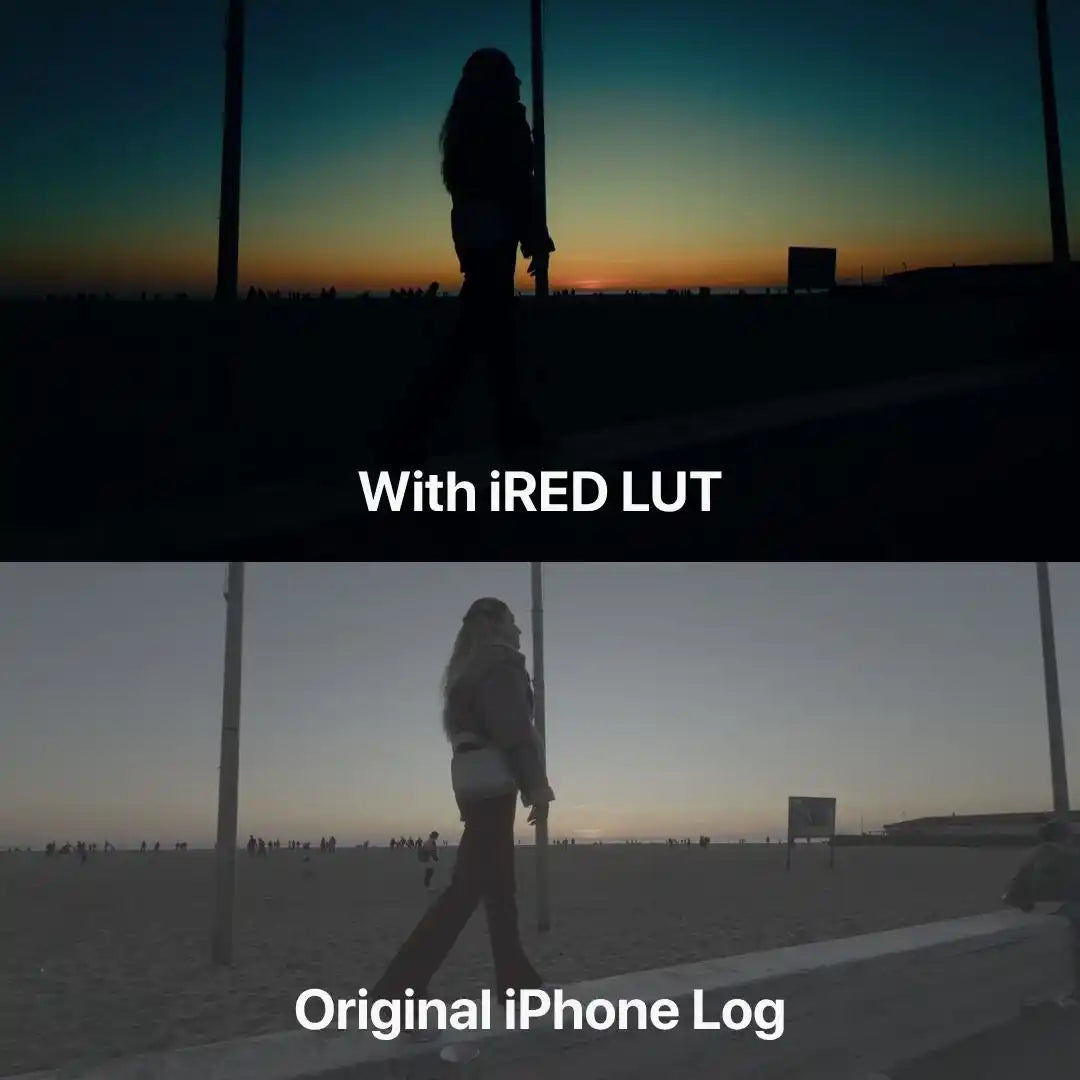
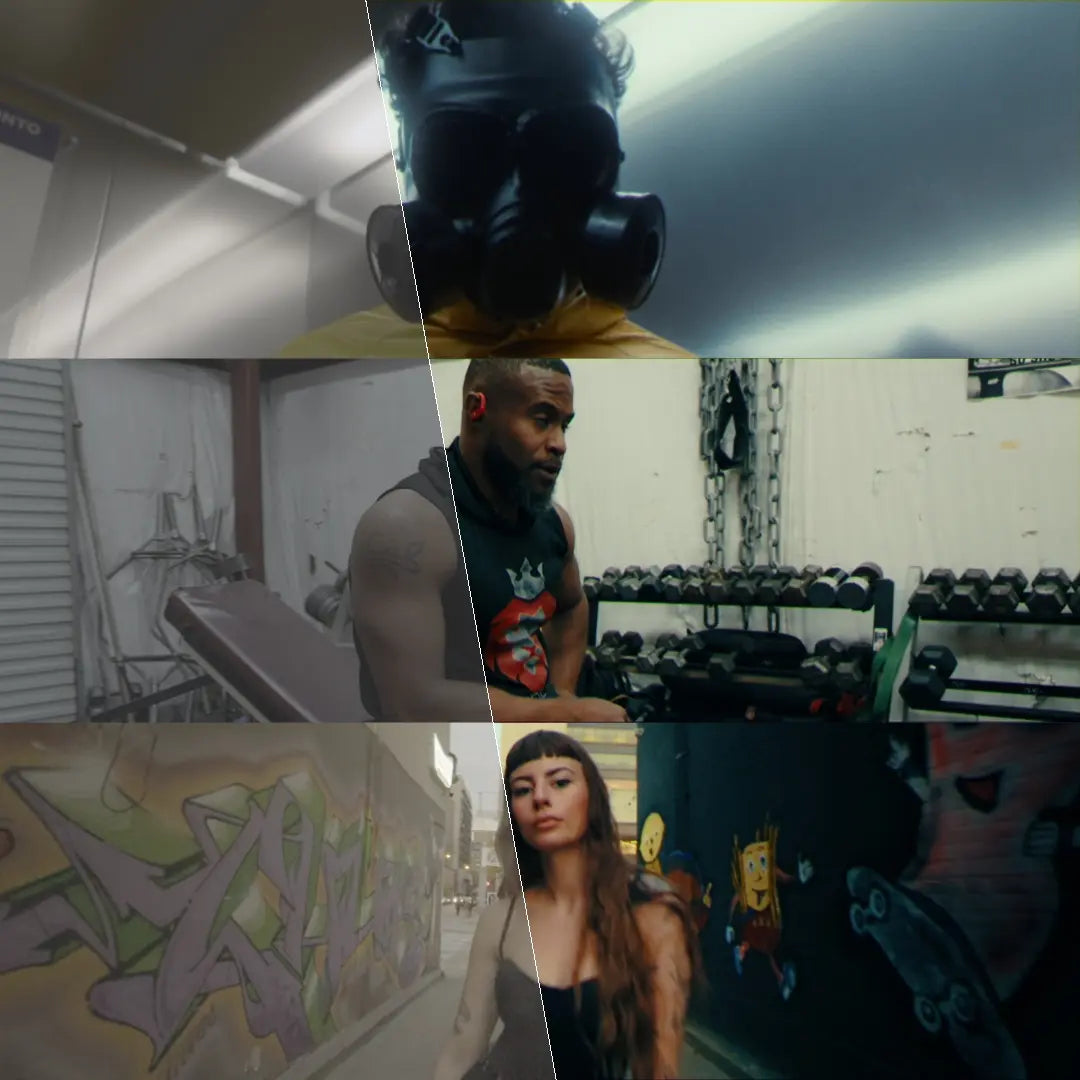
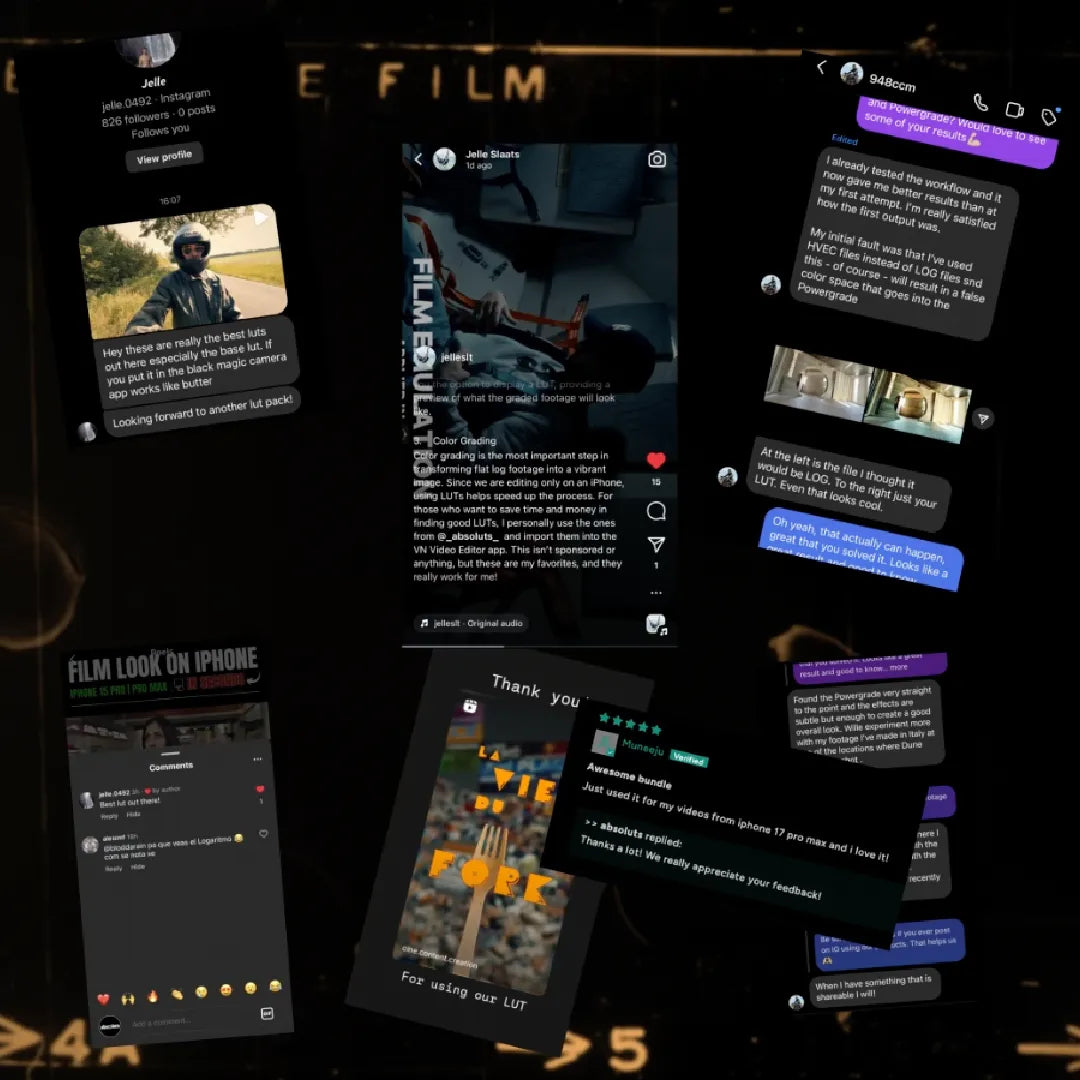
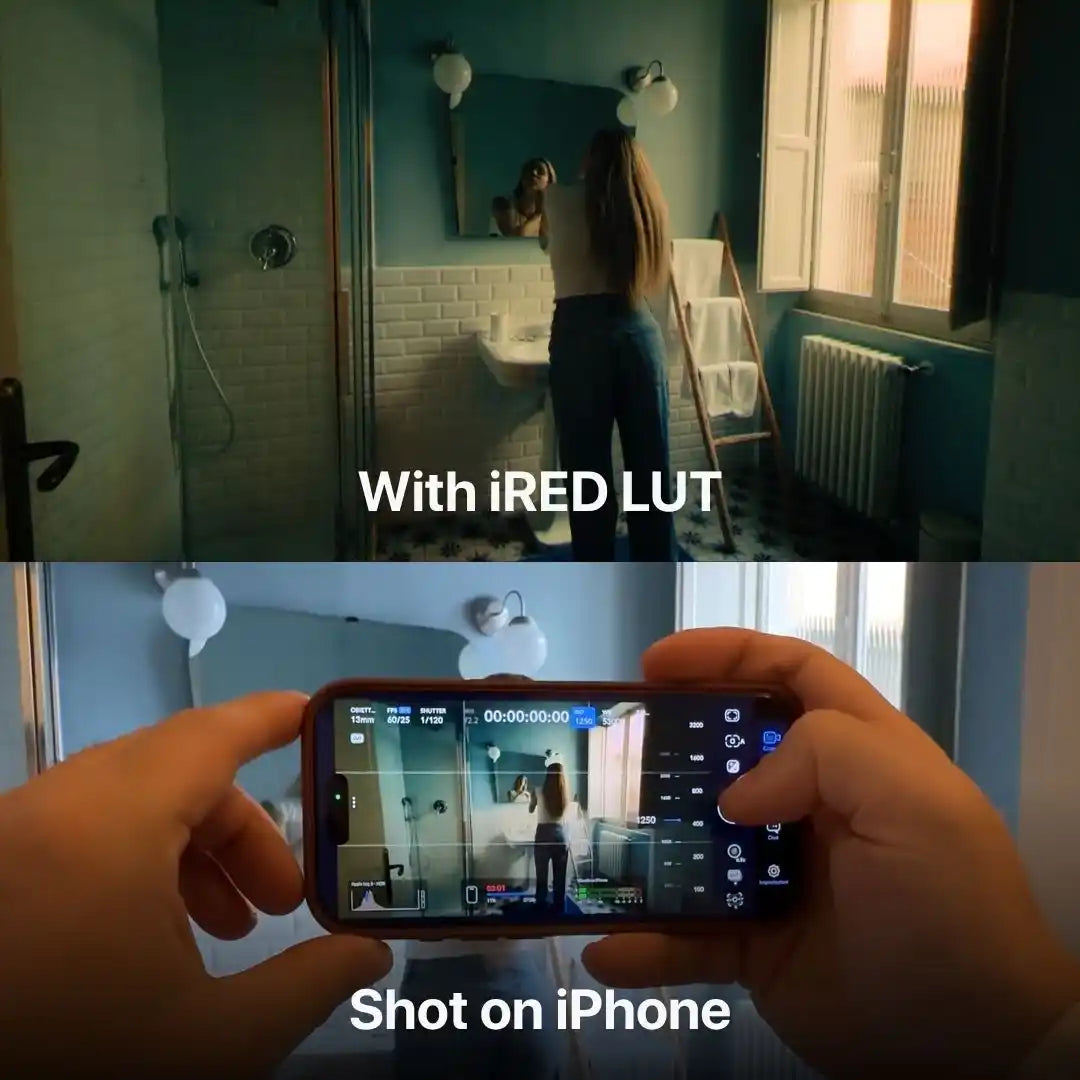
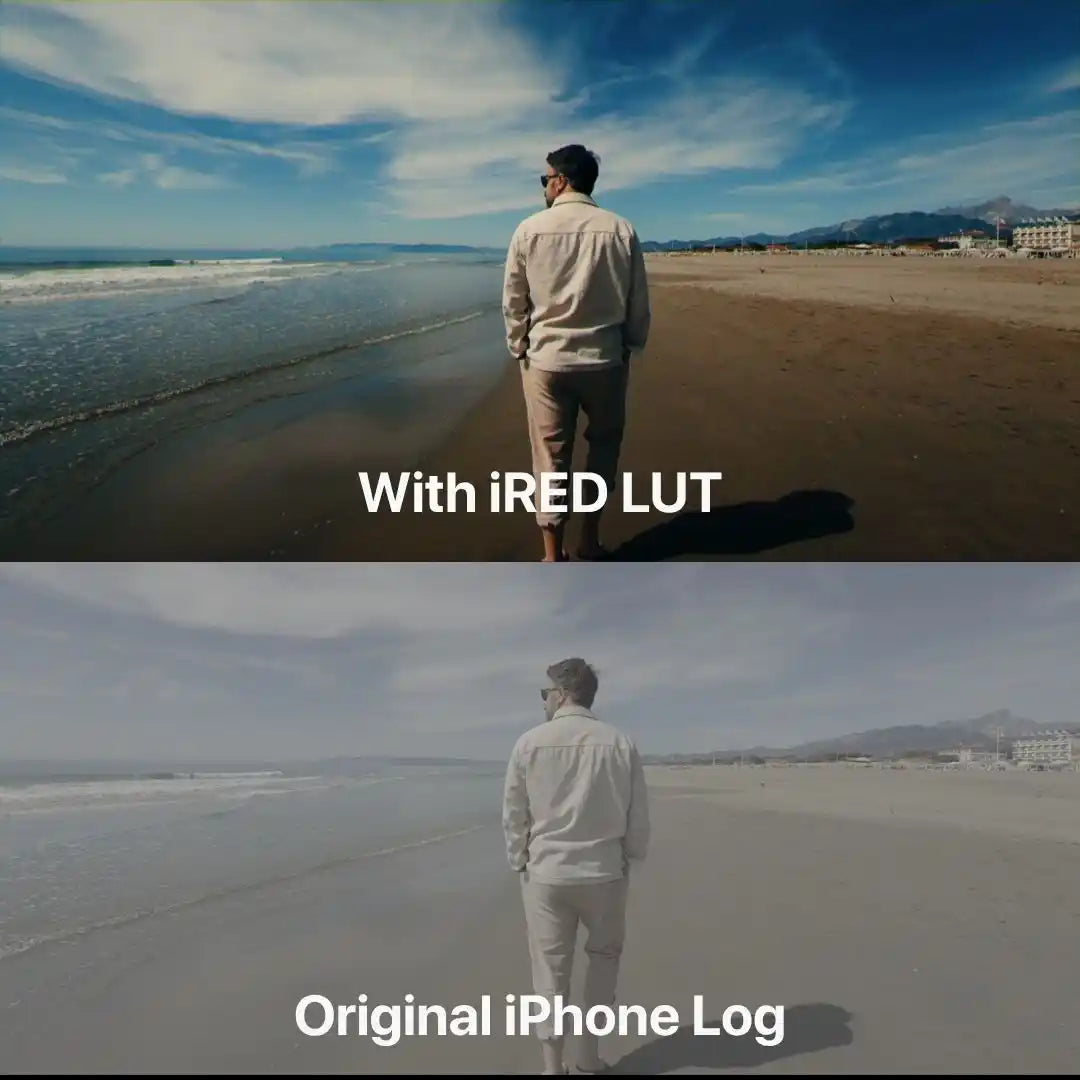
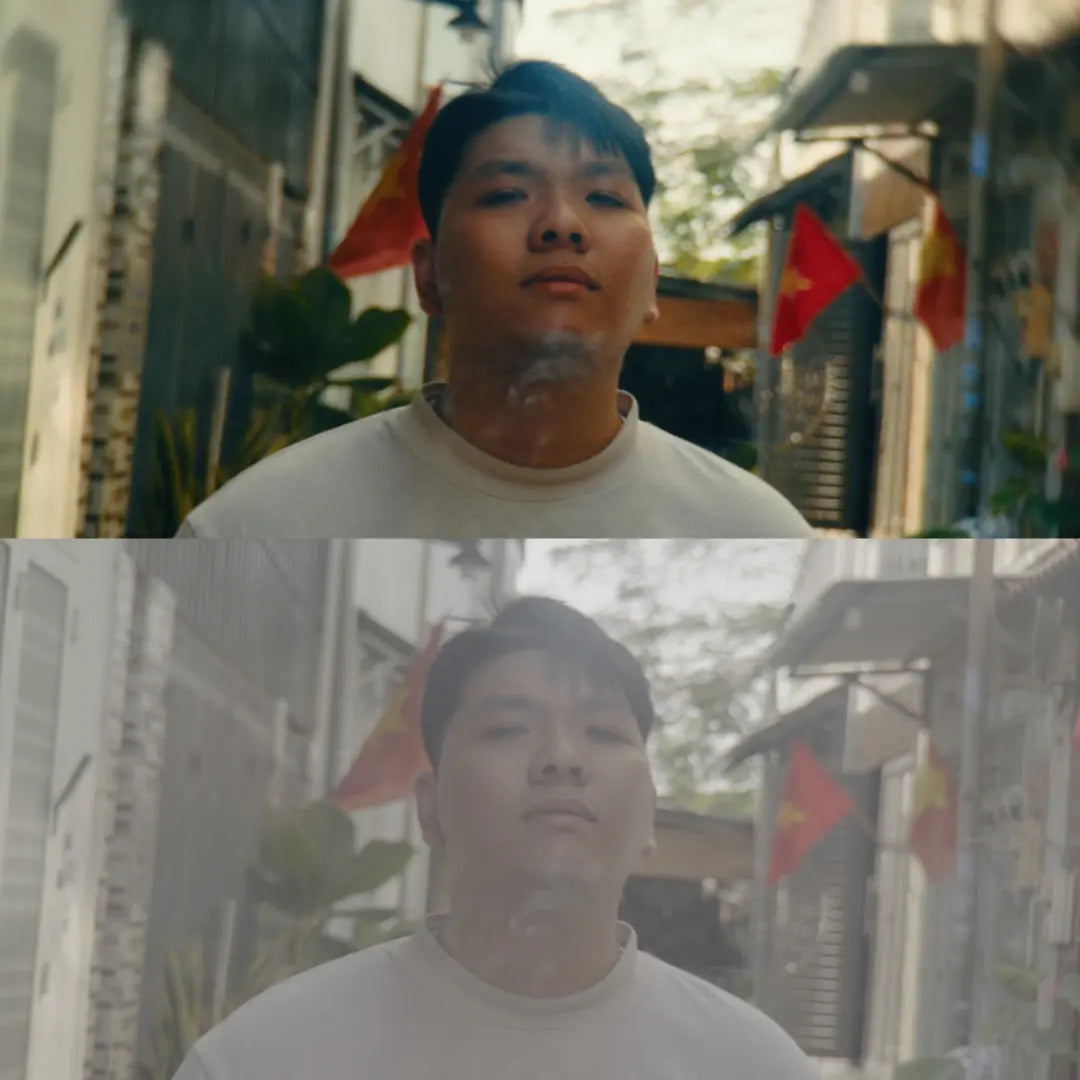
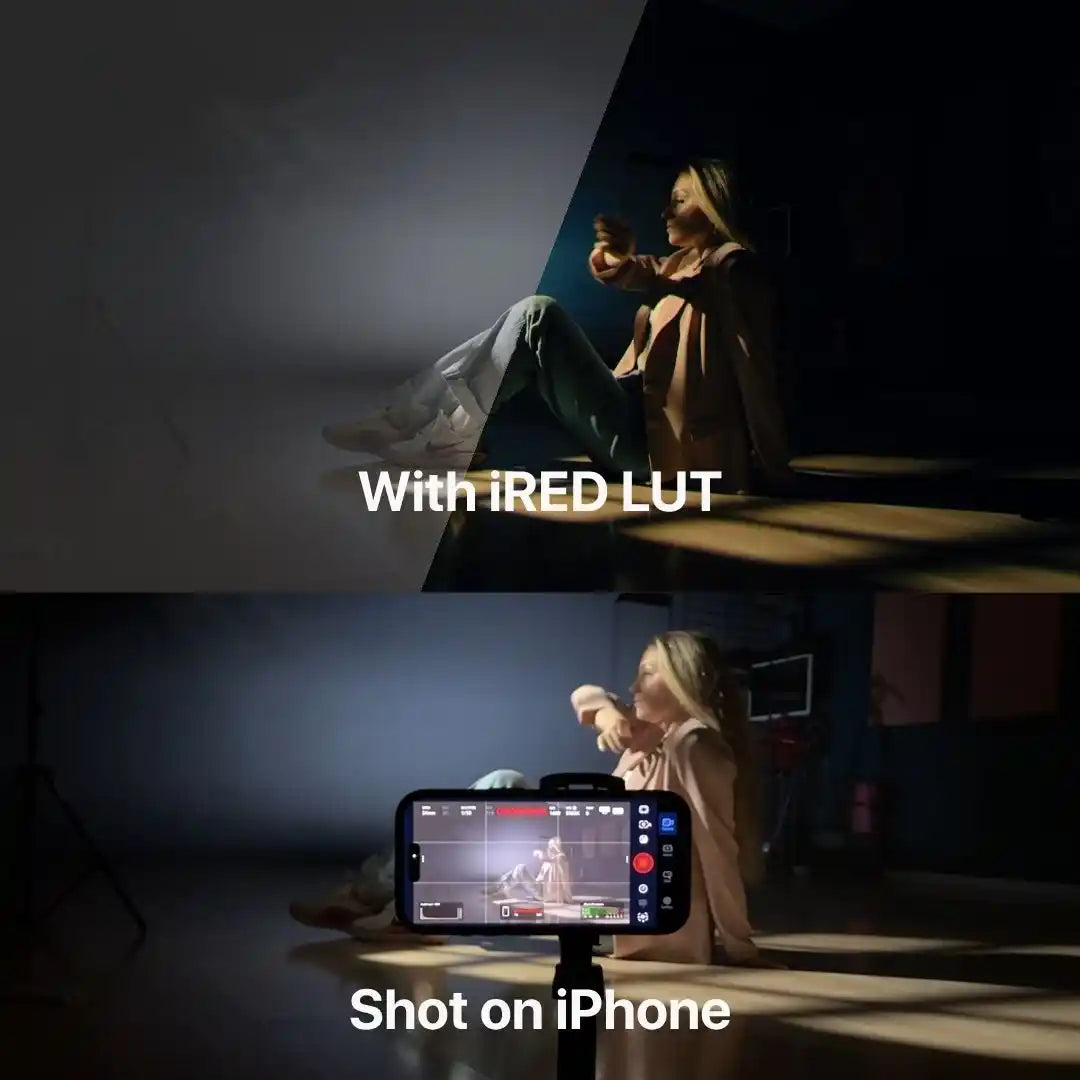
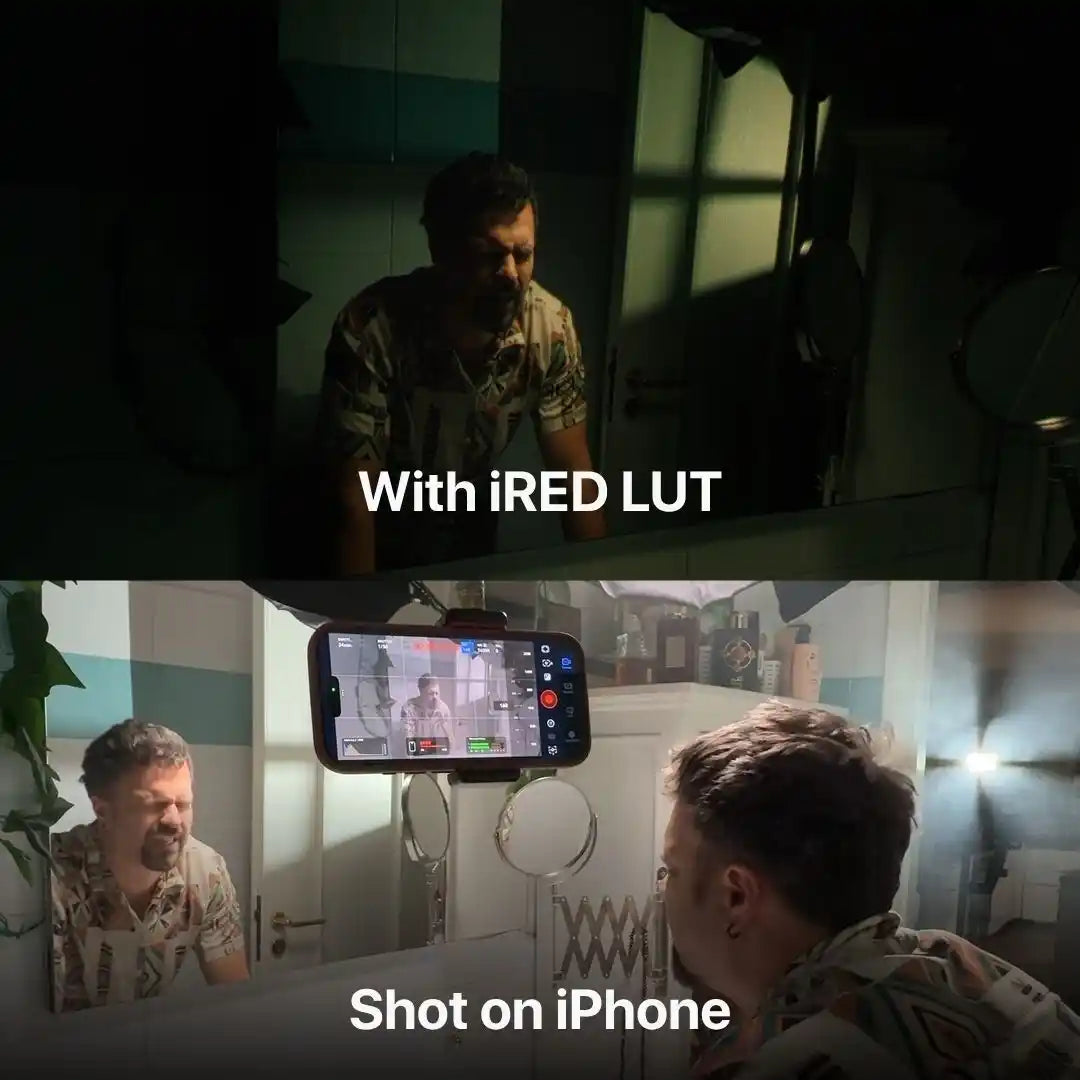
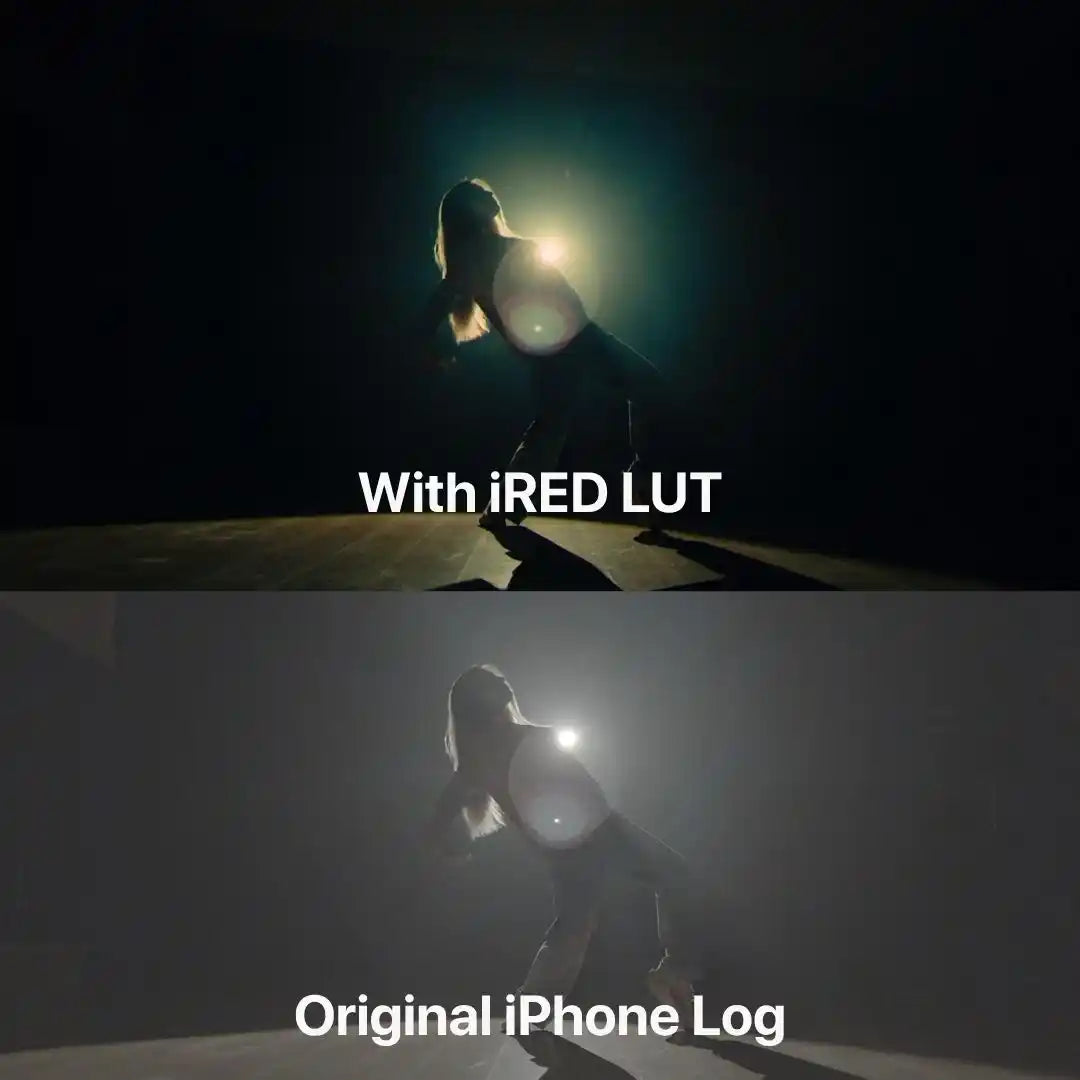
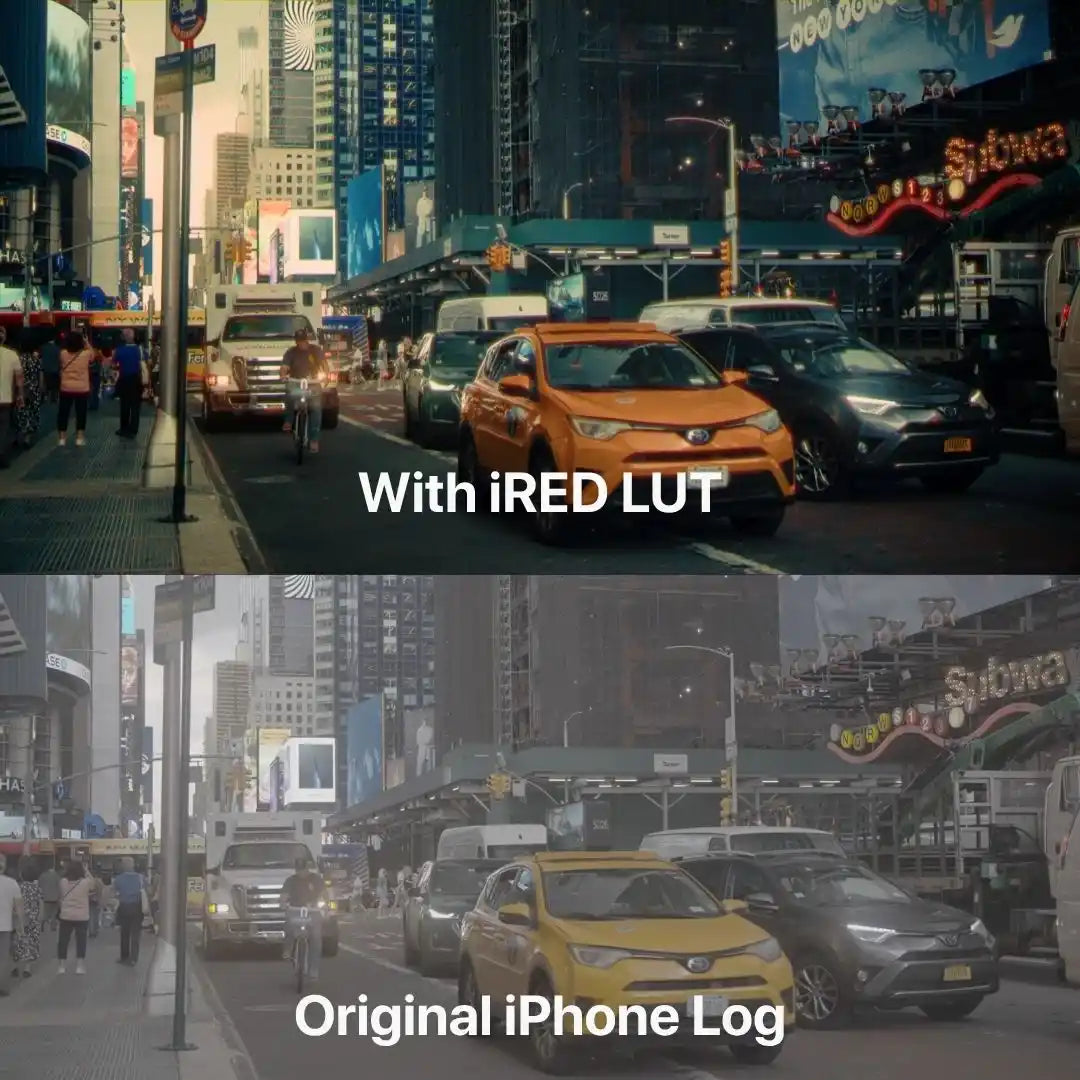
These LUTs are a game changer. One click and my iPhone videos stopped looking 'mobile' and started looking like high-end cinema footage.
iRED Mode | Preset for IPhone

 iRED Mode inside
Upgrade to iCine Pro Bundle
10LUTs
€125€37total
Only +€13 more than iRED alone
Works with iPhone 15–18 Pro / MaxWhich iPhone do you have?
Built for cinematic iPhone video
What you get:
Base conversion (flat → cinematic)
3 looks (PrimeTone / NeoGold / Glacier)
3 strengths per look
Setup guide
✅ Cinema-level color (RED reference)
✅ Film-style look (Kodak inspired)
✅ Natural skin tones
✅ Made for iPhone
Compatible with:

Don’t Take Our Word For It.
FAQ
Best settings to use when shooting in Apple Log/Apple Log 2
IPhone Camera Settings:
- Apple ProRes: Selected
- ProRes Encoding: Log
- We reccomend turning HDR mode off
Blackmagic Camera App:
- Codec: ProRes 422 or Higher
- Resolution: 4K
- Color Space: Apple Log – HDR/Apple Log 2 – HDR
Instant Access to Your Cinematic Transformation
Immediately after purchase, you can directly download the LUT files, ready to use in any software supporting the .cube format.
My download has expired, do I have to repurchase the pack?
We only renew the download link within 30 days from the date of purchase.
If your download link has expired & it has been more than 30 days then you have to repurchase the pack.
Finally, what you see is really what you get.
Don’t worry if these LUTs don’t perform like magic with just one button. All LUTs only act as a base grade for your footage, we recommend fine tuning with the colour adjustments to your liking.
I bought the master bundle with hesitation. Honestly because of the price but now if you ask me if its worth? Ohh yes its really that good. No regret

It does t cost this price. Maximum 5$
Its okay
Amazing thanks !
AMAZING QUALITY !!!!
Just the right amount of LUTs and none of the filler fluff.
If you’re looking for something that helps you make videos with your phone and immediately upload to social network this is not the way….but if you love to work with this kind of tool and make a good work on it, you can elevate your phone by filming on Blackmagic camera app and making a color treatment on davinci resolve, that’s the point! That’s the juicy! Congrats for this develope
Just having a little issue with saving lugs to my iPhone. I was to download everything and that’s it.
I’ve bought LUTs before, but these give me the best bang for the buck.
My log footage looked dull… now it has depth, contrast, and emotion.
I wanted a fast way to get cinematic colors, and these LUTs nailed it.
I’ve used them in different lighting conditions and they always deliver consistent results.
These LUTs make my Instagram reels and TikToks stand out immediately.
Skin tones look natural, while the overall image feels balanced and vibrant.
Just drag and drop the LUTs—my edits now look professional without hours of tweaking.
Finally, my iPhone videos look like real films. The transformation is huge.
These LUTs give my footage a polished, cinematic look with zero effort.
I love these luts!
Kodak Lut blew me away, the look is insane. Truly amazing!
The contrast is a bit strong for my taste, but after a little tweaking, the results are stunning.
Works on different lighting conditions and always maintains a soft, cinematic touch.
It’s amazing how it transforms my shots into something that looks straight out of a high-budget ad.
I’ve been using this for weeks, and it’s now my default LUT. It just works!
If you’re shooting for luxury, fashion, or elegant visuals, this LUT delivers the perfect tone.
This LUT doesn’t scream for attention—it just makes everything look effortlessly premium.
CineCold has an insane cold look! The colors are super dense, deep, and instantly give a cinematic feel. Perfect for a more intense mood!
Love the look, but I found that it works best when the footage is slightly underexposed before applying.
Love the clean, polished look, but sometimes I add a bit of vibrance for a livelier feel.
Skin tones remain soft and natural, while the background gets a subtle cinematic enhancement.
AdVision works great, especially outdoors!
If you create content on iPhone, you NEED this LUT. It gives an instant professional touch.
I love how this LUT pulls back on oversaturation while keeping everything visually interesting.
This LUT adds a polished, high-end feel to my videos—perfect for branding work!
