

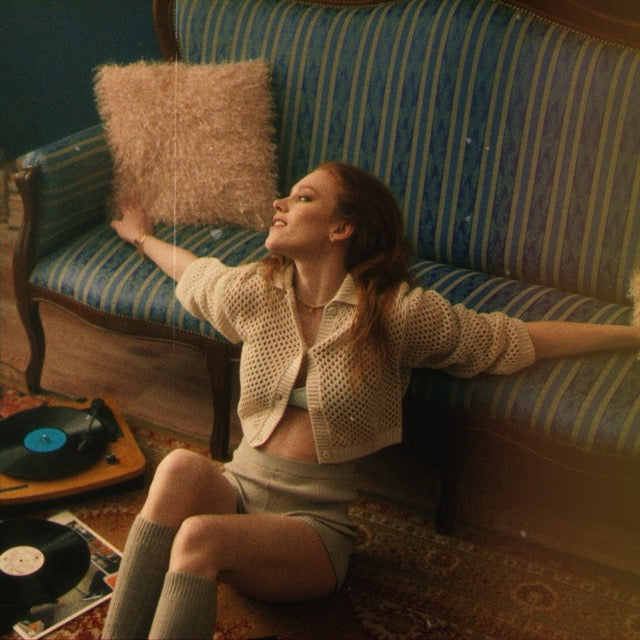
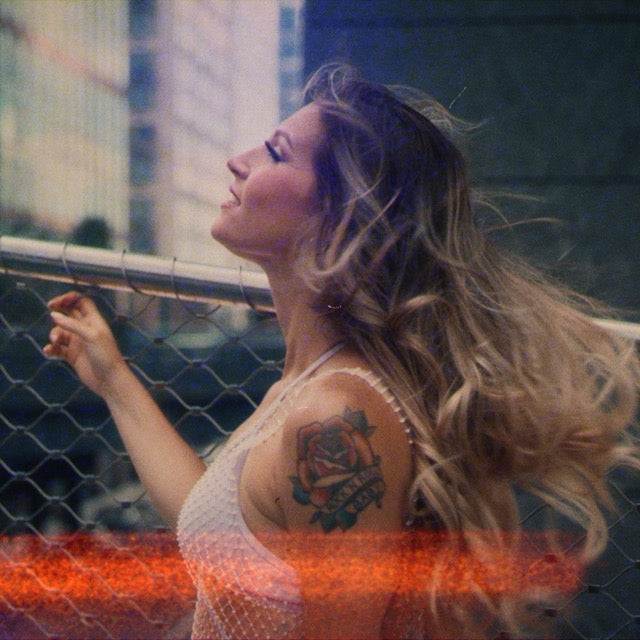
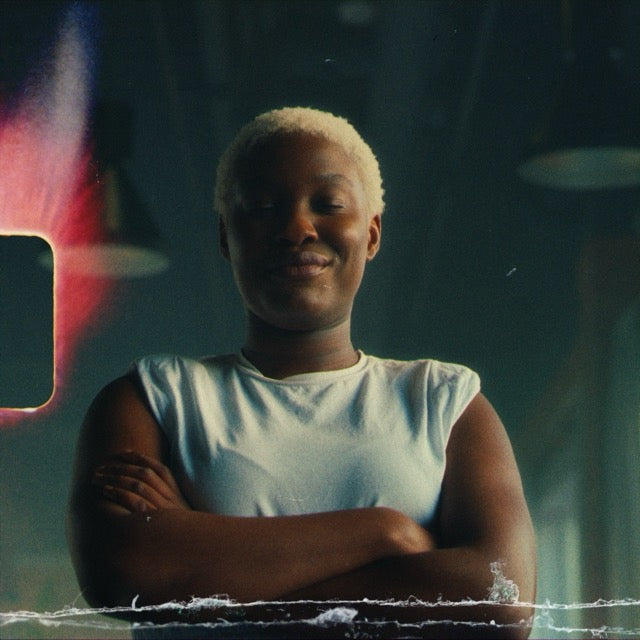
Film Burns Pro Overlays
Real film burns. For real creators.
Designed to enhance digital footage with warmth, energy, and vintage character.
This pack includes:
15 Film Burns - crafted with flare, light leaks, gate flickers & organic edge effects5 Custom Sound FX - Adaptable to match the burns for added realism
Video Tutorial included
- Fast Workflow & Creative Uses
Drag. Drop. Burn. Done.
No plugins, no adjustments. Just drop a film burn over your timeline, switch to “Screen” mode and hit play.
Optional: stack multiple overlays or pair with the included SFX for even more dynamic edits.
✅ Scanned & Mastered in 4K
Real 35mm burns and light leaks scanned at high resolution and cleaned up for modern workflows.
✅ Versatile for Edits & Transitions
Use as ambient overlays or bold transitions.
✅ SFX Included
Every burn can be paired with one of the custom sound for full audiovisual impact.
✅ Mobile & Desktop Friendly
Compatible with all major video apps and editors that support blending modes.
Optimized for mobile creators using CapCut, VN, LumaFusion and more.
Get the Film Burns Pro Overlays now.
Watch the Film Burns Pro Overlays in action!

Video
Tech Specs
What are Film Burns
Authentic burn and light-leak textures created from real film stock, captured in high-resolution scans. They recreate that analog glow, edge flare, and vintage burn aesthetic. Perfect to add organic warmth and dynamic transitions to your footage.
Specifications
- RESOLUTION: 4096x2550
- CODEC: ProRes 422 LT
- COLOR DEPTH: 10bit
- LENGHT: 1-3 seconds
- FRAME RATE: 23.976fps
Optimized for Mobile & Desktop
Designed with creators in mind, seamlessly import on iOS apps (like CapCut, LumaFusion) or desktop NLEs. Our overlays maintain full fidelity and flexibility even when cutting on mobile.
Compatibility
- Vintage-style edits, B‑roll montages, and creative transitions
- Promotional reels, music videos, TikToks, Instagram Stories
- Adding an analog warmth to documentary or cinematic footage
Perfect for
- Cinematic shorts & Commercials
- Instagram reels & TikToks
- Music videos, documentaries & more
Drag & Drop Simplicity
Just drag above your clip and set blending mode to Screen ( you can experiment with other modes, too ), no editing required. Use the SFX tracks underneath for immersive analog flavor. Combine multiple burns, adjust opacity to tailor mood.
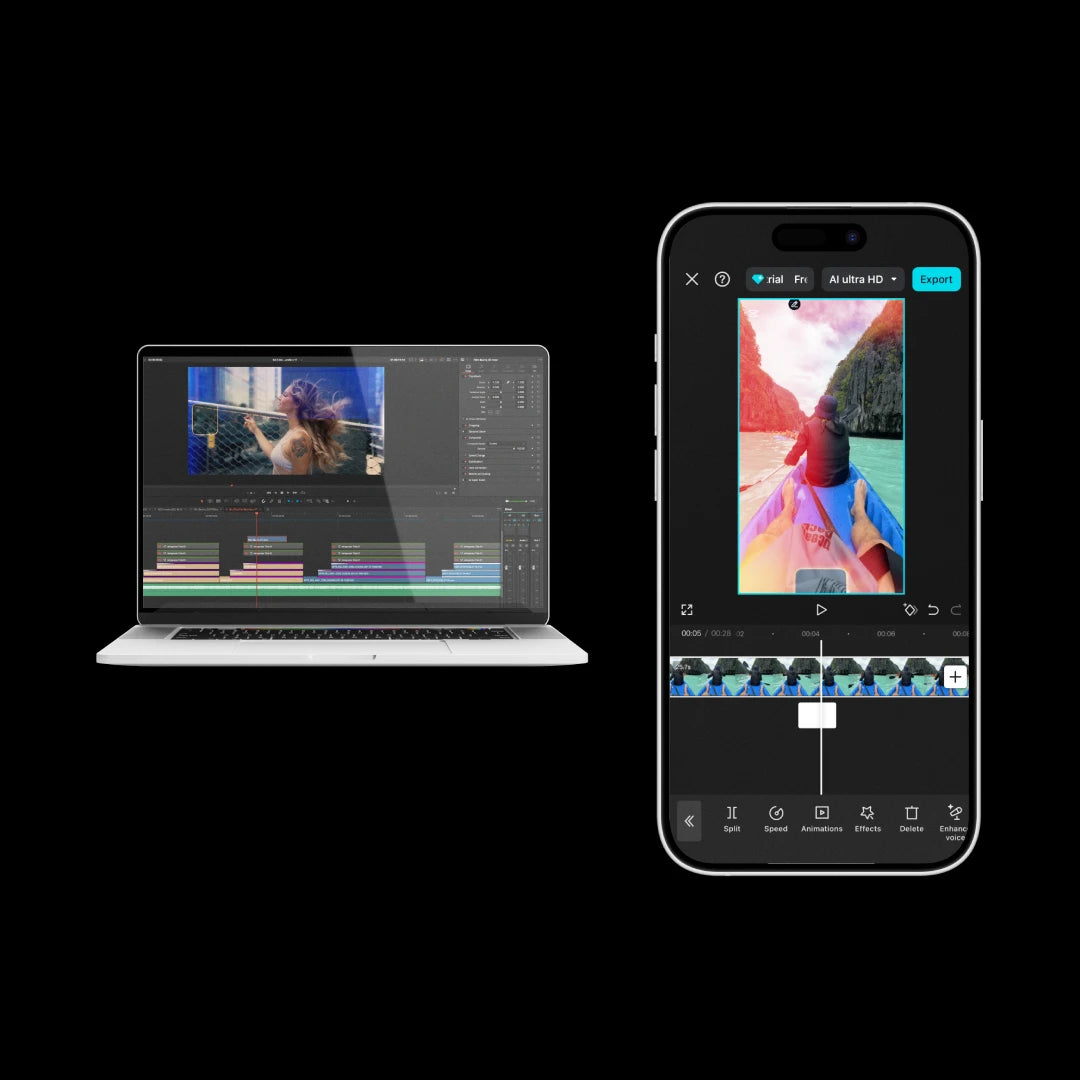
Easy to use "Drag & Drop" files that work on any video editing programs/apps that have access to blending mode or composite mode including CapCut Mobile, Davinci Resolve, Adobe Premiere Pro and many others.
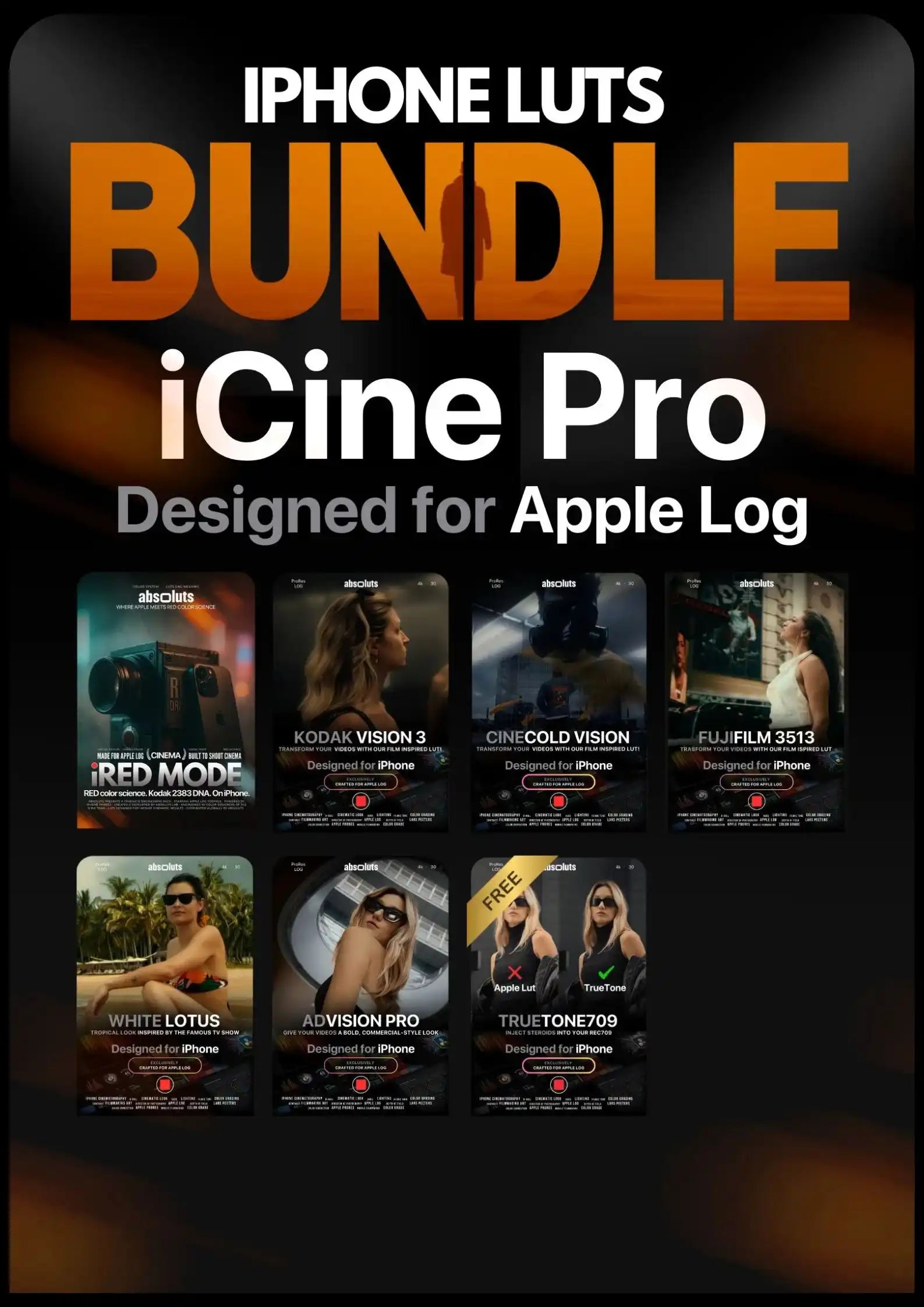
Top-Selling Bundles

FAQ
What editing software is this compatible with?
Our Film Burns Pro Overlays work with any software that supports video layers and blending modes, including Final Cut Pro, DaVinci Resolve, Adobe Premiere Pro, After Effects, LumaFusion, CapCut, and more.
What will I receive?
Immediately after your purchase, you can download your product(s) from the checkout page or via the download link sent automatically to your e-mail within a few seconds.
Inside the folder you’ll find:
- 15 unique Film Burns ( usable as overlays or transitions )
- 5 custom SFX tracks hand-designed to match each burn
- Video tutorial
How long are the overlays? Can I use them for longer videos?
Lenght is between 1-3 seconds, but they're designed to loop seamlessly. Just duplicate the layer on your timeline to cover the full length of your video.
What blending mode should I use?
We recommend using the "Screen" mode but you can experiment with other modes too, combine multiple burns, adjust opacity to tailor mood.
Can I use these overlays with your LUTs?
Absolutely. Our overlays are designed to complement our LUTs perfectly. Apply your LUT first, then add the film burns for the most cohesive, filmic look.
Will I get a refund?
Because all our products are digital downloads, we have no way of taking back the files once you purchase them. For that reason, we can not issue refunds.
If by mistake you purchase multiple quantity of our products, no refunds will be made. If you have any questions or concerns about your purchase, please don't hesitate to reach out to us via the contact page.
My download has expired, do I have to repurchase the pack?
We only renew the download link within 30 days from the date of purchase.
If your download link has expired and it has been more than 30 days then you have to repurchase the pack.
Disclaimer
These film burns overlays are artistic emulations inspired by real Kodak and Fujifilm film stocks. While we've carefully studied and matched their visual characteristics, they are not exact reproductions of the original films.
We are not responsible for any undesirable results caused by incorrect use, poor footage quality, or application in unsuitable workflows. Always test overlays on your project and adjust settings (blending mode, opacity) accordingly to achieve the desired result.
