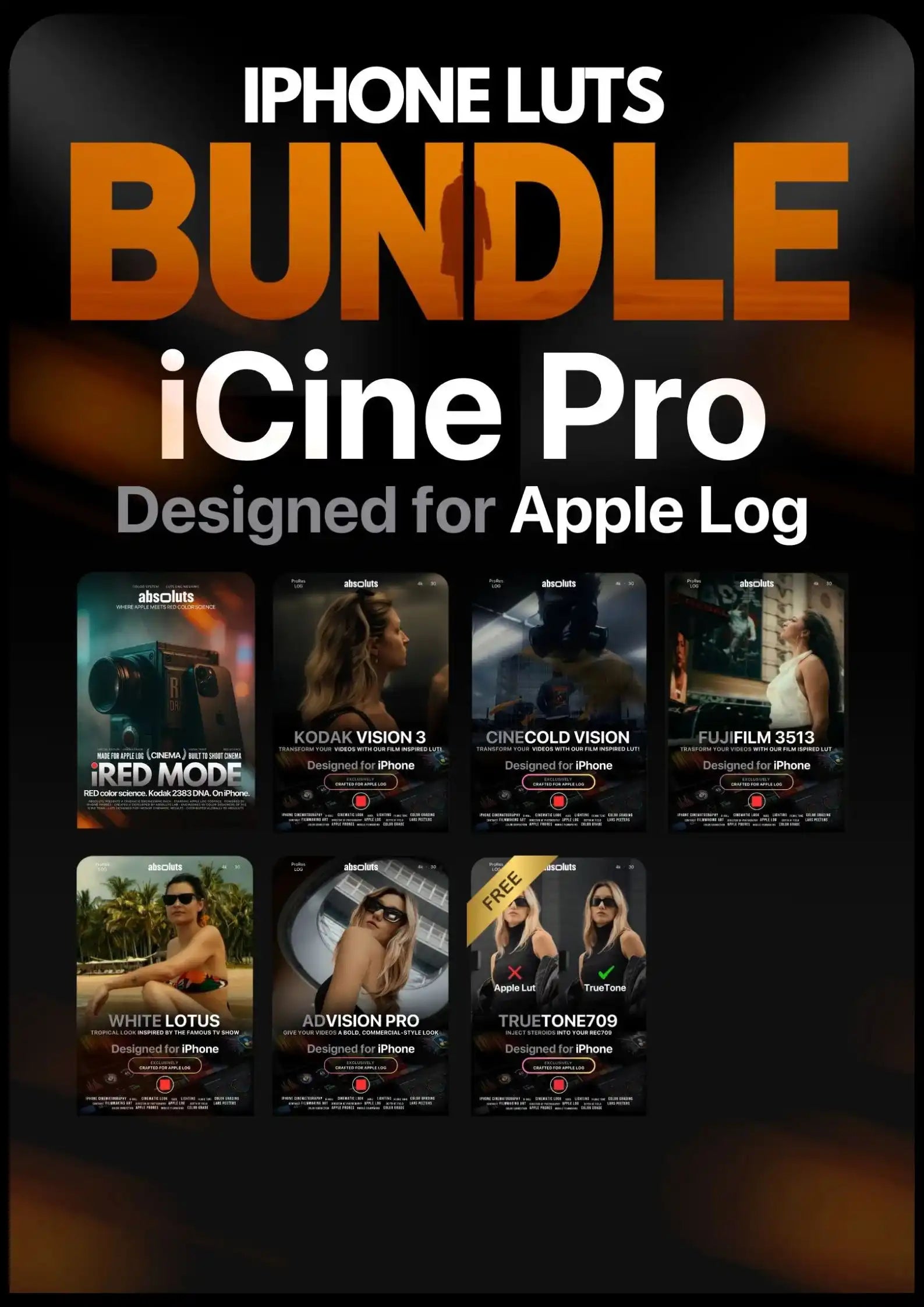



iCine Pro Bundle
0 Cinematic LUT Packs · 0 Professional LUTs
Different cinematic looks for your iPhone. Ready in seconds.
Designed for iPhone 15 Pro & newer.

Engineered for Apple Log – True Filmic and Commercial Color for iPhone
This pack consists of (45 LUTs total):
iRED Mode ( 10 LUTs ) NEW
White Lotus LUT Pack ( 6 LUTs )
FujiFilm 3513 LUT Pack ( 6 LUTs )
AdVision Pro LUT Pack ( 6 LUTs )
Kodak Vision 3 LUT Pack ( 6 LUTs )
CineCold Vision LUT Pack ( 6 LUTs )
TrueTone709 LUT Pack ( 5 LUTs )
✅ Stress-Tested on 500+ Clips
No Banding, Posterization, or Color Shifts
✅ Validated Across All Lighting Scenarios
Daylight, Tungsten, Mixed & Low Light
✅ Skin Tone Accuracy Guaranteed
No Unnatural Shifts or Color Casts
✅ Apple Log/Apple Log 2 Optimized
Preserves Dynamic Range & Skin Tones
✅ High-Precision .cube (65-Point Cube)
Max Color Accuracy & Smooth Tonal Transitions
Compatible with:

What's inside
Everything included in iCine Pro
7 cinematic LUT packs. 45 professional LUTs. All included, ready to use.
Swipe to see all 7

iRED Mode
RED color emulation for iPhone

Kodak Vision 3
Emulating the Kodak Vision 3 film print stock

FujiFilm 3513
Emulating the Fujifilm 3513 film print stock

CineCold Vision
Imparting an overall cinematic cold look

White Lotus
Refined tropical look for travel storytelling

AdVision Pro
Give your videos a bold, commercial-style look

TrueTone Rec.709
Better color conversion for Apple Log
All 7 packs and 45 LUTs come packed inside iCine Pro from day one. Nothing to pick, nothing to add.
Don’t Take Our Word For It.
Pro-Level Color. Straight From Your iPhone.
Shoot and apply the LUT in Blackmagic Cam. Get a polished cinematic look in seconds. Ready to export and share.
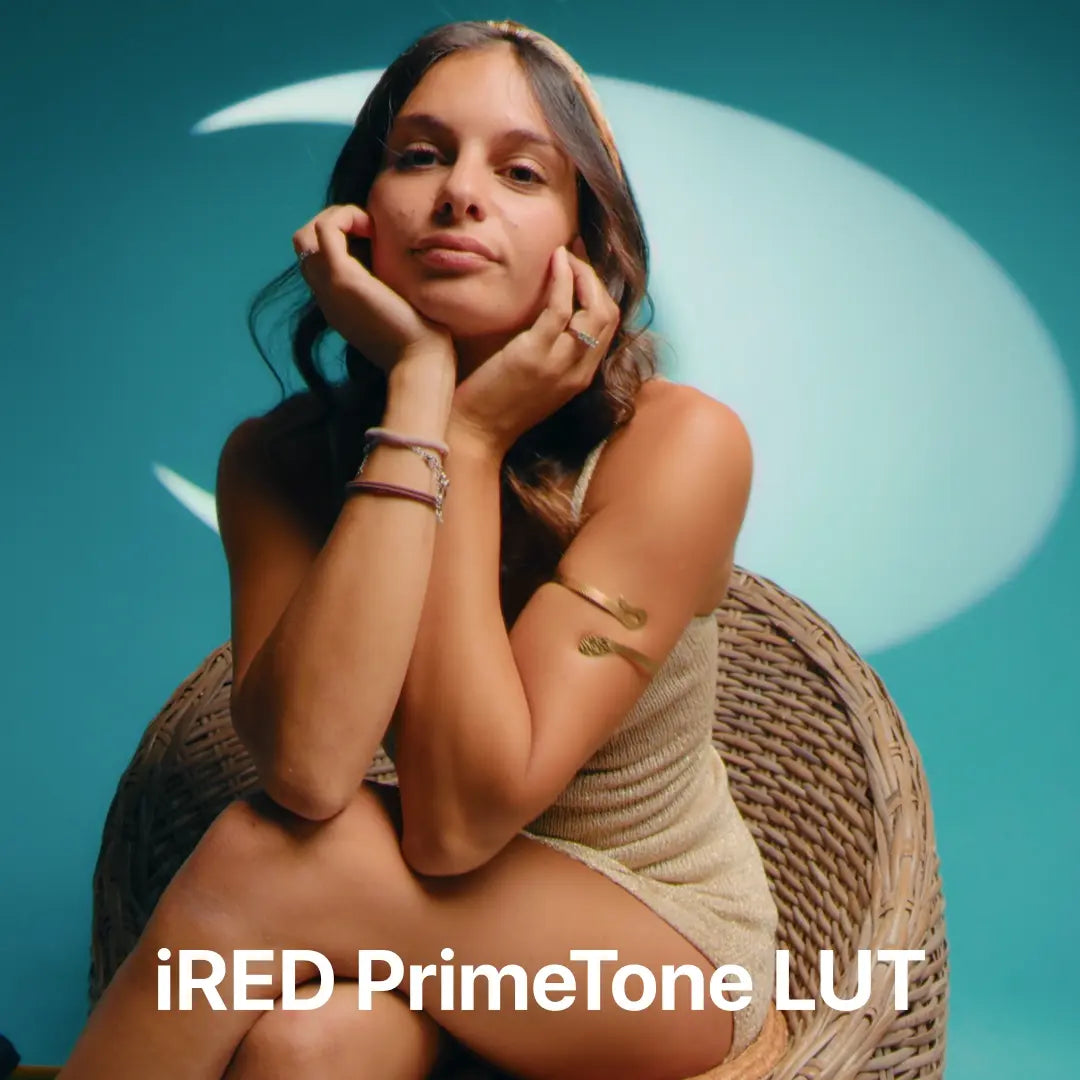
From iPhone to RED. The Process Behind iRED Mode

Our FujiFilm 3513 LUT in action! Watch the Trailer.

Step Into the Aesthetic of the White Lotus LUT. Watch the Trailer.

Discover the Potential of Our CineCold Vision LUT! Watch the Trailer.


IMMEDIATELY CINEMATIC
Adjust the settings in the BlackMagic Cam app, import and apply the LUT, shoot your clip with a filmic look applied and in a matter of minutes you can share your video with the world!
IMMEDIATELY CINEMATIC
Adjust the settings in the BlackMagic Cam app, import and apply the LUT, shoot your clip with a filmic look applied and in a matter of minutes you can share your video with the world!
FAQ
Best settings to use when shooting in Apple Log/Apple Log 2
IPhone Camera Settings:
- Apple ProRes: Selected
- ProRes Encoding: Log
- We reccomend turning HDR mode off
Blackmagic Camera App:
- Codec: ProRes 422 or Higher
- Resolution: 4K
- Color Space: Apple Log – HDR/Apple Log 2 – HDR
Instant Access to Your Cinematic Transformation
Immediately after purchase, you can directly download the LUT files, ready to use in any software supporting the .cube format.
Can I get cinematic results without color grading experience?
Absolutely! We've already done the hard work for you.
Every LUT included in this Bundle has been refined and tested on 1,000+ iPhone clips across different lighting conditions and shooting scenarios.
Colors, contrast, and skin tones are carefully calibrated for natural, cinematic results, optimized for Apple Log and Apple Log 2.
Just apply your LUT and transform your footage in seconds. No advanced color grading skills needed.
I was skeptical at first because I had downloaded a different lut from a different website and they were terrible but I decided to gove this a try and i’m happy i did!! This are the only luts i will be using from now on
You guys should buy this bundle without hesitation. Everytime I apply this luts with pretty much anything just work 1000% better than others. Honest worth more than the price.

Wow, these luts are very well-designed and super good instructions/tutorials how to use them. Entirely worth getting the Luts to transform your flat content to a cinematic look. For me, it was a no-brainer to get the whole bundle, and I am supper happy about it! Highly recommend it.

Amazing thanks !!!
So far so good. Paid around $60 with discounts sbd promotion and its well worth it
Very good bundle. Totally recommended!
Thanks a lot! At some point I realized that creators don’t really bother optimizing their products specifically for Apple Log 2. In this bundle I found everything I needed.“
I haven't tried everything but I'm satisfied.
I’m having a lot of fun with the Cine Bundle, great work!
Gives me more creative freedom.
Have had the iCine bundle for sometime, use them in Blackmagic Camera app, baked in for quick turnaround promo videos, clients always impressed.
So many LUTs for the price. Definitely saves time and effort.
Just used it for my videos from iphone 17 pro max and i love it!
Thanks a lot! We really appreciate your feedback!
Each lut in the pack feels top quality. Honestly, hard to pick a favorite.
Every lut inside feels amazing! One better than the other. Really worth it.
Lots of styles in one place, and it’s quick to get the look I want.
Easy to use and makes the videos look way better!!
Used it once..now it’s in every project!!
Tons of value in here. Took me a bit to figure out the overlays, but now I use it almost every time.
The bundle offers a wide range of looks, and applying them is super simple.
Whenever I start editing, this pack is the first thing I use.
Instead of buying single packs, the bundle gave me more options at a better price.
Everything blends smoothly and gives the footage a super refined finish!
Everything just clicks. No weird colors, no mess….super clean cinematic look with zero stress😎
All the elements work perfectly together for a polished look.
Great collection with everything to get cinematic results fast.
This bundle saved me so much time! Amazing value and quality.
Didn’t expect much, but the Luts are honestly incredible. The final look blew me away. Keep it up, guys!
Abdolutely amazing solution to color and grade my iphone shoots on real time. Well done
These LUTS are great! The colors and contrasts are great! Really satisfied. Will check out some of their other offerings.
Thanks absolute.
These Luts are adding vibrancy and flavor to my videos. Straight out of the “Box” I see so much more potential from my IPhone 16 Pro.
Top Luts!!!!! amazing results!🏆
High-quality Luts, insane look! But to use them well on Blackmagic, you need to know how to handle exposure and colors. Not exactly plug & play, but the results are worth it!