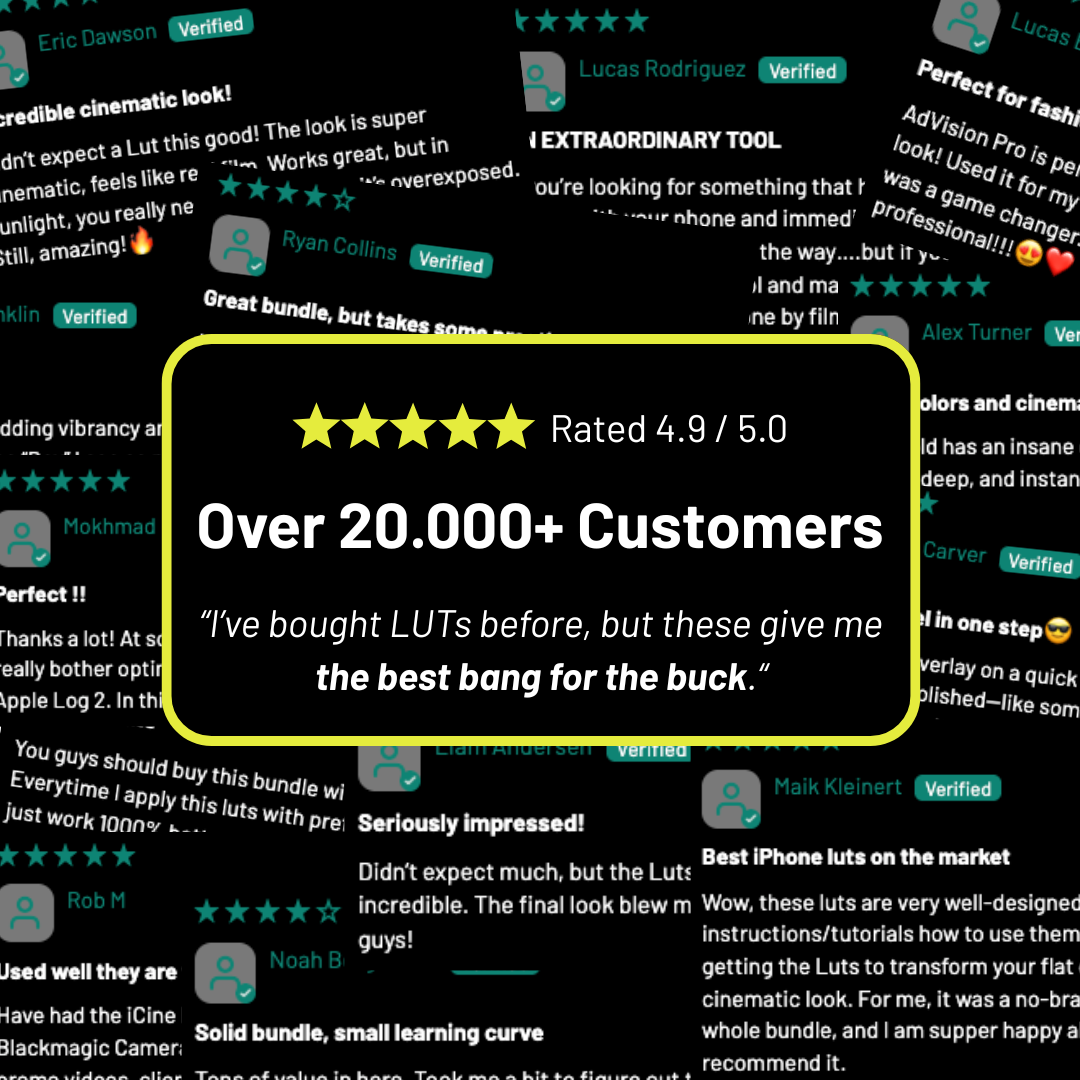

WHAT MAKES THE iCINE MASTER BUNDLE A MUST-HAVE FOR EVERY iPHONE FILMMAKER?

In less than a year, the iCine Master Bundle has become the go-to grading system for iPhone creators shooting in Apple Log. With 87 five-star reviews and thousands of clips graded, filmmakers keep saying the same thing: "This is the only bundle that actually works on iPhone footage."

45 LUTs. 3 PowerGrades for DaVinci Resolve Studio. 30+ film overlays in 4K. Seven professional LUT packs, from Kodak film emulation to RED camera color science — plus the finishing tools that turn a good grade into a cinematic one.

So, what exactly makes it different from everything else out there?

1. Built Exclusively for Apple Log — Not Recycled from Cinema Cameras

Most LUT packs on the market were designed for S-Log3, C-Log, or REDWideGamutRGB. When you drop them onto Apple Log footage, you get muddy midtones, skin that shifts orange or magenta, and visible banding in gradients.

The iCine Master Bundle was engineered from the ground up for Apple Log and Apple Log 2 color science. Every single LUT was developed and tested across 500+ clips shot on iPhone 15 Pro through 17 Pro — in daylight, tungsten, mixed lighting, and low light.

That means accurate skin tones, clean shadow-to-highlight transitions, and zero guesswork. The color science works because it was built for your exact camera pipeline — not adapted from someone else's.

2. Not Just LUTs — A Complete Post-Production System

This is where the Master Bundle separates itself from every other LUT pack on the market. LUTs are your starting point. But what about halation, film grain, glow, skin refinement?

The bundle includes 3 PowerGrades for DaVinci Resolve Studio — fully modular node trees you can customize, stack, and save as your own presets:

Apple Log to RED brings your iPhone color science closer to RED camera output. Filmic Craft adds film-like halation, glow, grain, and tonal shaping in a single drag-and-drop. SkinTone Craft gives you a refined, clean node structure built specifically for skin — no more fighting color casts on faces.

On top of that, you get 30+ overlays in 4K: 15 Film Grain overlays (8mm, 16mm, 35mm looks) and 15 Film Burns + 5 SFX — all scanned and mastered at 4K resolution, drag-and-drop ready for any timeline.

LUT packs give you color. The Master Bundle gives you a look.

3. Cinema-Grade Color in a One-Minute Workflow

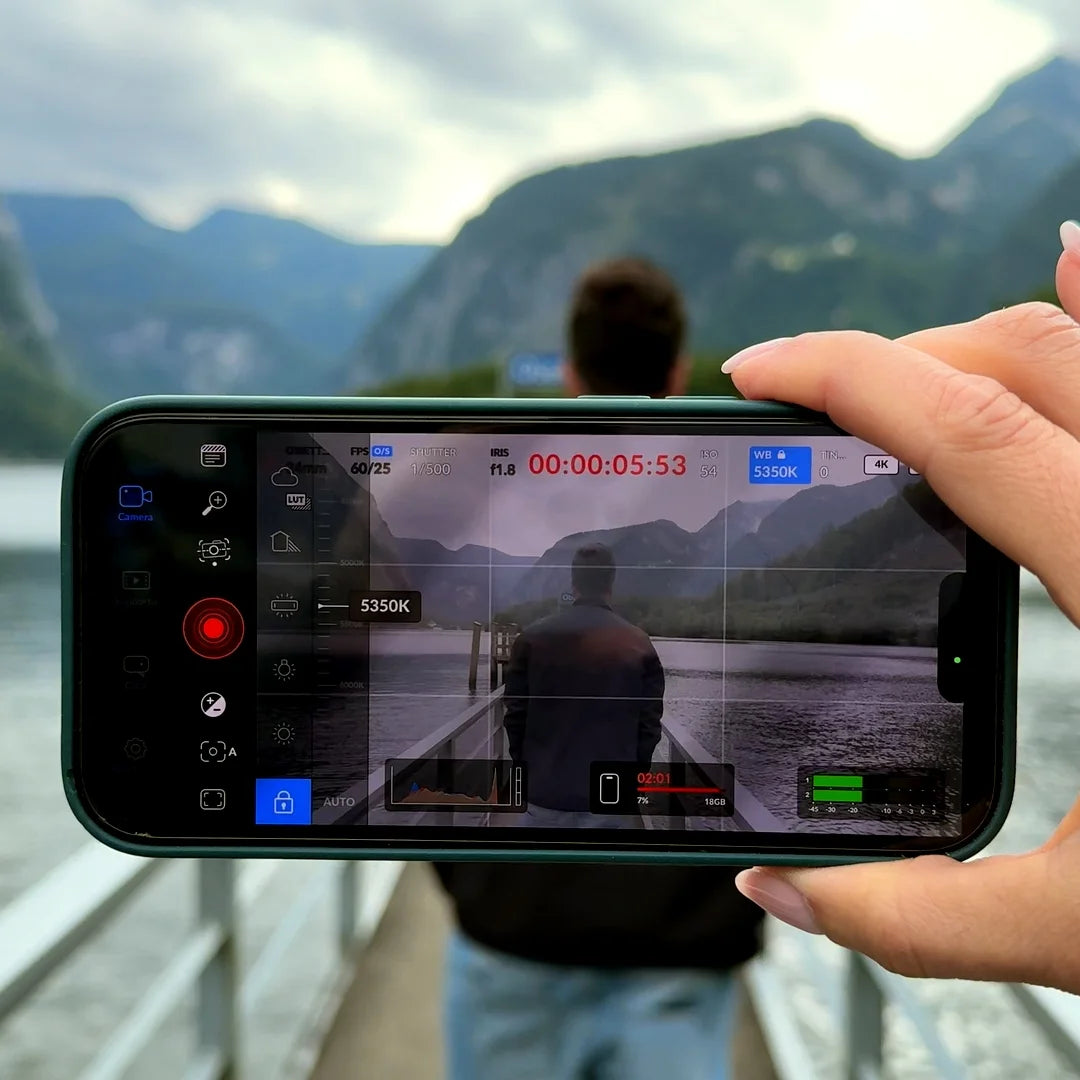
You already know how to shoot in Apple Log with Blackmagic Cam. You know what a LUT does. What you don't want is spending 45 minutes per clip manually trying to match a film stock look you saw on YouTube.

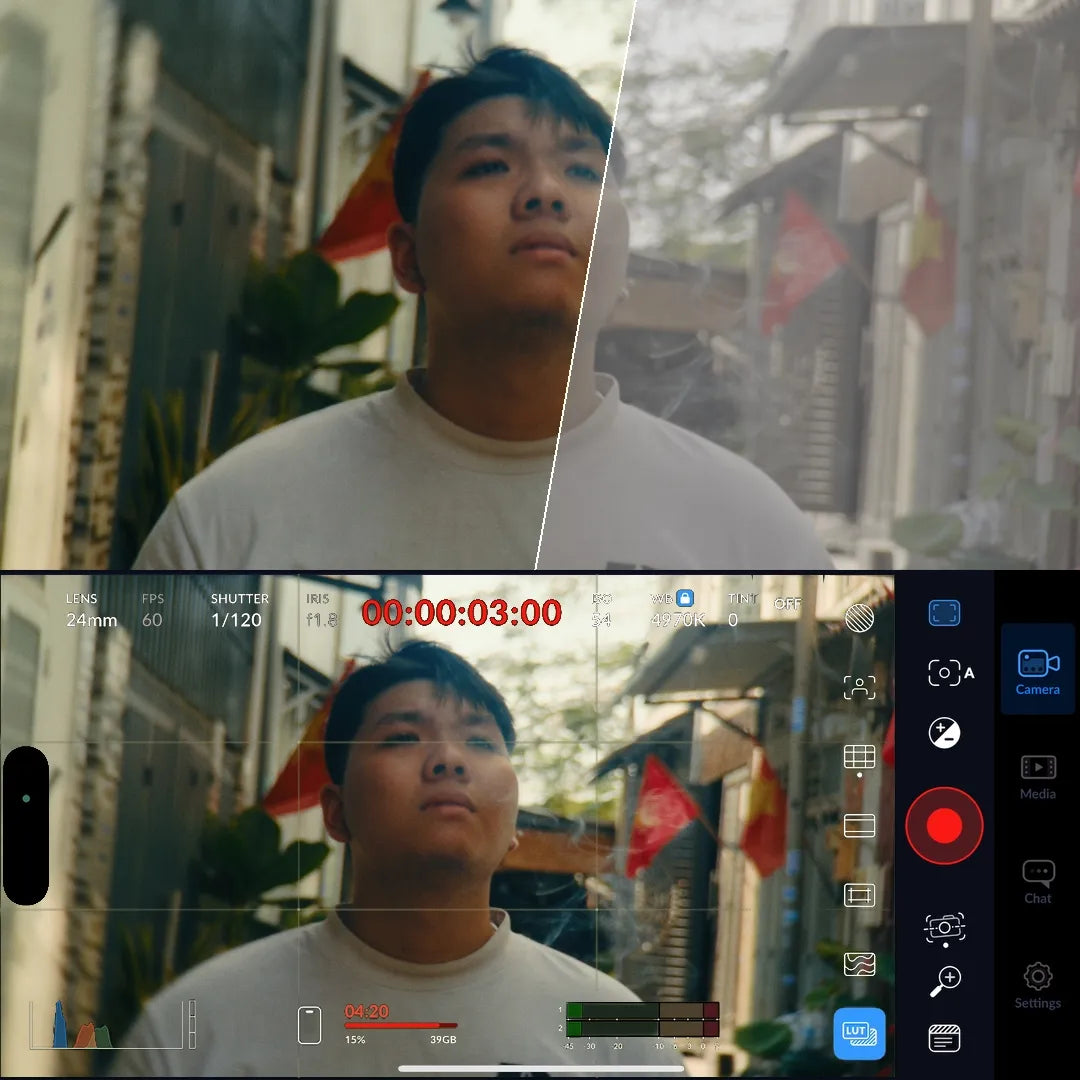
Import the LUT. Apply it. Fine-tune exposure and white balance if needed. Layer a grain overlay and a PowerGrade if you want to go deeper. That's it.

Whether you're cutting a travel film in DaVinci Resolve or doing a quick turnaround edit in LumaFusion on the plane home, these assets give you a professional starting point that actually holds up — so you spend your time on the story, not chasing a grade.

4. 7 Distinct LUT Packs — One Purchase Covers Every Project

A cold, moody short film. A sun-drenched travel vlog. A punchy commercial for a local brand. A Kodak-toned wedding highlight. You'd normally need to buy four different packs from four different creators — hoping each one works on Apple Log (spoiler: most don't).

The iCine Master Bundle gives you 7 complete LUT packs: iRED Mode (10 LUTs — RED camera emulation), Kodak Vision 3 and FujiFilm 3513 (analog film stocks), CineCold Vision (moody/desaturated), White Lotus (warm travel tones), AdVision Pro (commercial/ad look), and TrueTone Rec.709 (clean, accurate base conversion).

45 LUTs. Every genre covered. Plus the PowerGrades and overlays to finish the job.

5. No Banding, No Posterization — Stress-Tested on Real iPhone Footage

Here's the dirty secret of most LUT packs: they look gorgeous on the creator's demo reel shot on an ARRI or RED, but the moment you apply them to iPhone ProRes, the limitations show. Banding in skies. Posterization in skin tones. Color shifts in the shadows.

Every LUT in this bundle uses a 65-point cube (the maximum precision for .cube files) and has been stress-tested specifically against the dynamic range and bit depth of iPhone Apple Log. Smooth gradients in skies, clean rolloffs in highlights, and skin that stays skin — even when you push the grade.

6. Trusted by Thousands of iPhone Creators Worldwide

This isn't a new or untested product. The Master Bundle and its individual packs collectively carry thousands of reviews at a 4.9 average rating, with the LUT packs alone reviewed by 171+ creators.

The feedback is consistent: natural skin tones, reliable performance across lighting conditions, and looks that hold up whether you're delivering in HDR or Rec.709. Creators use these assets for YouTube content, Instagram Reels, short films, brand videos, and wedding work — all shot on iPhone.

When thousands of creators stake their projects on a tool, that's not marketing. That's track record.

7. Save 70% — Get Everything for Less Than the Price of Two Packs

Let's do the math. The 7 LUT packs, 3 PowerGrades, and 2 overlay packs in this bundle retail individually for a combined $200+.

That's the entire Absoluts catalog — LUTs, PowerGrades, Film Grain, Film Burns — for less than what two individual packs would cost you elsewhere. Every asset was developed over weeks of testing on real iPhone footage, not generated in bulk and thrown into a zip file.

If you're serious about iPhone filmmaking, this is the most cost-effective upgrade you can make to your entire post-production workflow.

4.9 ★ average across 10k+ reviews. Trusted by thousands of iPhone filmmakers worldwide.

The Complete iPhone Filmmaking Toolkit

Enjoy 70% OFF — Today Only

Your full grading system — LUTs, PowerGrades, and Overlays — at the lowest price it'll ever be.

Save 70% and get instant access to everything:

45 LUTs across 7 packs — iRED Mode, Kodak Vision 3, FujiFilm 3513, CineCold Vision, White Lotus, AdVision Pro, TrueTone Rec.709

3 PowerGrades for DaVinci Resolve Studio — Apple Log to RED, Filmic Craft, SkinTone Craft — fully modular, 100% customizable

30+ Overlays in 4K — Film Grain Pro (15 overlays: 8mm, 16mm, 35mm) + Film Burns Pro (15 overlays + 5 SFX) — scanned & mastered, drag-and-drop ready

D
absoluts
Davide Find
The Kodak LUT is really well made

The Kodak LUT is really well made! Just tested it and was amazed by the cinematic look. Great job, keep it up!

M
absoluts
Matteo Parolini
Kodak Vision 3 LUT Rocks!

Absolutely loving the Kodak Vision 3 LUT for my iPhone! It's a real game-changer. Just a few tweaks to white balance and exposure and boom, the results are stunning. It's like magic for your mobile footage!

T
absoluts
Tiziana Rossi
Finally a really top Lut!

Congratulations guys! I have to admit that I thought I was downloading the usual Lut ... and instead I was surprised by the fidelity of the colors and the very filmic look! The result on the iPhone is truly amazing! Great!🔥

L
absoluts
LINDA
Color Depth Like Never Before with Kodak Vision 3 LUT

I've been using the Kodak Vision 3 LUT for my recent videos and the color density is out of this world! The richness and depth it adds to my footage are truly beyond my expectations. I'm thoroughly impressed and extremely satisfied with the results. Fantastic job on this LUT!

r
absoluts
robert albastroiu
Stunning Kodak Vision 3 LUT for iPhone: Rich Colors and great look, but be mindful while shooting

This Kodak Vision 3 LUT for iPhone truly enhances your footage, giving it a deep, film-like contrast that's a joy to watch. The colors come out incredibly dense, adding a rich layer of cinematic flair to your videos. However, when using it with the Blackmagic app, be mindful of your white balance settings; it can skew the footage too warm or cool if not correctly adjusted. A minor tweak for an otherwise fantastic product

Kodak Vision 3 LUT on iPhone 15 Pro: A game changer

I've been using the Kodak Vision 3 inspired LUT directly on my iPhone 15 Pro with the BlackMagic Cam app, and the results are explosive! Exporting straight from my phone and still getting such stunning visuals is incredible. Hats off to the team-absolutely fantastic work!