
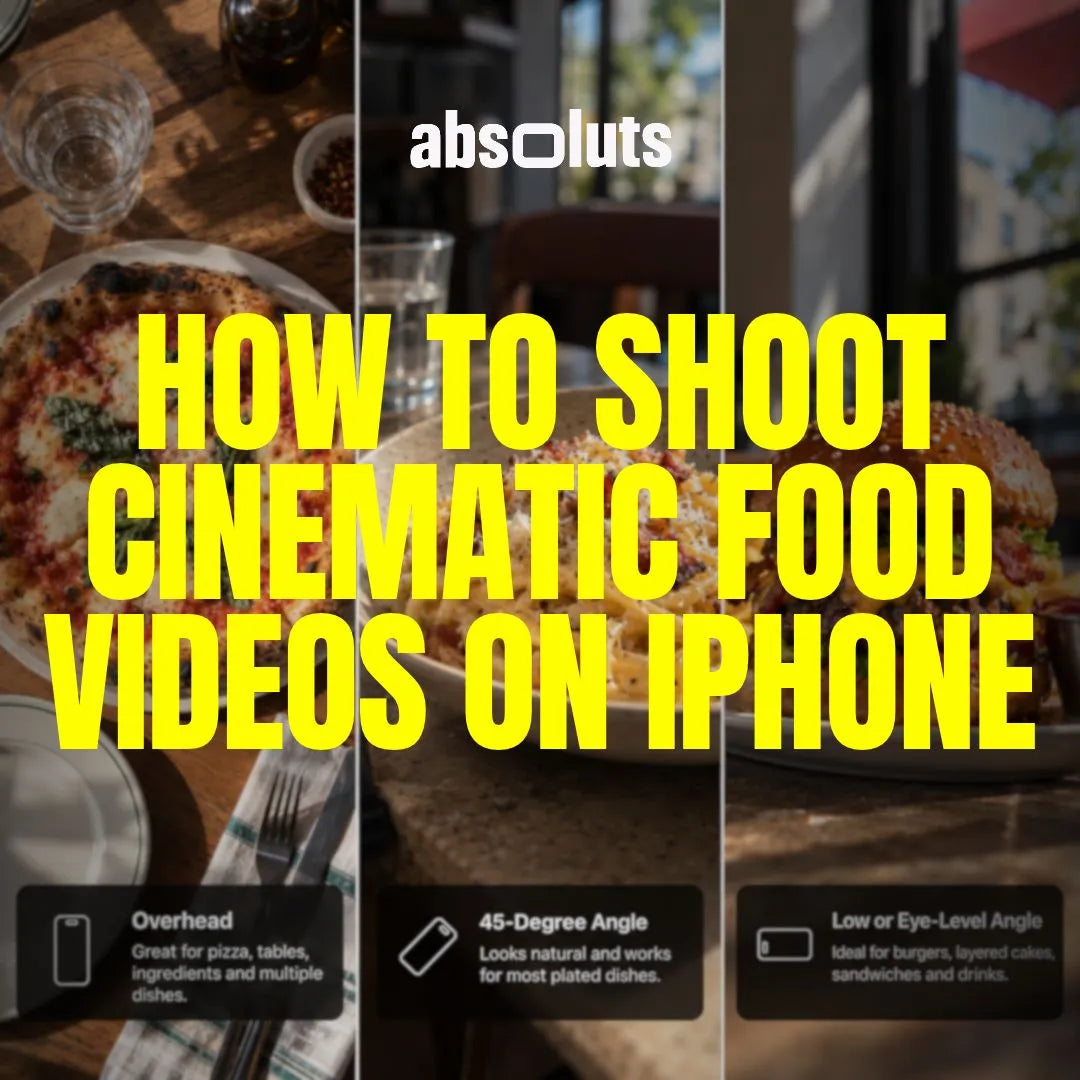
How to Shoot Cinematic Food Videos on iPhone
Learn how to shoot cinematic food videos on iPhone using better lighting, camera angles, movement, Apple Log settings, and natural color grading.
How to Shoot Cinematic Interviews on iPhone
Learn how to shoot professional-looking interviews on iPhone with better composition, lighting, audio, Apple Log settings, B-roll, and color grading.
How to Shoot Cinematic Social Media Videos on iPhone
Learn how to shoot cinematic Reels, TikToks, and Shorts on iPhone using better vertical composition, storytelling, movement, transitions, and Apple Log workflows.
How to Shoot Cinematic Travel Videos on iPhone
Learn how to shoot cinematic travel videos on iPhone using better shot variety, storytelling, movement, transitions, Apple Log, and color grading.
How to Shoot Cinematic Product Videos on iPhone
Learn how to shoot premium product videos on iPhone using better lighting, composition, camera movement, shot planning, and Apple Log color grading.
How to Light Cinematic iPhone Videos with Just One Light
Learn how to create cinematic iPhone lighting with just one light using professional positioning, diffusion, negative fill, and simple lighting techniques.
How to Use Practical Lights for Cinematic iPhone Videos
Learn how to use lamps, screens, signs, and other practical lights to create cinematic depth, color contrast, and motivated lighting in iPhone videos.
How to Shoot Cinematic Video in Low Light on iPhone
Learn how to shoot cinematic low-light video on iPhone using better exposure, practical lighting, camera settings, Apple Log, and controlled color grading.
How to Use Natural Light for Cinematic iPhone Videos
Learn how to use natural light for cinematic iPhone filmmaking, from hard and soft light to open shade, backlighting, window light, and Apple Log exposure.
