
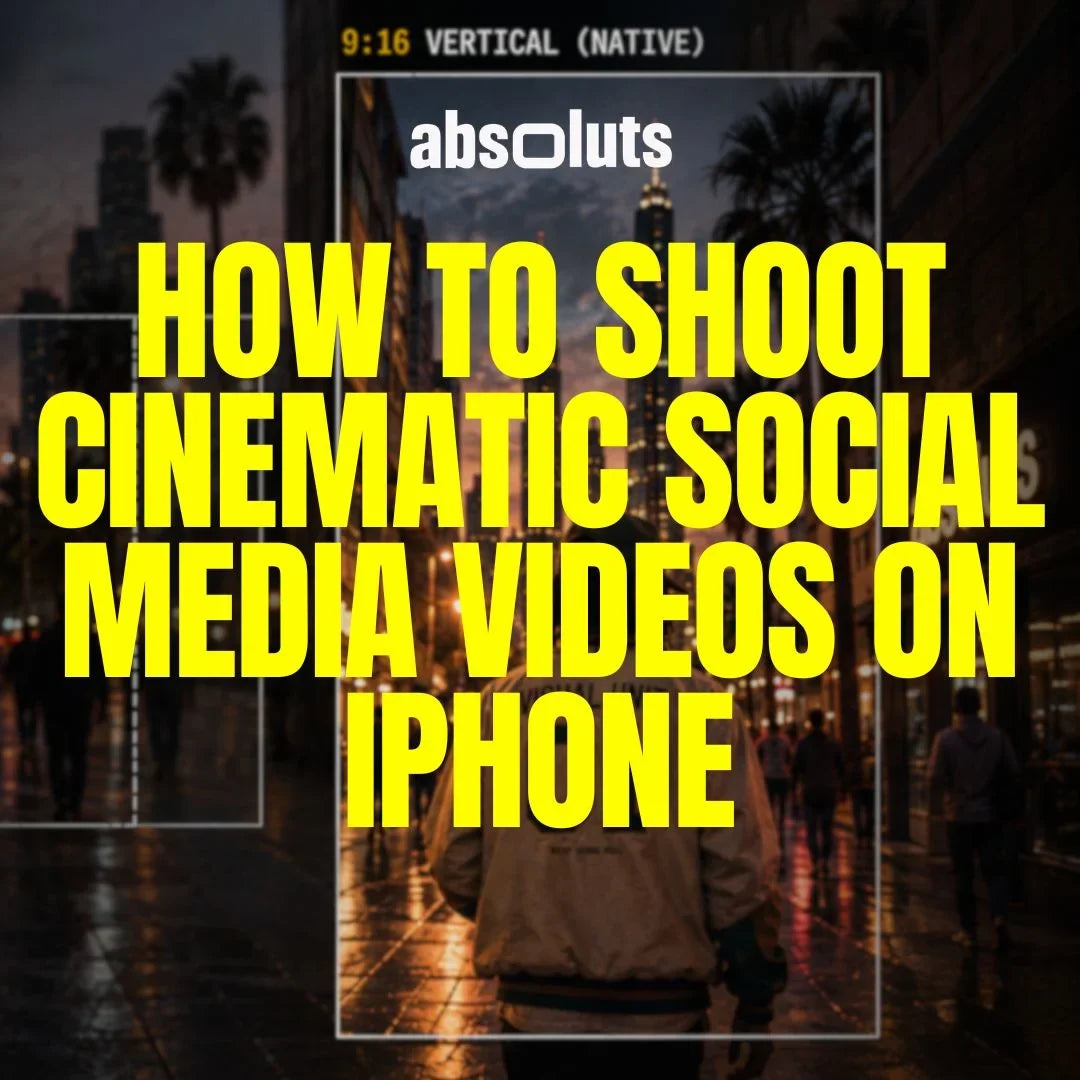
Create better Reels, TikToks, and Shorts without sacrificing cinematic quality
Short-form content moves fast. You may have only a few seconds to capture attention, establish a scene, and communicate an idea. But that does not mean cinematic filmmaking principles stop applying.
Lighting, composition, movement, color, and storytelling still matter. They simply need to work within a faster format. The goal is not to make a 15-second video feel like a compressed movie.
It is to make every second feel intentional. Here is how to create better cinematic social media videos with your iPhone.
1. Cinematic Doesn't Mean Slow
Cinematic footage is often associated with slow motion, long camera movements, and dramatic music. But cinematic is not a frame rate or editing speed. It comes from intentional decisions about:
- Light
- Composition
- Movement
- Color
- Timing
A fast-paced Reel can still look cinematic. Instead of slowing everything down, focus on creating strong individual shots that communicate information quickly. Use slow motion when the moment benefits from it, not simply because it looks impressive.
2. Make the First Seconds Visually Strong
On short-form platforms, the opening matters enormously. Your first shot should immediately give the viewer a reason to keep watching. That could be:
- An interesting action
- A strong composition
- A reveal
- An unexpected detail
- A compelling subject
- The final result shown before the process
You do not necessarily need a text hook. The image itself can create curiosity. Instead of beginning with an empty establishing shot, consider starting closer to the action and revealing context afterward.
3. Compose Specifically for 9:16
If the final video will be vertical, think vertically while filming. Do not automatically shoot everything horizontally and assume you can crop it later. A strong 9:16 composition uses the vertical space intentionally. Look for:
- Tall architecture
- Vertical leading lines
- Foreground elements
- Subjects moving toward or away from the camera
- Multiple layers at different depths
Also pay attention to headroom and subject placement. A composition designed for 16:9 may lose important information when the sides are removed. Whenever possible, compose for the final format from the beginning.

4. Build Micro-Sequences
Even a 10 or 15-second video can tell a small story. Instead of collecting random beautiful clips, try building a simple sequence:
Hook → Context → Detail → Action → Result
For example, imagine a short video about making coffee. You might show:
- Coffee pouring as the visual hook.
- A wider shot establishing the location.
- A close-up of the beans.
- The preparation process.
- The finished drink.
Each clip has a specific function. This gives the edit progression, even when the entire video lasts only a few seconds.

5. Record Longer Than You Plan to Use
Fast edits require short clips. Fast shooting does not. You may use only one second of a shot in the final Reel, but record several seconds during production.
Start recording before the action begins. Let the action happen. Keep recording briefly afterward. This gives you much more flexibility when choosing edit points and creating transitions.
Constantly stopping the recording immediately after the important moment often leaves you with footage that is unnecessarily difficult to edit.
6. Balance Movement with Static Shots
Camera movement can create energy, especially in short-form content. Push-ins, tracking shots, reveals, and lateral movements can all work extremely well. But if every shot moves, the sequence can quickly become exhausting.
Mix movement with controlled static compositions. A useful rhythm might be:
Movement → Static Detail → Movement → Static Hero
Contrast makes movement feel more meaningful. The camera should move because the shot benefits from movement, not because social media content is expected to feel fast.
7. Create Transitions While Filming
You do not need complicated editing effects to connect shots. Many of the best transitions can be created directly during production. Try:
Movement Matching: End one shot moving right and begin the next moving in the same direction.
Foreground Wipes: Let an object pass close to the lens and use that moment to hide the cut.
Match Cuts: Connect similar shapes, compositions, or actions.
Action Cuts: Start an action in one shot and complete it from another angle.
These techniques make transitions feel integrated into the cinematography rather than added afterward.
8. Don't Sacrifice Image Quality for Speed
Social media may be fast, but your shooting process should still be controlled. When recording Apple Log or Apple Log 2, pay attention to exposure and white balance just as you would for a longer project.
Lock settings whenever practical to avoid visible changes during a take. Also choose frame rate intentionally.
You do not need to record everything at 60 fps simply because you might want slow motion later. If the shot will play at normal speed, 24, 25, or 30 fps may be the more appropriate choice.
A short video does not need lower production standards simply because it will be watched on a phone.
9. Keep the Grade Consistent
Fast editing makes inconsistencies easy to notice. If one clip is warm, the next is green, and another has completely different contrast, rapid cuts can exaggerate those differences. Start by matching:
- Exposure
- White balance
- Contrast
- Skin tones
Then establish the creative direction. For creators who want a cleaner and more neutral starting point, TrueTone709 LUT can provide a natural Apple Log conversion that leaves room for further creative adjustments.
For commercial, lifestyle, or more stylized short-form content, iRED Mode LUT combines the Apple Log to Rec.709 transformation with a stronger cinematic look.
Whichever direction you choose, consistency across the sequence matters more than making every individual shot extremely stylized.
10. Avoid the Most Common Short-Form Mistakes
Do not rely on constant movement, slow motion, or transition effects to create interest. Avoid shooting horizontal footage without considering how it will crop vertically.
Give every clip enough recording time to work with during editing. Most importantly, do not let trends completely dictate how you shoot. Formats and editing styles change quickly.
Strong composition, lighting, storytelling, and color remain useful regardless of the platform.
Final Thoughts
Cinematic short-form content is not about squeezing traditional filmmaking into 15 seconds. It is about making better decisions faster.
Compose for the vertical frame. Start with a strong visual. Build small sequences instead of collecting random clips. Use movement selectively and create transitions during production whenever possible.
Then keep exposure, white balance, and color consistent throughout the edit. A Reel, TikTok, or Short may last only a few seconds. That is exactly why every shot needs a purpose.



Leave a comment
All comments are moderated before being published.
This site is protected by hCaptcha and the hCaptcha Privacy Policy and Terms of Service apply.