
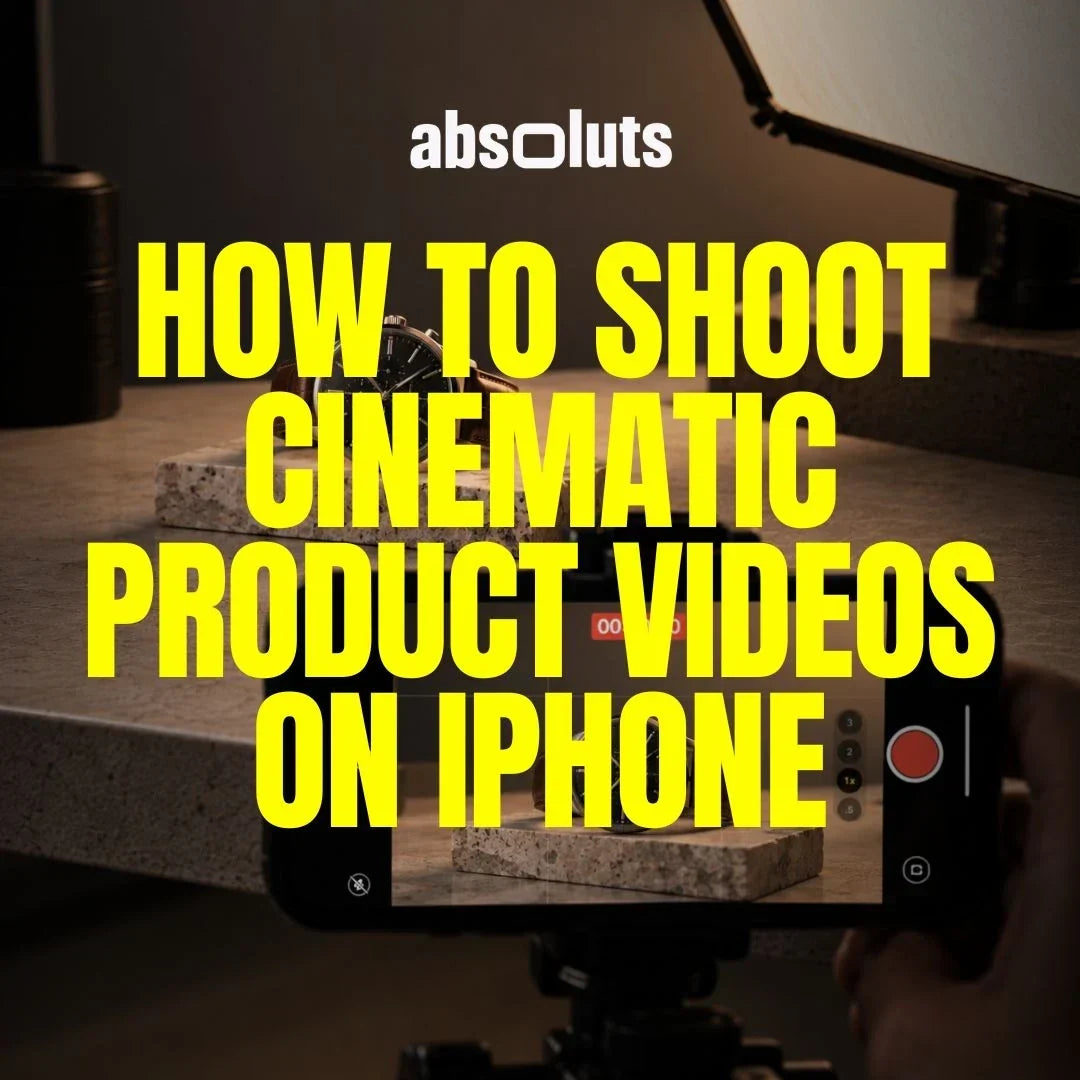
Create premium-looking product content without a professional camera
You do not need a cinema camera or a large production crew to create compelling product videos.
Modern iPhones can capture highly detailed Apple Log and Apple Log 2 footage, but image quality alone does not make a product look premium. The difference comes from how you present it.
Lighting, composition, camera movement, environment, and shot selection all influence how viewers perceive a product.
Whether you are filming for a brand, an e-commerce store, social media, or your own portfolio, the goal is the same: make every shot communicate something about the product.
Here is a simple workflow for doing it.
1. Start with the Product, Not the Camera
Before deciding how to film, study the product. Ask yourself:
- What makes it visually distinctive?
- Which materials or textures should be visible?
- Does it have interesting buttons, edges, screens, or moving parts?
- How is someone supposed to interact with it?
- What should the viewer feel about it?
A premium watch, an outdoor backpack, and a pair of headphones should not be filmed in exactly the same way.
Your cinematography should reinforce the identity of the product. Once you understand what matters, deciding what to shoot becomes much easier.
2. Build a Simple Product Shot Sequence
Avoid recording dozens of random close-ups and hoping they work together later. Instead, build a small sequence. A useful starting point is:
Hero Shot → Context Shot → Detail → Interaction → Movement → Final Hero
The hero shot introduces the product clearly. The context shot shows where it belongs. Details communicate materials and quality.
Interaction demonstrates how it works. Movement adds energy. The final hero shot gives the sequence a strong visual ending.
You do not always need all six, but thinking in sequences makes editing significantly easier.

3. Use Light to Reveal Shape and Texture
Product lighting is not simply about making the object bright enough. It should reveal its shape. Move a large soft source around the product and watch how highlights travel across:
- Metal
- Glass
- Plastic
- Fabric
- Packaging
Side lighting can emphasize texture, while a large diffused source can create smoother reflections on glossy surfaces. Reflective products require particular attention because the camera may see the environment reflected directly in them.
Before recording, inspect the product carefully and adjust the light until its important surfaces feel intentional. And clean the product. Dust and fingerprints become surprisingly visible in close-up footage.
4. Create Depth Around the Product
A product placed directly in the center of an empty table can quickly feel like a basic demonstration rather than a commercial. Instead, create layers. Use:
- Foreground objects
- Background separation
- Surfaces with texture
- Leading lines
- Different heights
- Controlled negative space
Even simple objects can help frame the product without competing for attention. Keep the hero clear, but give it an environment to exist within. This creates a stronger sense of depth and makes the scene feel intentionally designed.
5. Keep Camera Movement Simple
Product videos often use movement, but more movement does not automatically make footage more cinematic. A few simple techniques are usually enough.
Push-In: Slowly move toward the product to increase attention.
Lateral Slide: Move across the product to reveal its shape.
Reveal: Use a foreground object to gradually introduce the product.
Orbit: Move partially around the object to show dimensionality.
The movement should reveal information or create emphasis. If the shot works better completely static, keep it static. Smooth, controlled motion almost always looks more premium than complicated movement performed without precision.
6. Capture Details That Communicate Quality
Close-ups are particularly powerful in product filmmaking because they allow viewers to experience details they might otherwise miss. Look for:
- Material texture
- Buttons
- Stitching
- Engraving
- Packaging
- Edges
- Reflections
- Mechanical movement
But every detail should have a reason to be shown. If you are filming a camera, for example, showing the lens mechanism communicates something about engineering and precision.
If you are filming clothing, texture and stitching communicate material quality. Details should tell the viewer why the product is worth paying attention to.
7. Match the Environment to the Brand
Set design is part of product cinematography. A technology product might work well with:
- Clean surfaces
- Controlled reflections
- Cooler lighting
- Minimal backgrounds
A lifestyle product may benefit from natural materials and warmer environments. An outdoor product should probably feel connected to movement, weather, or landscape rather than sitting on an artificial studio desk. Think about:
Product → Audience → Environment → Lighting → Color
These elements should feel like they belong to the same visual world. A simple location with the right aesthetic is usually more effective than an elaborate location that does not match the product.
8. Control Exposure and White Balance
Product footage often contains difficult exposure situations. White packaging can lose texture in the highlights. Black products can lose separation in the shadows.
Glossy surfaces may create extremely bright reflections. Screens introduce another bright element that needs to remain readable. When shooting Apple Log or Apple Log 2, monitor these areas carefully rather than judging the image only from the preview.
Also lock your white balance whenever possible. If the color temperature changes between your hero shot, close-ups, and interaction shots, matching the sequence in post-production becomes unnecessarily difficult.
Consistency during capture gives you a much stronger starting point for the final grade.

9. Build the Commercial Look in Post
The grade should reinforce the visual identity established during production. A clean technology commercial may require controlled whites, precise contrast, and stronger color separation. A lifestyle product might benefit from a softer and more organic treatment.
For commercial and product-focused Apple Log footage, iRED Mode LUT can provide a strong cinematic starting point while performing the Apple Log to Rec.709 transformation and applying the creative look.
For DaVinci Resolve workflows where a more film-inspired finish is appropriate, Filmic Craft PowerGrade can add and control characteristics such as halation, glow, softness, grain, and chromatic imperfections.
The important thing is consistency. Every shot in the sequence should feel like it belongs to the same commercial.
10. Avoid the Most Common Product Video Mistakes
A few mistakes can quickly make product footage feel less professional:
Random camera movements: Movement should reveal or emphasize something.
Uncontrolled reflections: Check glossy surfaces before recording.
Dirty products: Clean fingerprints, dust, screens, and packaging.
Identical framing: Mix hero shots, medium shots, and details.
Inconsistent lighting: Keep direction and color coherent throughout the sequence.
Ignoring the environment: The set should reinforce the product's identity.
Overgrading: A strong commercial look should enhance good production decisions, not hide poor ones.
The best product videos usually feel controlled rather than complicated.
Final Thoughts
Cinematic product filmmaking is less about expensive equipment and more about intentional presentation. Study the product before filming.
Decide which characteristics matter. Build a short sequence rather than collecting random shots. Use light to reveal shape and texture, movement to introduce information, and composition to create a visual world around the product.
Then use color grading to unify everything. Your iPhone is already capable of capturing high-quality footage. The real skill is making the product feel as valuable on screen as you want the viewer to perceive it.



Leave a comment
All comments are moderated before being published.
This site is protected by hCaptcha and the hCaptcha Privacy Policy and Terms of Service apply.