
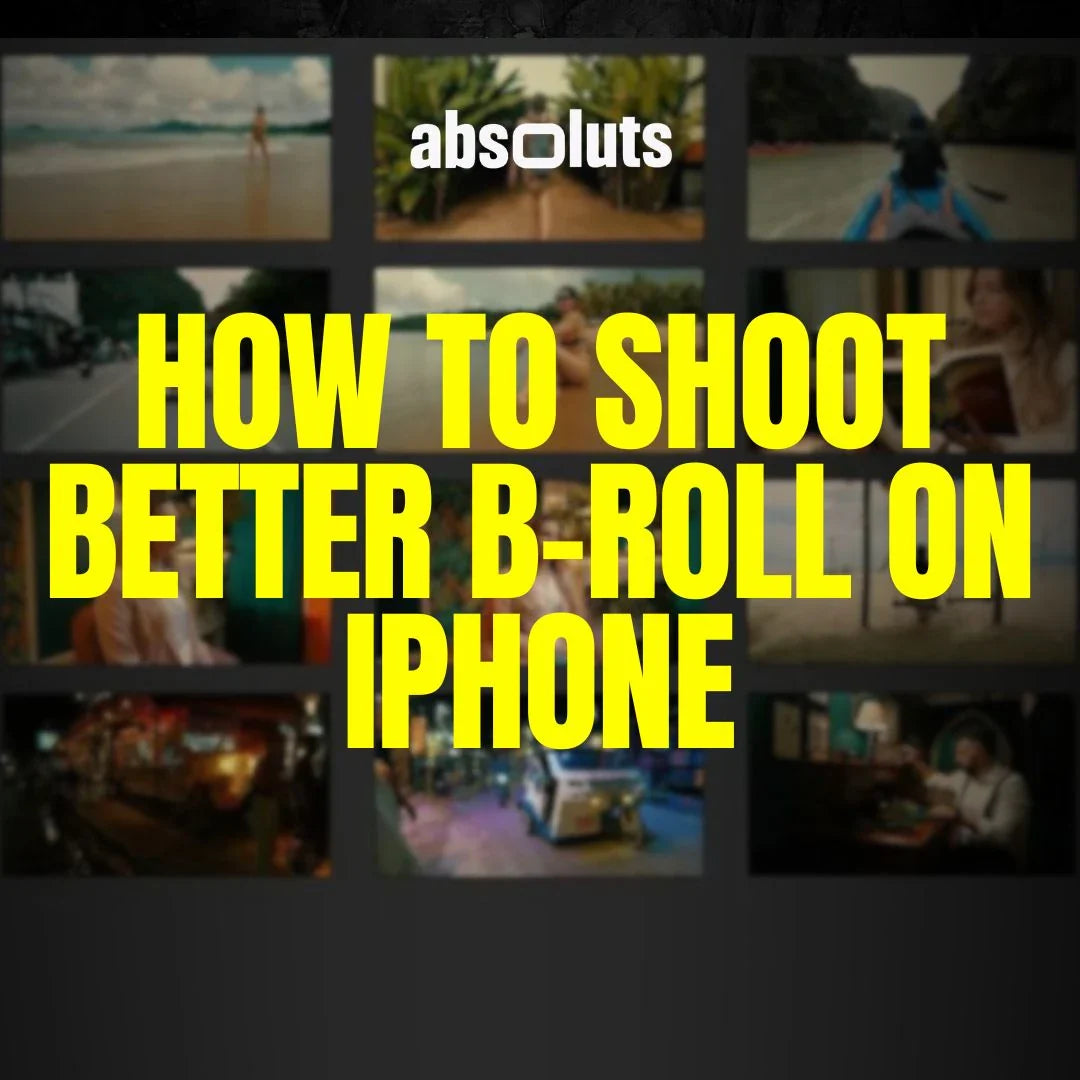
The cinematic techniques that make footage feel professional
B-roll is often what separates amateur videos from professional productions.
While A-roll delivers the main story, B-roll provides context, emotion, pacing, and visual interest. It fills gaps, supports the narrative, and often becomes the most memorable part of a video.
The problem is that many creators treat B-roll as random footage captured after the main shoot. Professional filmmakers do the opposite. They plan B-roll intentionally and use it as a storytelling tool.
This guide explains how to shoot better B-roll on iPhone and create footage that feels cinematic, purposeful, and visually engaging.
1. What Makes B-Roll Cinematic?
Cinematic B-roll is not just footage of objects or locations. Good B-roll:
- Supports the story
- Reveals details
- Creates mood
- Adds pacing
- Provides visual transitions
Bad B-roll is simply filler. Before recording any shot, ask: "What does this shot add to the story?". If the answer is unclear, the shot probably isn't necessary.
2. The Five Essential Types of B-Roll
Most cinematic sequences are built from a combination of these shot types.
Establishing Shots
Used to introduce:
- Locations
- Scale
- Atmosphere
These are usually wide shots that provide context.
Detail Shots
Focus on:
- Hands
- Objects
- Textures
- Small actions
Detail shots add intimacy and realism.
Movement Shots
Examples:
- Walking
- Driving
- Tracking shots
These create energy and flow.
Environmental Shots
Show the world surrounding the subject.
Examples:
- Weather
- Architecture
- Landscapes
- Crowds
These build immersion.
Transition Shots
Used to connect scenes naturally.
Examples:
- Door openings
- Passing objects
- Motion reveals
They improve pacing and editing flexibility.

3. Plan B-Roll Before the Shoot
One of the biggest mistakes is waiting until the end of a shoot to think about B-roll. Instead: Create a simple shot list.
Ask yourself:
- What locations need coverage?
- What details support the story?
- What transitions might I need?
Planning reduces missing footage and improves editing options later.
4. Use Movement Intentionally
Movement can dramatically improve B-roll when used correctly. Effective techniques include:
- Slow push-ins
- Tracking shots
- Parallax movement
- Controlled handheld motion
Avoid:
- Random camera movement
- Fast pans
- Excessive stabilization
Movement should feel motivated and controlled.
5. Build Depth Into Every Shot
Depth immediately increases production value. Ways to create depth:
- Use foreground elements
- Separate subjects from backgrounds
- Shoot through objects
- Create visual layers
The goal is to guide the viewer's eye through the frame.

6. Vary Your Angles
Many creators shoot every clip from eye level. This quickly becomes repetitive. Instead, mix:
- Wide shots
- Medium shots
- Close-ups
- High angles
- Low angles
Variation creates visual rhythm and makes editing easier.
7. Think Like an Editor
Great B-roll is captured with the edit in mind. When filming, consider:
- How clips will connect
- Potential transitions
- Sequence flow
- Visual continuity
Capture more coverage than you think you need. Editors almost never complain about having too many options.
8. Create a Consistent Visual Style
Even excellent B-roll can feel disconnected if the color treatment changes from shot to shot. Film-inspired grading helps unify sequences.
For example:
-
Kodak Vision 3 LUT: creates warm, cinematic tones that work particularly well for travel, lifestyle, and documentary footage.
-
iRED Mode LUT: provides stronger contrast and visual impact for commercial-style B-roll.
A consistent grade helps the footage feel like part of the same story.
9. Add Texture to Unify Sequences
B-roll often includes footage captured in different conditions. Texture can help create cohesion. Subtle grain:
- Softens digital sharpness
- Creates consistency
- Adds cinematic character
Using Film Grain Pro Overlays can help unify shots captured across different locations and lighting environments. The effect should be subtle and nearly invisible.
10. Common B-Roll Mistakes
Avoid:
- Random shot selection
- Repeating the same angle
- Excessive camera movement
- Poor composition
- Lack of storytelling purpose
- Capturing only wide shots
Every shot should contribute something meaningful.
Final Thoughts
Great B-roll is not about recording more footage. It is about recording the right footage.
When you combine:
- Intentional shot selection
- Strong composition
- Controlled movement
- Visual consistency
- Storytelling awareness
your B-roll becomes more than filler. It becomes one of the most powerful cinematic tools in your workflow.


Leave a comment
All comments are moderated before being published.
This site is protected by hCaptcha and the hCaptcha Privacy Policy and Terms of Service apply.