AdVision Pro LUT for iPhone
✅ Updated for ProRes RAW and Apple Log 2
Engineered for Apple Log – True commercial Color for iPhone
This pack consists of:
AdVision Pro - Bold Commercial Look
AdVision Pro_ -1/+1 STOP
– Adapt to Different Exposures
AdVision Pro_SAT PUSH – Enhanced Filmic Saturation
AdVision Pro_SAT PUSH -1/+1 STOP
- Maximum Flexibility
PDF User Guide - Quick Workflow & Best Practices
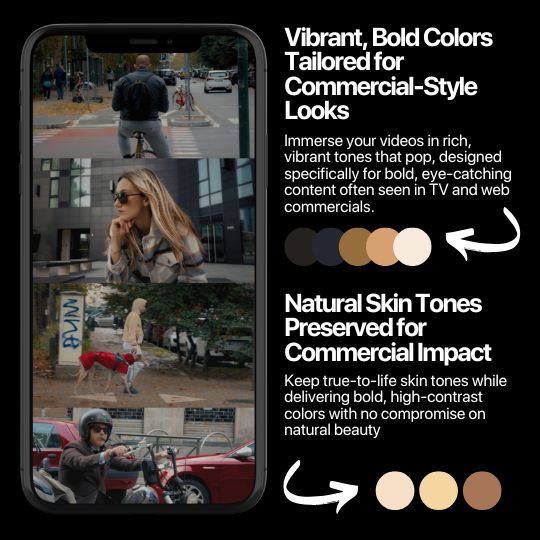
Color Science Optimized for Clean, Natural and commercial aesthetic
✅ Stress-Tested on 500+ Clips
No Banding, Posterization, or Color Shifts
✅ Validated Across All Lighting Scenarios
Daylight, Tungsten, Mixed & Low Light
✅ Skin Tone Accuracy Guaranteed
No Unnatural Shifts or Color Casts
✅ Apple Log/Apple Log 2 Optimized
Preserves Dynamic Range & Skin Tones
✅ High-Precision .cube (65-Point Cube)
Max Color Accuracy & Smooth Tonal Transitions
Compatible with:

Explore AdVision Pro’s Unique Features
Pick your iPhone first, so you get the right pack.
Discover the Potential of Our AdVision Pro LUT.

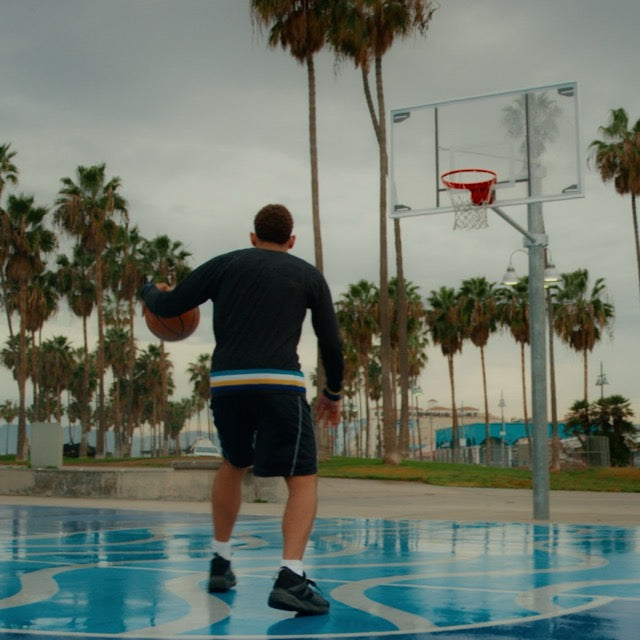
Dense colors and rich contrast

Rec.709

LUT Applied
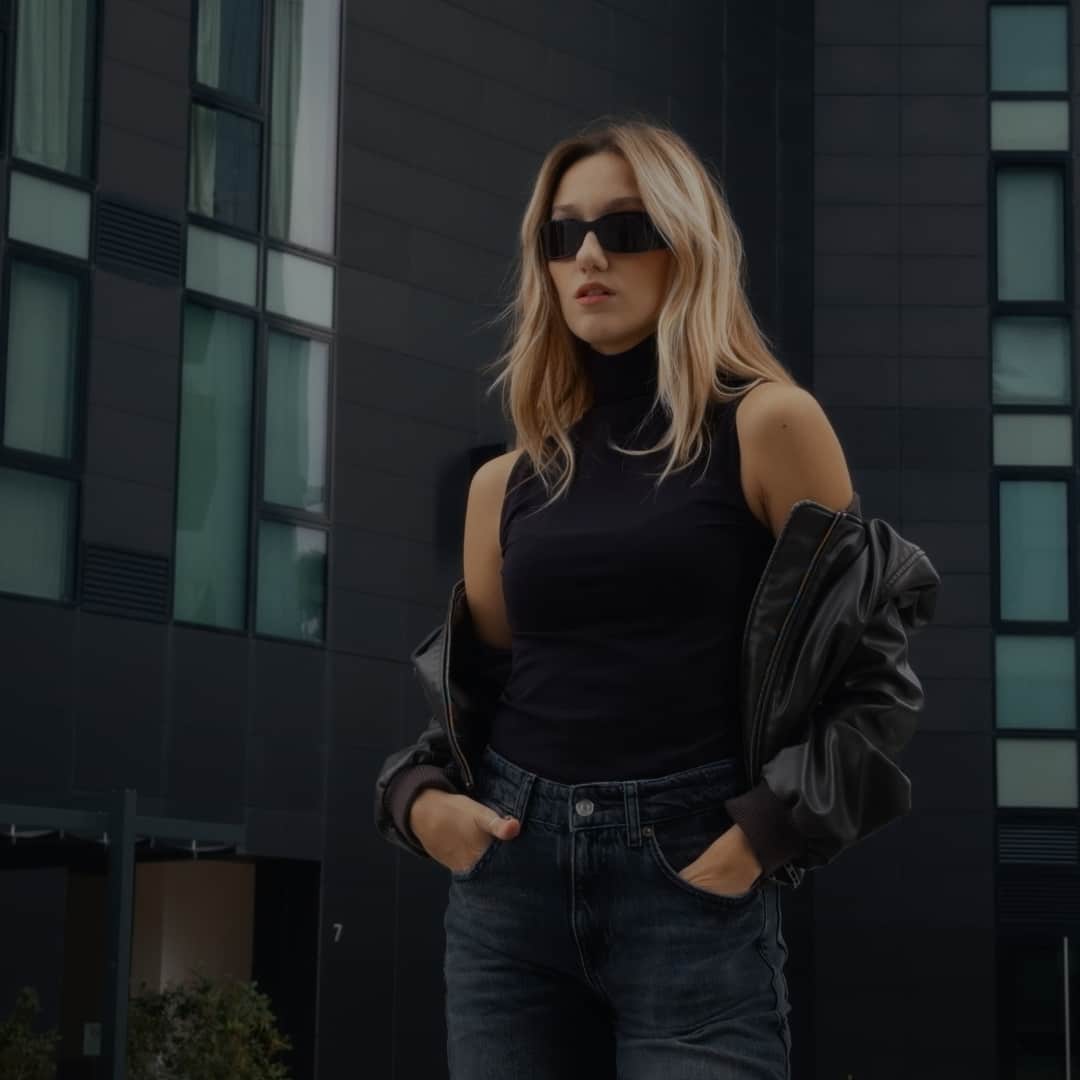
Bold and pushed look, without overdoing

Rec.709

LUT Applied
What makes our Luts different


IMMEDIATELY CINEMATIC
Adjust the settings in the BlackMagic Cam app, import and apply the LUT, shoot your clip with a filmic look applied and in a matter of minutes you can share your video with the world!
IMMEDIATELY CINEMATIC
Adjust the settings in the BlackMagic Cam app, import and apply the LUT, shoot your clip with a filmic look applied and in a matter of minutes you can share your video with the world!
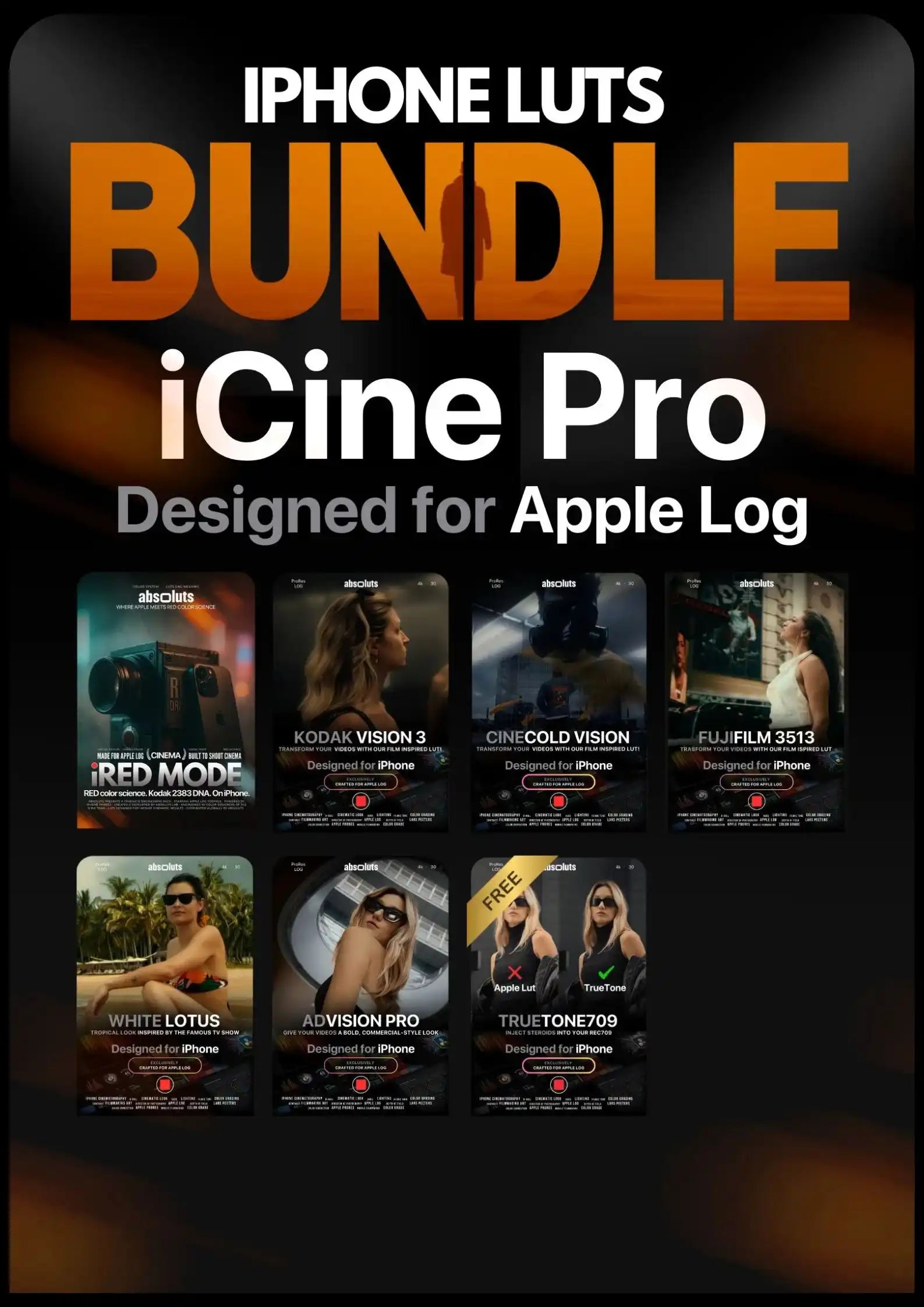
Top-Selling Bundles

FAQ
Best settings to use when shooting in Apple Log/Apple Log 2
IPhone Camera Settings:
- Apple ProRes: Selected
- ProRes Encoding: Log
- We reccomend turning HDR mode off
Blackmagic Camera App:
- Codec: ProRes 422 or Higher
- Resolution: 4K
- Color Space: Apple Log – HDR/Apple Log 2 – HDR
Instant Access to Your Cinematic Transformation
Immediately after purchase, you can directly download the LUT files, ready to use in any software supporting the .cube format.
Can I get cinematic results without color grading experience?
Absolutely! We've already done the hard work for you.
Every LUT has been refined and tested on 1,000+ iPhone clips across different lighting conditions and shooting scenarios.
Colors, contrast, and skin tones are carefully calibrated for natural, cinematic results, optimized for Apple Log and Apple Log 2.
Just apply your LUT and transform your footage in seconds. No advanced color grading skills needed.
I bought the master bundle with hesitation. Honestly because of the price but now if you ask me if its worth? Ohh yes its really that good. No regret
This color grade pack is awesome. Love it.
It does t cost this price. Maximum 5$
Its okay
Amazing thanks !
AMAZING QUALITY !!!!
Just the right amount of LUTs and none of the filler fluff.
If you’re looking for something that helps you make videos with your phone and immediately upload to social network this is not the way….but if you love to work with this kind of tool and make a good work on it, you can elevate your phone by filming on Blackmagic camera app and making a color treatment on davinci resolve, that’s the point! That’s the juicy! Congrats for this develope
Just having a little issue with saving lugs to my iPhone. I was to download everything and that’s it.
I’ve bought LUTs before, but these give me the best bang for the buck.
My log footage looked dull… now it has depth, contrast, and emotion.
I wanted a fast way to get cinematic colors, and these LUTs nailed it.
I’ve used them in different lighting conditions and they always deliver consistent results.
These LUTs make my Instagram reels and TikToks stand out immediately.
Skin tones look natural, while the overall image feels balanced and vibrant.
Just drag and drop the LUTs—my edits now look professional without hours of tweaking.
Finally, my iPhone videos look like real films. The transformation is huge.
These LUTs give my footage a polished, cinematic look with zero effort.
I love these luts!
Kodak Lut blew me away, the look is insane. Truly amazing!
The contrast is a bit strong for my taste, but after a little tweaking, the results are stunning.
Works on different lighting conditions and always maintains a soft, cinematic touch.
It’s amazing how it transforms my shots into something that looks straight out of a high-budget ad.
I’ve been using this for weeks, and it’s now my default LUT. It just works!
If you’re shooting for luxury, fashion, or elegant visuals, this LUT delivers the perfect tone.
This LUT doesn’t scream for attention—it just makes everything look effortlessly premium.
CineCold has an insane cold look! The colors are super dense, deep, and instantly give a cinematic feel. Perfect for a more intense mood!
Love the look, but I found that it works best when the footage is slightly underexposed before applying.
Love the clean, polished look, but sometimes I add a bit of vibrance for a livelier feel.
Skin tones remain soft and natural, while the background gets a subtle cinematic enhancement.
AdVision works great, especially outdoors!
If you create content on iPhone, you NEED this LUT. It gives an instant professional touch.
I love how this LUT pulls back on oversaturation while keeping everything visually interesting.