
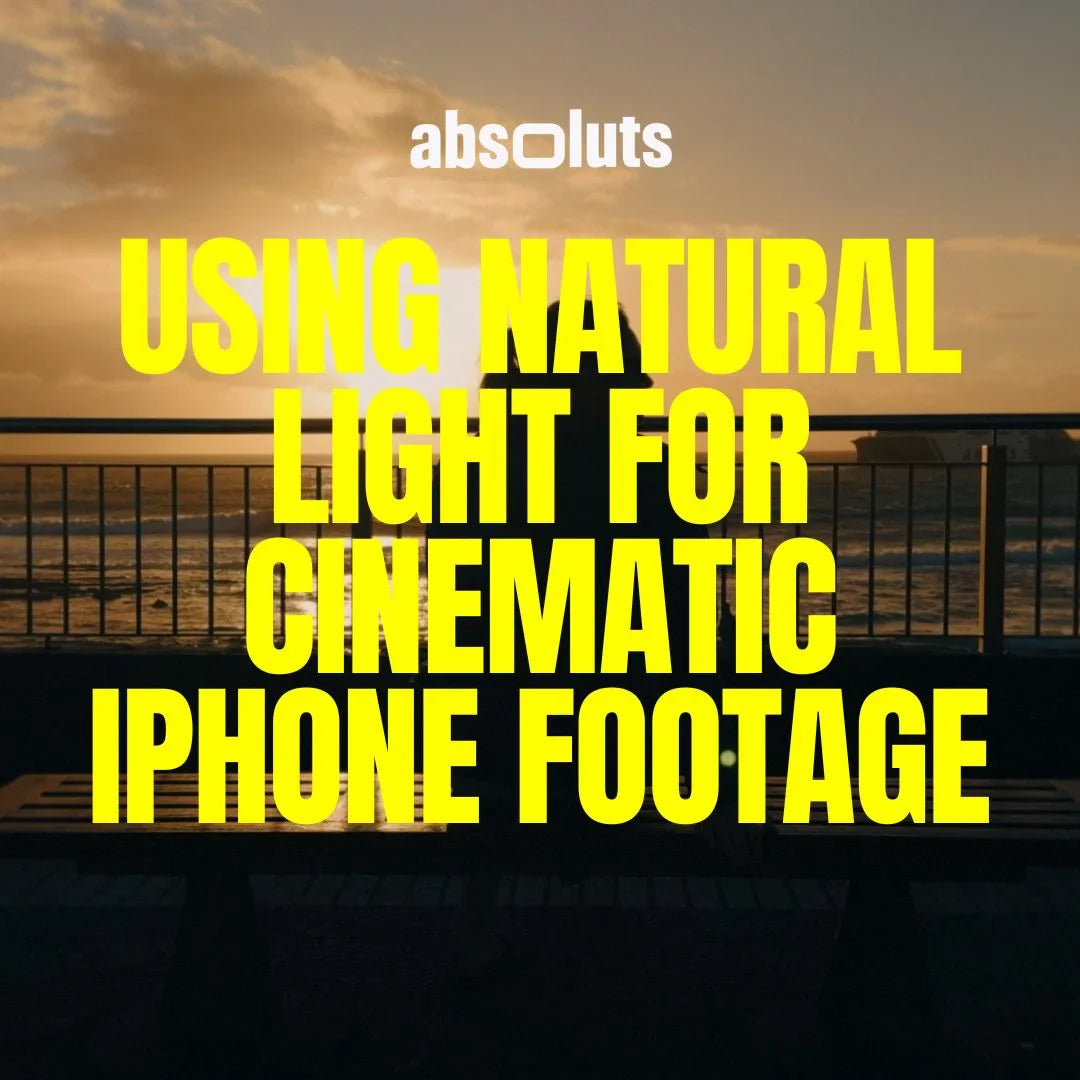
How to shoot beautiful scenes without artificial lighting
Natural light is one of the most powerful tools in cinematography. It is free, dynamic, and capable of producing stunning cinematic results when used correctly.
Many creators assume professional footage requires expensive lighting setups. In reality, some of the most cinematic images ever captured rely primarily on natural light. With modern iPhone cameras and Apple Log 2, understanding how to use available light can dramatically elevate your footage.
This guide explains how to recognize, shape, and control natural light for cinematic iPhone filmmaking.
1. Why Natural Light Looks More Cinematic
Natural light often appears more cinematic because it is:
- Soft and directional
- Rich in color variation
- Naturally diffused by the environment
- Dynamic throughout the day
Artificial lighting can imitate these qualities, but natural light already contains them.
The key is learning when and where to use it.
2. Understanding Light Direction
Direction is more important than intensity.
The most flattering angles are:
- Side lighting (45 degrees)
- Backlighting (rim light)
- Soft frontal light through diffusion
Avoid overhead midday light whenever possible because it creates:
- Harsh shadows
- Unflattering skin tones
- High contrast ratios

3. The Golden Hour Advantage
Golden hour remains one of the best lighting conditions for cinematic footage.
Characteristics:
- Warm color temperature
- Low sun angle
- Soft shadows
- Natural contrast
Morning and late afternoon light provide:
- More forgiving exposure
- Better highlight rolloff
- Richer skin tones
Even with Apple Log 2, shooting during favorable light conditions improves results significantly.
4. Using Windows as Cinematic Light Sources
Windows act like large softboxes.
To use them effectively:
- Place the subject near the window
- Turn off overhead lights
- Use curtains or diffusion if necessary
- Control contrast with positioning
Window light can produce extremely high-end results with minimal equipment.

5. Backlighting for Depth and Atmosphere
Backlighting separates subjects from the background and adds visual depth.
Tips:
- Expose for the subject, not the background
- Allow highlights to glow slightly
- Use Apple Log 2 to preserve highlight detail
Backlight creates:
- Rim light on hair and edges
- Atmosphere
- Dimensionality
This technique instantly feels cinematic.
6. Controlling Contrast With Simple Tools
Natural light often needs shaping.
Simple tools:
- Reflectors
- White walls
- Foam boards
- Curtains
- Hands or clothing
Negative fill (blocking light) is as important as adding light.
Even small adjustments change the mood dramatically.
7. Exposure Strategies for Natural Light
Natural light changes constantly, so exposure discipline is critical.
Best practices:
- Use waveform monitoring
- Expose skin around 55–65 IRE
- Protect highlights below 90 IRE
- Avoid chasing exposure when clouds move
Consistency is more important than brightness.
8. Choosing the Right Cinematic Look for Natural Light
Natural light footage responds beautifully to film-inspired color grading.
Looks that work especially well:
- Warm cinematic palettes
- Soft contrast curves
- Organic highlight compression
For daylight and outdoor scenes, these tools integrate naturally:
-
Enhances warmth and cinematic highlight behavior.
-
Provides bold contrast while maintaining natural lighting depth.
For creators who want flexibility across multiple lighting conditions, the
iCine Master Bundle offers calibrated options that remain consistent between daylight, shade, and mixed environments.
9. Creating Depth With Natural Light
Depth is what separates cinematic footage from flat video.
To increase depth:
- Position subject away from background
- Use backlight or rim light
- Layer foreground elements
- Allow shadows to exist
Flat lighting kills cinematic potential. Contrast creates dimension.

10. Common Natural Light Mistakes
- Shooting in harsh midday sun
- Ignoring light direction
- Overexposing highlights
- Using auto white balance
- Flattening shadows too much
- Chasing exposure constantly
Natural light requires observation and patience.
Final Thoughts
Natural light is one of the most powerful cinematic tools available to iPhone filmmakers. With proper positioning, exposure control, and thoughtful grading, it can produce images that rival much more complex setups.
The goal is not to control the sun.
It is to understand it.
Once you learn how natural light behaves, you can create cinematic footage almost anywhere.




Leave a comment
All comments are moderated before being published.
This site is protected by hCaptcha and the hCaptcha Privacy Policy and Terms of Service apply.