
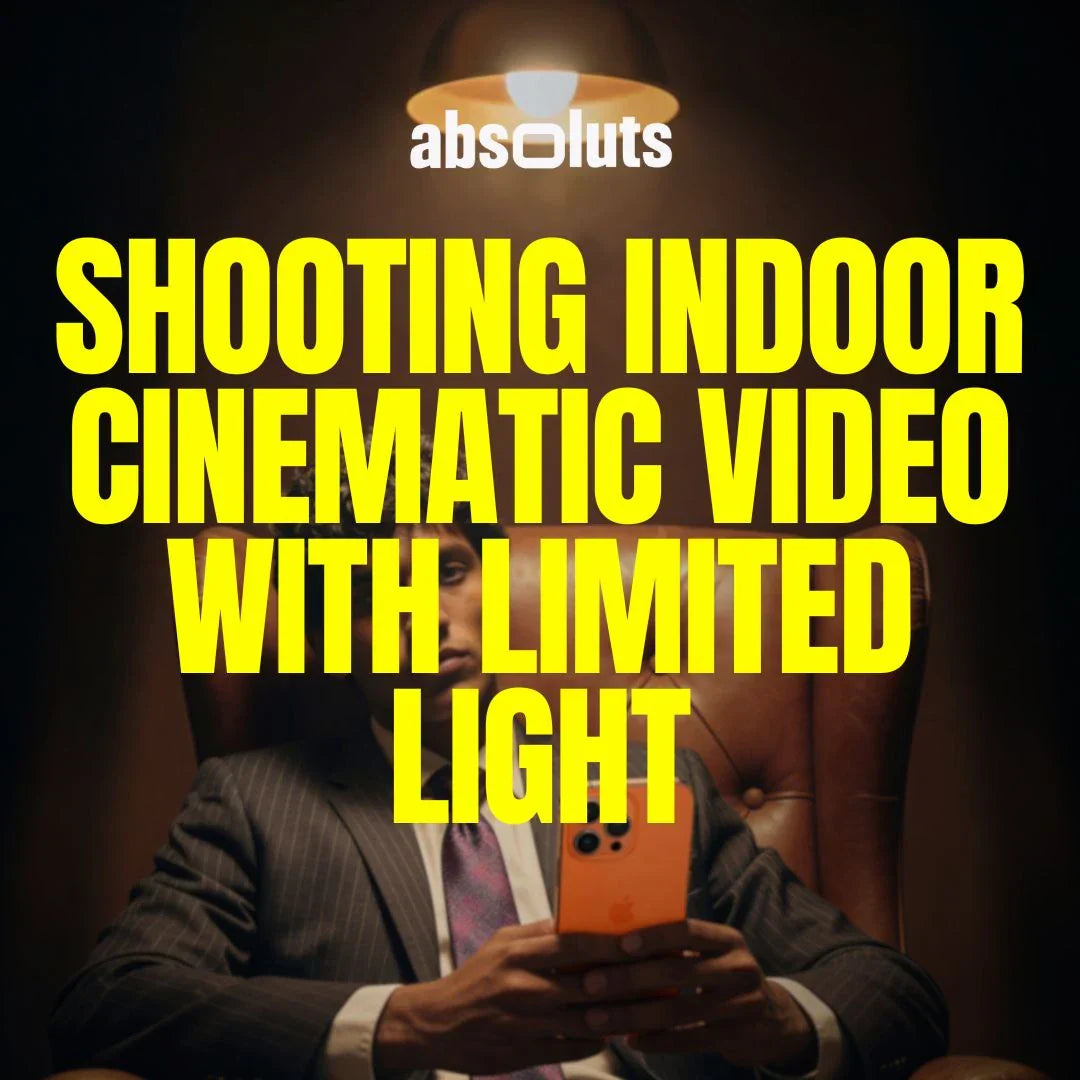
A practical guide for clean, natural results
Indoor and low-light scenes are where most iPhone footage falls apart.
Noise increases. Skin tones shift. Highlights clip. Colors lose depth.
Even with Apple Log 2, poor lighting discipline can quickly turn cinematic footage into something flat and unstable.
The good news is that great indoor footage is not about having powerful lights. It is about understanding how light behaves, how your sensor reacts, and how to control exposure intelligently.
This guide shows how to shoot clean, cinematic indoor footage with minimal equipment.
1. Why Indoor Scenes Are So Challenging for iPhone Cameras
Indoor environments combine three difficult factors:
- Limited light levels
- Mixed color temperatures
- High contrast between practical lights and shadows
iPhone sensors are optimized for daylight.
In low light, they must amplify the signal, which introduces noise and color instability.
Apple Log 2 preserves more information, but it also reveals mistakes more clearly.
2. Start by Controlling the Available Light
Before touching camera settings, shape the light that already exists.
Look for:
- Windows and doorways
- Table lamps
- Overhead fixtures
- Reflected light from walls
Position your subject close to a soft source and turn off unnecessary lights that create mixed color casts.

3. Lock Exposure and White Balance Manually
Auto mode destroys consistency in indoor scenes.
Always lock:
- ISO
- Shutter speed
- White balance
Recommended baseline for low light:
- 24/25fps
- 1/48-1/50 shutter
- Lowest usable ISO
- Manual WB based on dominant light source
This keeps colors stable and reduces digital noise.

4. Expose Slightly Brighter Than Feels Comfortable
Low-light footage should be exposed slightly brighter than your eyes perceive.
Using waveform:
- Push skin tones toward 55–65 IRE
- Keep highlights under 85 IRE
- Avoid crushed shadows
This reduces noise and preserves color depth.
Never plan to “fix it later.”
Lifted shadows always reveal artifacts.
5. Use Small Lights Strategically
You do not need studio lights to improve indoor footage.
Even one small LED panel can:
- Lift skin tones
- Separate subject from background
- Reduce ISO
- Improve dynamic range
Place light at a 45-degree angle and diffuse it if possible.
A small bounce off a wall often looks more cinematic than direct lighting.
6. Choose Color Tools That Respect Low-Light Footage
Low-light footage reacts poorly to aggressive grading.
Avoid LUTs that:
- Crush shadows
- Over-saturate
- Increase micro-contrast
Instead, use tools designed for controlled tonal shaping.
For indoor projects, these tools perform especially well:
-
Maintains soft contrast and protects shadow detail.
-
Stabilizes skin tones under mixed indoor lighting.
-
Adds organic texture that masks digital noise without damaging detail.
These tools help preserve a natural look instead of exaggerating imperfections.
7. Reduce Noise Through Technique, Not Plugins
Noise reduction plugins often destroy texture and detail.
Better approach:
- Expose brighter
- Keep ISO low
- Control lighting
- Avoid lifting shadows
- Use grain subtly
Clean footage always starts at capture.
8. Work With Color Temperature, Not Against It
Mixed lighting is common indoors.
Common sources:
- Window daylight
- Warm tungsten lamps
- LED bulbs
Choose one dominant source and balance for it.
Then:
- Turn off conflicting lights
- Replace bulbs if possible
- Add gels to match color temperature
Consistent color simplifies grading dramatically.
9. Maintain Depth in Small Spaces
Indoor spaces feel flat without depth.
Create separation by:
- Placing subject away from walls
- Lighting background differently
- Using foreground elements
- Adjusting contrast carefully
Depth makes small rooms feel cinematic.

Final Thoughts
Great indoor footage is not about expensive lights or heavy post-production.
It is about:
- Understanding available light
- Locking exposure
- Managing ISO
- Using subtle color tools
- Respecting shadow detail
When these fundamentals are in place, Apple Log 2 delivers clean, cinematic results even in difficult indoor environments.
Master low light, and every other lighting scenario becomes easier.




Leave a comment
All comments are moderated before being published.
This site is protected by hCaptcha and the hCaptcha Privacy Policy and Terms of Service apply.