★★★★★
Dropped a photo in, picked Kodak Vision 3, and it instantly looked like a frame from a movie. Had it on my story before I even left the cafe.
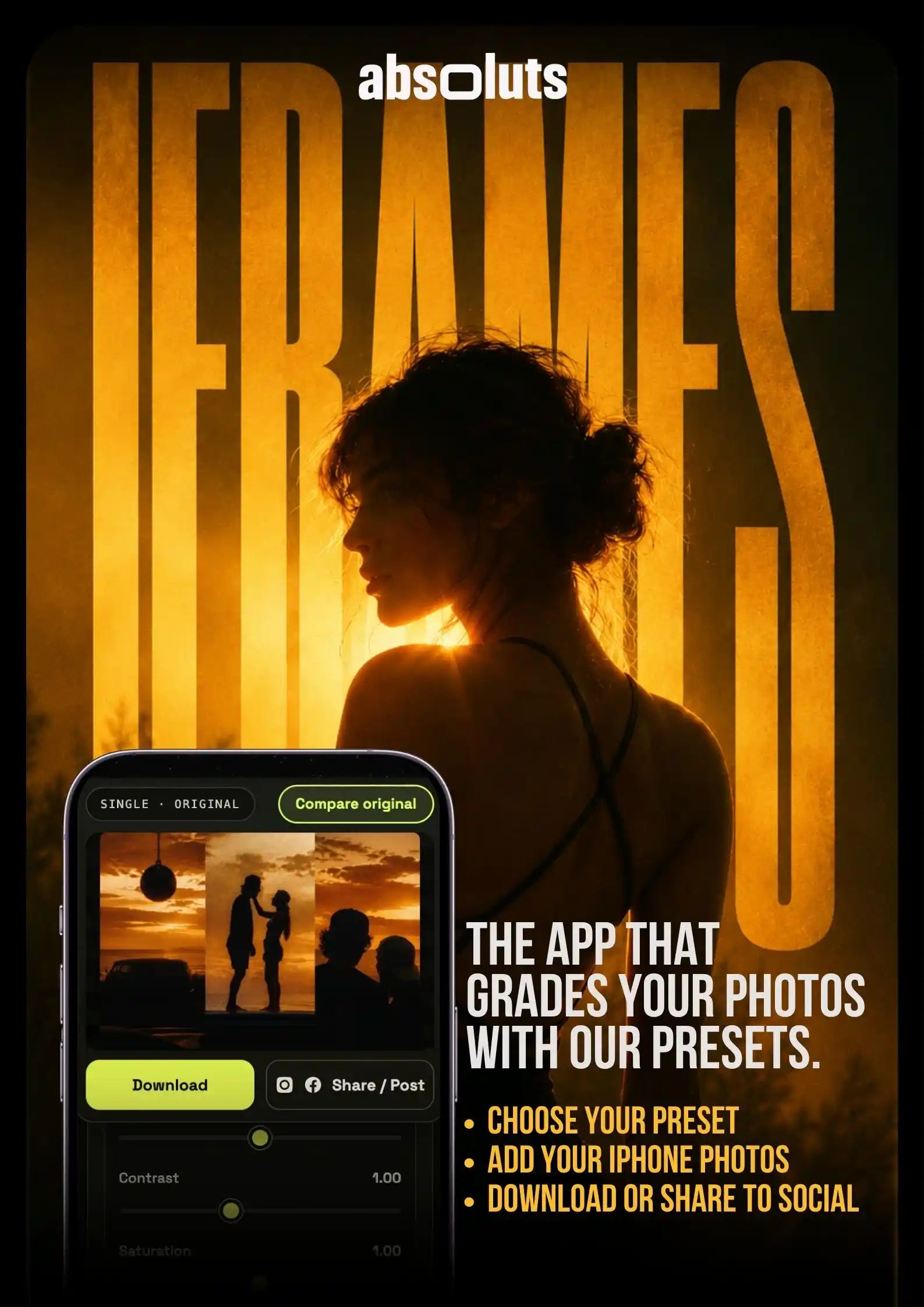
iFrames
Cinematic looks for your iPhone photos
Turn your everyday shots into cinematic frames, right from your browser. No app to install, no editing skills needed.
How it works:
Note: The looks are unlocked with the LUTs included in the iCine Pro Bundle. Get the bundle to access them all.
Watch the tutorial
Upload your iPhone photo, apply your Apple Log LUTs, fine-tune with the sliders, export and share.
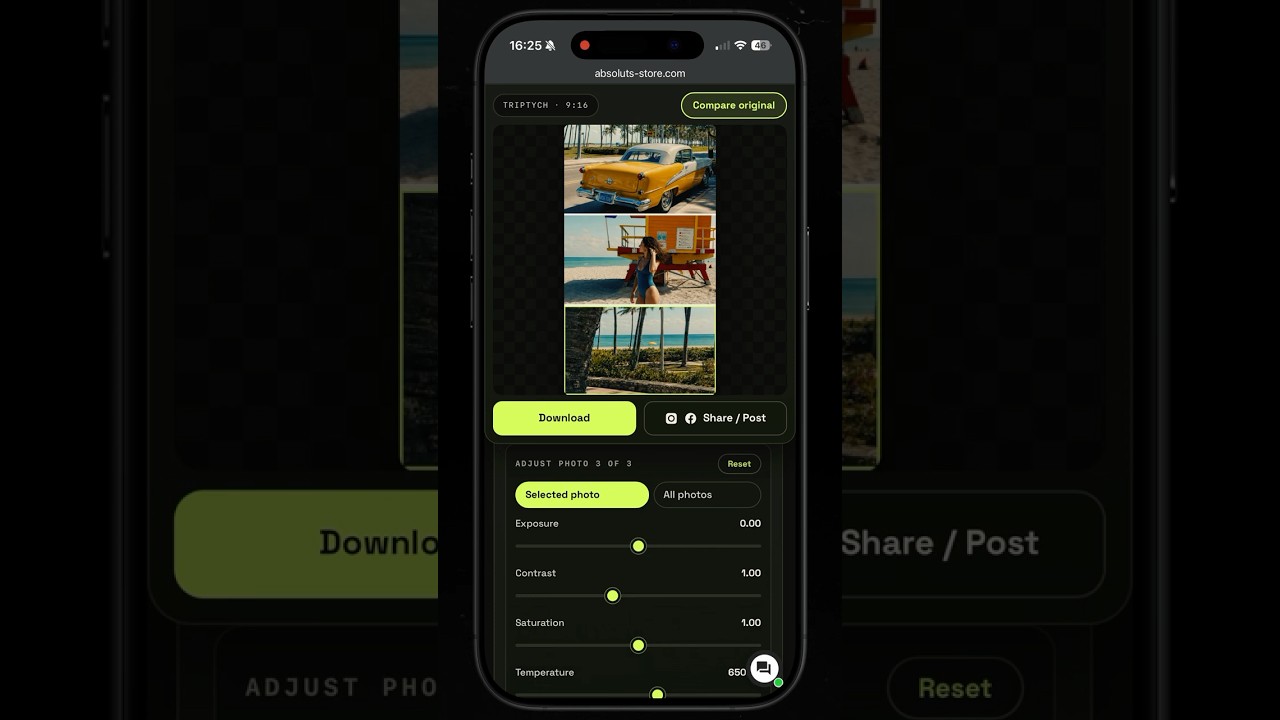
Full walkthrough
From raw iPhone shot to finished frame
Edited in iFrames
The Apple Log LUTs behind your videos, now on your photos too. No desktop, no color skills. One tap and your whole feed finally matches.


See the difference yourself


Shot on iPhone 17 Pro Max


Shot on iPhone 16 Pro
How it works
No color skills. No desktop. No wasted time.
Upload your LUT
Drop in your Apple Log .cube file. Your iCine Pro LUTs are built for it.
Add your iPhone photos
One photo for a single frame, three for a triptych. HEIC, JPG or PNG.
Adjust and export
Preview the look, fine-tune with the sliders, compare to the original, then download or post.
Your iPhone shot, graded like a film still.
Done in under a minute.
No skills, no subscription, right in your browser.
Why iFrames
Here is what actually makes the difference.
Specialization


Testing

2,500+
iPhone photos tested
iPhone 15, 16 and 17 Pro
Every model. Every lens.
Calibration

Not just editing

Edit a single photo, or build a three-shot triptych in one look. Ready to post as a carousel.
Total consistency

You already grade your Apple Log videos. Now your photos match them too, so your reels and posts finally look like one feed.
Reviews
Dropped a photo in, picked Kodak Vision 3, and it instantly looked like a frame from a movie. Had it on my story before I even left the cafe.
Fast and dead simple. Upload, tap the LUT, export. That's it.
I edit on my phone during my commute and this fits right into that. The result is genuinely cinematic, not one of those overcooked filters. My photos finally match the look of my reels.
Did not expect a browser tool to be this good. Loaded a beach shot, White Lotus, and it looked like a still from a travel doc. Posted straight to IG.
Been using it for a few weeks now. The look you get is impressive and it takes seconds, which is the whole point for me. Only small thing, I wish it remembered my last slider settings from one photo to the next. Tiny gripe though, the output is that good.
Made a triptych from three shots of the same trip and it came out so clean. Three photos, one consistent look, ready to drop as a carousel. People think I hired a colorist.
It genuinely feels like a scene from a series. Obsessed with the White Lotus look on my summer photos.
iPhone 17 Pro Max photos plus CineCold and I am done. So quick, so good.
Saw the ad on Instagram and tried it on a whim. Now every photo I post goes through here first. Turns your camera roll into something that looks pro in about a minute.
First thing I open before I post anything now.
Finally a tool that respects Apple Log 2 files properly. Colors come out exactly how I want, no weird casts to fix after. And it all happens right in the browser.
Used it once. Now it's in every post.
Really easy to use and the film look is beautiful. I would love a couple more presets down the line, but what is here already does more than enough for my feed.
Uploaded, moved two sliders, hit compare to see the before and after, and the difference was night and day. Exported and shared in minutes. So smooth.
What sold me is the speed. I am not a photo editor and I do not want to learn Lightroom. Here I drop a shot, pick a look, tweak a little, and it is ready for Instagram. Impressive results with zero learning curve.
FAQ
Yes. iFrames is the editor, and it works with our Apple Log LUTs. If you already own our LUTs you are ready to start. If not, add the iCine Pro Bundle and you get all our LUTs to use inside the app.
Neither. iFrames runs right in your browser, so there is nothing to download or install. It is a one-time payment, not a subscription.
Load a single photo for one clean frame, or three photos to build a triptych you can post as a carousel. iFrames supports HEIC, JPG and PNG.
No. iFrames works on standard iPhone photos, straight from your camera roll. Our LUTs come from Apple Log video, and we professionally converted them to look great on regular iPhone shots, so you do not need any special format or capture setting.
Yes. iFrames works right in your phone's browser, so you can edit where you shoot and post without moving files to a computer.