
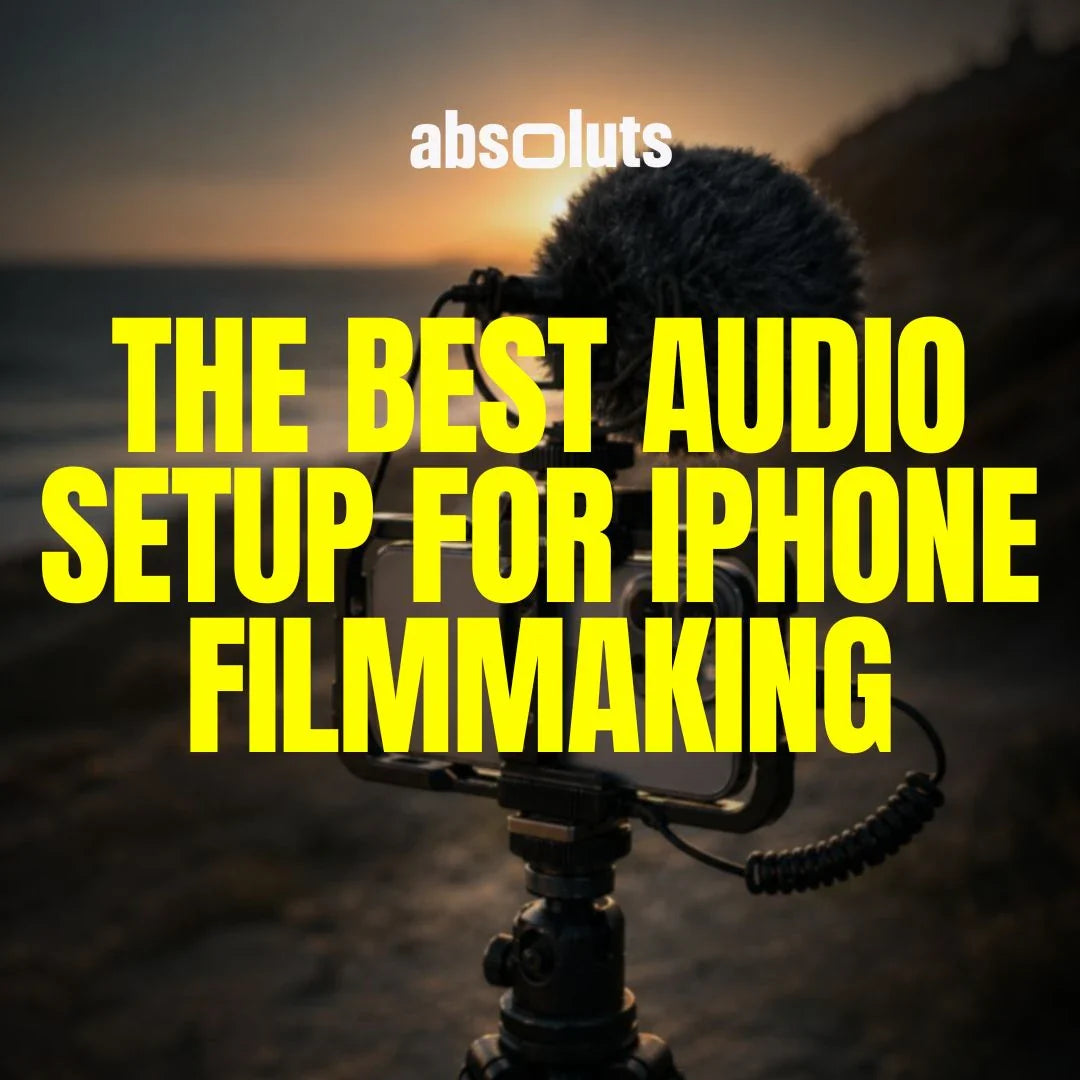
How to achieve professional sound with mobile gear
Great visuals attract attention. Great audio keeps people immersed.
Many creators focus heavily on cameras, LUTs, and cinematic grading while completely overlooking sound. But audiences tolerate mediocre visuals far more easily than bad audio.
Even perfectly graded Apple Log footage immediately feels amateur if the sound is:
- Echoey
- Distorted
- Distant
- Windy
- Unclear
Professional filmmaking is audiovisual. And audio quality plays a huge role in how cinematic your work feels.
1. Why Audio Matters More Than Most Creators Think
Audio directly affects:
- Perceived production quality
- Emotional immersion
- Dialogue clarity
- Viewer retention
Poor audio creates instant friction.
Good audio:
- Feels invisible
- Supports the image
- Enhances realism
- Makes footage feel expensive
In many cases, upgrading audio quality creates a bigger improvement than upgrading the camera itself.
2. The Limits of the Built-In iPhone Microphones
Modern iPhones have surprisingly capable internal microphones, but they still face major limitations.
Problems include:
- Capturing too much room ambience
- Poor subject isolation
- Wind sensitivity
- Compression artifacts
- Inconsistent distance handling
Built-in microphones work for:
- Reference audio
- Casual clips
- Backup recording
But serious filmmaking requires dedicated audio equipment.
3. Understanding the Main Types of Microphones
Different projects require different microphone setups.
Shotgun Microphones
Best for:
- Interviews
- Run-and-gun filmmaking
- Directional sound capture
They isolate sound from the front while reducing surrounding noise.
Lavalier Microphones
Best for:
- Dialogue
- Documentary work
- Presentations
Lavaliers provide consistent voice capture because they stay close to the subject.
Wireless Systems
Best for:
- Movement-heavy scenes
- Commercial shoots
- Dynamic filming situations
Wireless setups allow freedom without sacrificing audio quality.
On-Camera Microphones
Best for:
- Quick setups
- Vlogging
- Ambient recording
These improve audio significantly compared to the internal microphones, but still capture environmental sound.
4. Indoor vs Outdoor Audio Setup
Different environments create different problems.
Indoor Audio Challenges
- Echo
- Reverb
- HVAC noise
- Hard reflections
To improve indoor audio:
- Use soft surfaces
- Reduce empty room reflections
- Keep microphone close to the subject
Outdoor Audio Challenges
- Wind
- Traffic
- Environmental noise
To improve outdoor audio:
- Use wind protection
- Position subject carefully
- Monitor sound continuously

5. Microphone Positioning Matters More Than Price
A properly positioned affordable microphone usually sounds better than an expensive microphone placed incorrectly.
Key principle:
- Distance matters more than gear quality.
The closer the microphone is to the subject:
- The clearer the voice
- The lower the background noise
- The more professional the sound
Bad positioning ruins even premium audio equipment.
6. Monitoring Audio While Recording
Never trust audio blindly.
Always monitor with headphones when possible.
Listen for:
- Clipping
- Wind rumble
- Background noise
- Clothing rustle
- Signal interference
Once audio is clipped or distorted, recovery is extremely limited.
7. Understanding Gain and Clipping
One of the most common mistakes is recording audio too loudly.
When gain is too high:
- Peaks distort
- Voices become harsh
- Audio becomes unusable
Aim for:
- Healthy signal levels
- Controlled peaks
- Slight headroom for unexpected volume changes
Clean audio should never hit maximum levels aggressively.

8. Syncing External Audio With iPhone Footage
Many professional workflows record audio separately.
This improves:
- Audio quality
- Flexibility
- Backup reliability
Syncing can be done through:
- Waveform matching
- Timecode systems
- Manual clap sync
Modern editing software handles synchronization very efficiently.
9. Building a Balanced Cinematic Workflow
Audio and visuals should support each other. A cinematic image paired with weak sound creates imbalance.
A strong overall workflow combines:
- Controlled lighting
- Cinematic motion
- Professional audio
- Consistent grading
For creators building a complete cinematic pipeline around Apple Log footage, the iCine Master Bundle helps maintain visual consistency while audio elevates the emotional realism of the final project.
10. Common Audio Mistakes to Avoid
- Recording too far from the subject
- Ignoring room echo
- Using internal microphones outdoors
- Not monitoring with headphones
- Recording levels too hot
- Relying on noise reduction to fix bad capture
Good audio starts during recording, not in post.
Final Thoughts
Professional audio is one of the biggest factors separating cinematic filmmaking from amateur content.
The goal is not perfect sound. It is clear, controlled, and immersive sound that supports the image naturally.
With:
- Proper microphone choice
- Correct positioning
- Careful monitoring
- Clean recording discipline
even an iPhone setup can produce audio that feels professional and cinematic. People may notice beautiful visuals first. But they stay because the entire experience feels believable.


Leave a comment
All comments are moderated before being published.
This site is protected by hCaptcha and the hCaptcha Privacy Policy and Terms of Service apply.